


Jump to content
View in the app

A better way to browse. Learn more.

Moestuin Forum

A full-screen app on your home screen with push notifications, badges and more.

To install this app on iOS and iPadOS
  1. Tap the Share icon in Safari
  2. Scroll the menu and tap Add to Home Screen.
  3. Tap Add in the top-right corner.
To install this app on Android
  1. Tap the 3-dot menu (⋮) in the top-right corner of the browser.
  2. Tap Add to Home screen or Install app.
  3. Confirm by tapping Install.

Met temperaturen tussen de 0 en -5° groeit er in volle grond niet veel ... in de glazen serre is er echter wel wat te beleven.

Niet dat het niet vriest in de serre, maar het is er toch een pak warmer en vooral, geen wind.


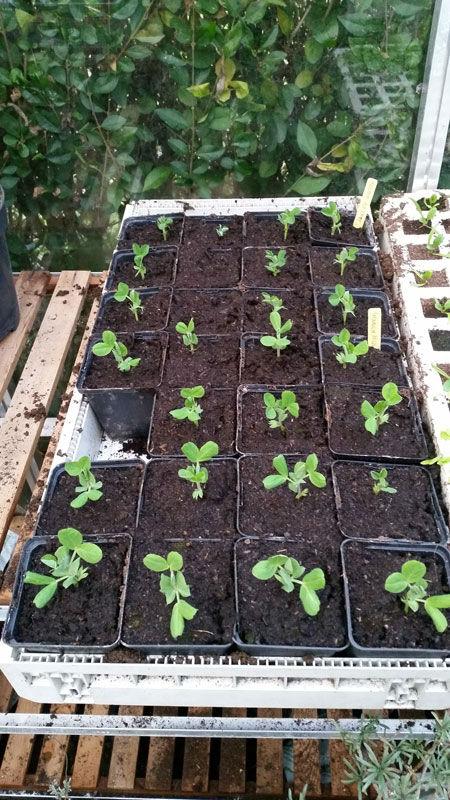
De erwten (Feltham first), bijna allemaal uitgekomen, binnenkort nog een paar extra planten.
482331423290848.jpg


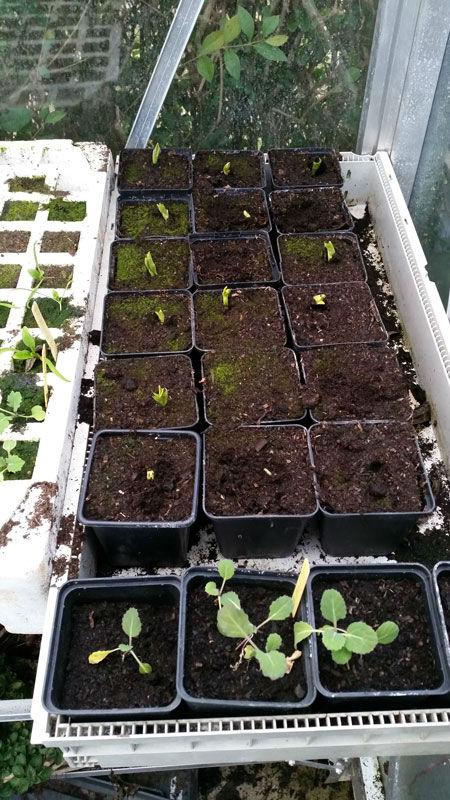
De tuinbonen (Aquadulce), iets trager maar ze komen er ook mooi door.
531151423290923.jpg


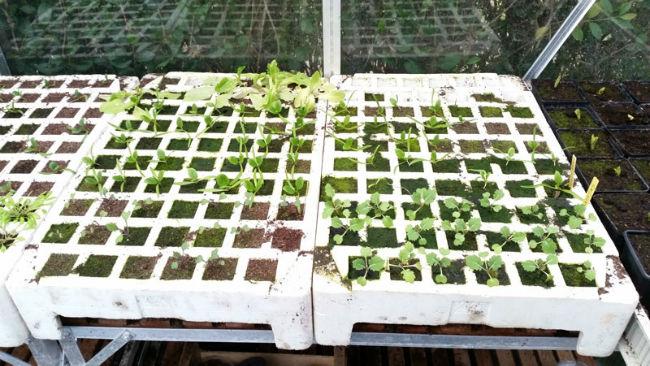
Spinazie en snijkool groeien ... traag maar zeker.
195721423290984.jpg


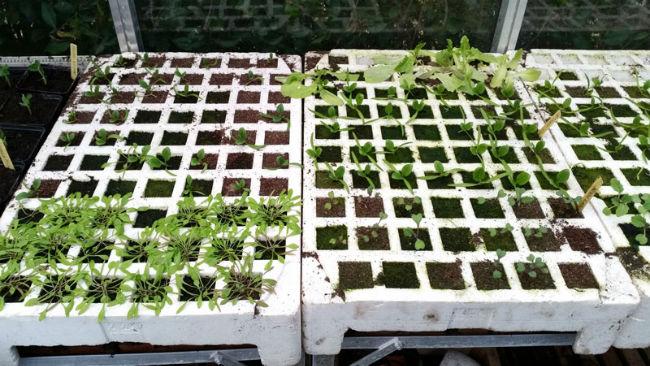
Winterpostelein, spinazie en koolrabi.
216751423291022.jpg


En dan een aantal salade mengelingen van seedaholic.
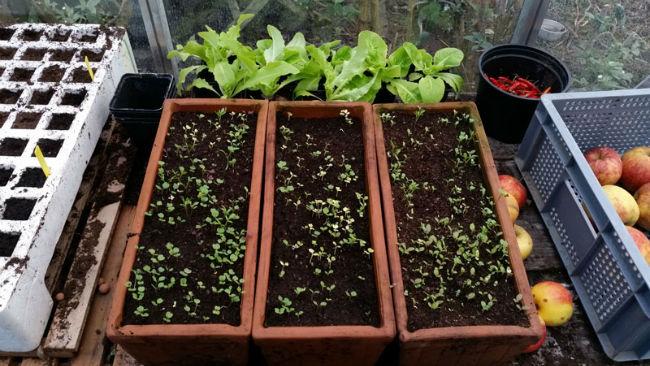
388871423291044.jpg


Binnenkort enkele foto's van de moestuin.

2 Comments

Recommended Comments

geertlaurent

Members

Amaai, dat zijn wel erg veel zaaibakken

Guest
Add a comment...

Configure browser push notifications

Chrome (Android)
  1. Tap the lock icon next to the address bar.
  2. Tap Permissions → Notifications.
  3. Adjust your preference.
Chrome (Desktop)
  1. Click the padlock icon in the address bar.
  2. Select Site settings.
  3. Find Notifications and adjust your preference.