Jump to content
View in the app

A better way to browse. Learn more.

Moestuin Forum

A full-screen app on your home screen with push notifications, badges and more.

To install this app on iOS and iPadOS
  1. Tap the Share icon in Safari
  2. Scroll the menu and tap Add to Home Screen.
  3. Tap Add in the top-right corner.
To install this app on Android
  1. Tap the 3-dot menu (⋮) in the top-right corner of the browser.
  2. Tap Add to Home screen or Install app.
  3. Confirm by tapping Install.

ohhww ik hoop het zo erg. Na het wegblijven van vrucht na de (10) bloesems in het boompje begon ik echt te twijfelen of dat nou een ent-plek is of niet...


Waarschijnlijk was het boompje soieso veel te klein om vrucht te dragen en ben ik gewoon ongeduldig.. maarja... daar ben ik een vrouw voor he hihih


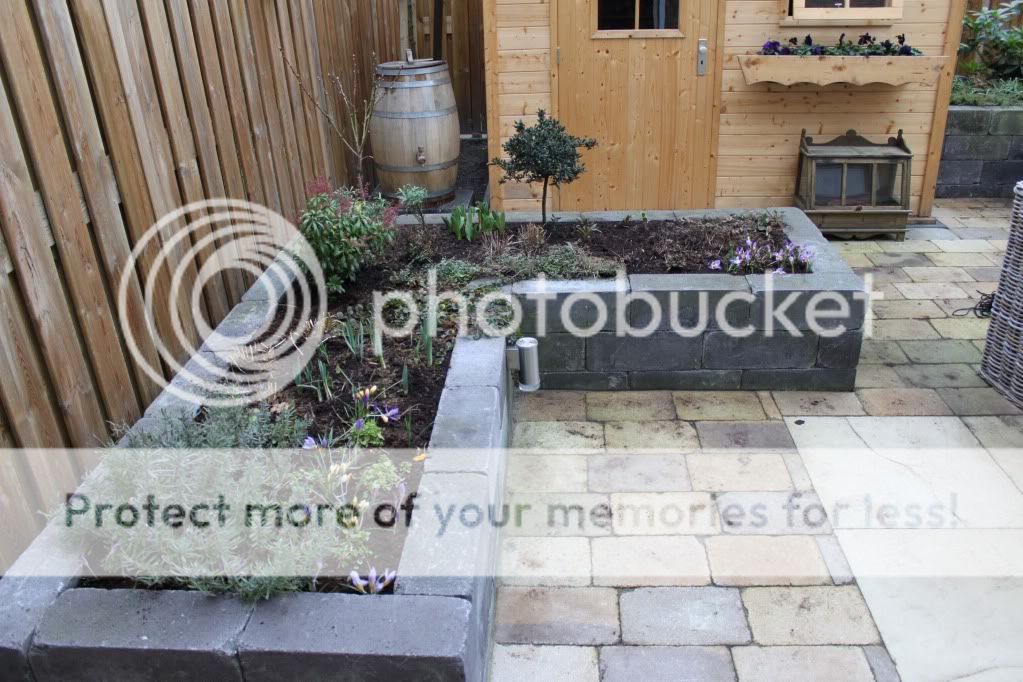
zo stond het boompje er vorig jaar rond deze tijd bij: (links achterin voor de regenton)
IMG_7707.jpg


En helemaal links op de foto zie je aan de lichtgroene blaadjes dat het dingetje toen toch ook al flink gegroeid was

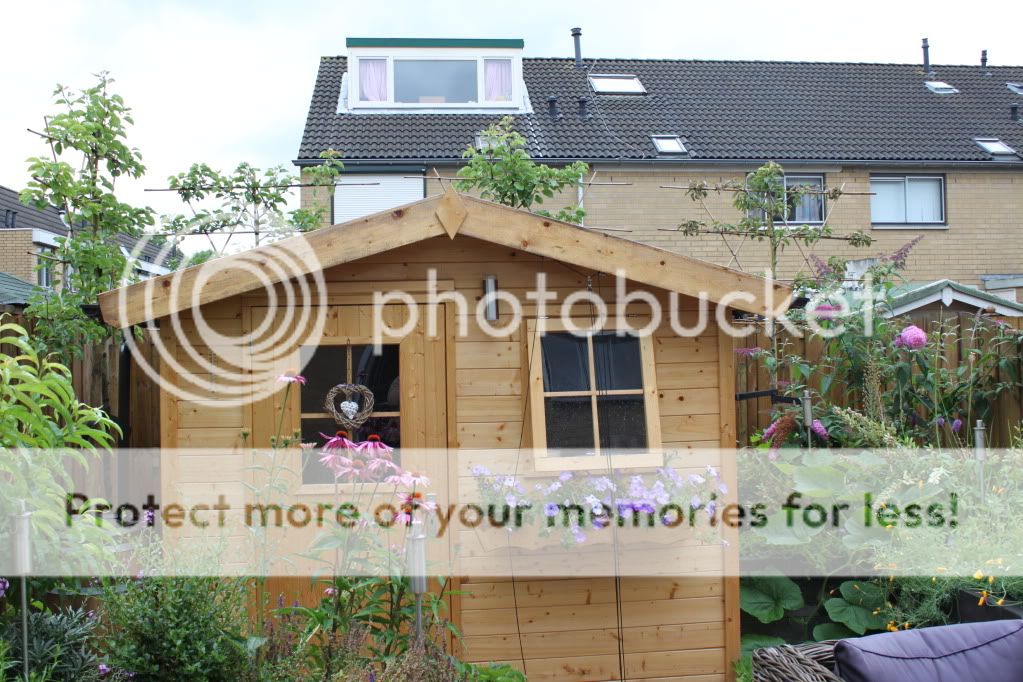
Dit is in de zomer: De oerwoud look
IMG_1322.jpg

0 Comments

Recommended Comments

There are no comments to display.

Guest
Add a comment...

Configure browser push notifications

Chrome (Android)
  1. Tap the lock icon next to the address bar.
  2. Tap Permissions → Notifications.
  3. Adjust your preference.
Chrome (Desktop)
  1. Click the padlock icon in the address bar.
  2. Select Site settings.
  3. Find Notifications and adjust your preference.