



Jump to content
View in the app

A better way to browse. Learn more.

Moestuin Forum

A full-screen app on your home screen with push notifications, badges and more.

To install this app on iOS and iPadOS
  1. Tap the Share icon in Safari
  2. Scroll the menu and tap Add to Home Screen.
  3. Tap Add in the top-right corner.
To install this app on Android
  1. Tap the 3-dot menu (⋮) in the top-right corner of the browser.
  2. Tap Add to Home screen or Install app.
  3. Confirm by tapping Install.

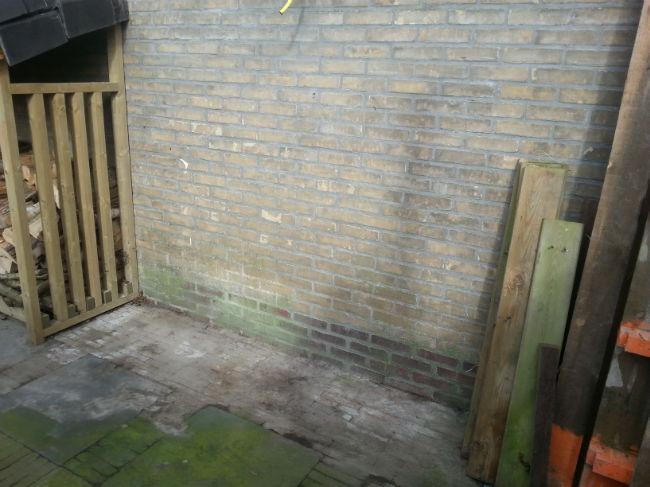
Gisteren een hoekje in de tuin vrijgemaakt voor jawel.....een derde makkelijke moestuin bak.

Deze bak wil ik dieper hebben dan de andere twee voor wortelen en misschien prei. Ook komen hierin de Stokslabonen en Sugar snaps in.
 

28-feb-2015-120191425153168.jpg


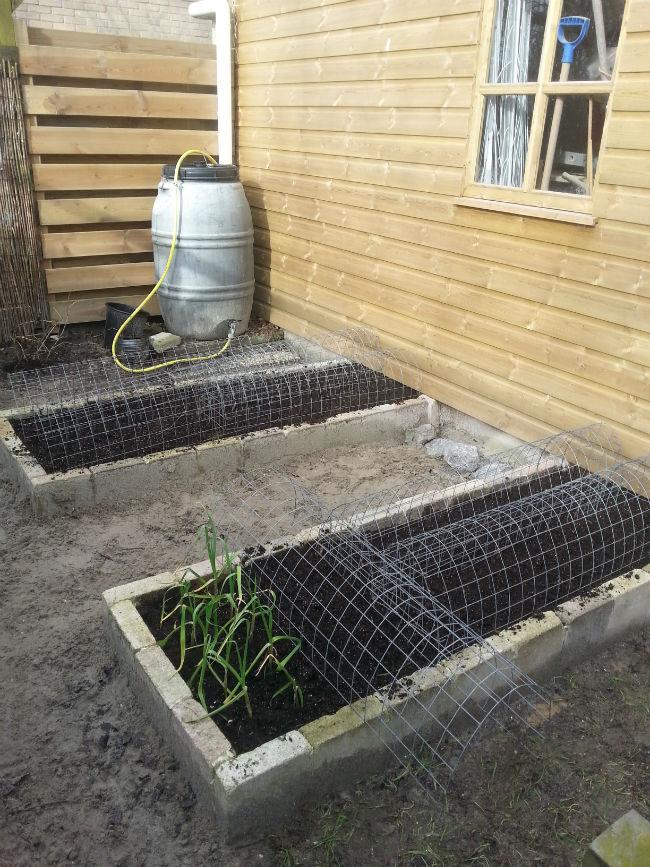
Vandaag per bak 20 liter compost per bak erdoor heen gemengd. Nu last van de rug...!!
 

28-feb-201515941425153272.jpg


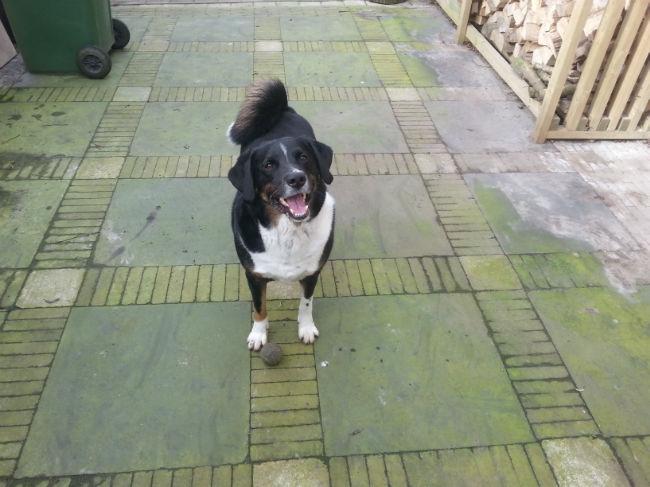
Ondertussen de hond tevreden houden door een balletje constant weg te schoppen. En binnenkort de groene aanslag weg boenen/spuiten.
 

28-feb-2015-211881425153278.jpg


Deze week wil ik eigenlijk mijn voor gezaaide radijsjes buiten zetten onder mijn folietunnel kas. En misschien de bosuitjes en kropsla zaaien in de tunnelkas.

Hoop dat dit verstandig is maar lees op de pakjes dat de laatste 2 in maart gezaaid kunnen worden.

0 Comments

Recommended Comments

There are no comments to display.

Guest
Add a comment...

Configure browser push notifications

Chrome (Android)
  1. Tap the lock icon next to the address bar.
  2. Tap Permissions → Notifications.
  3. Adjust your preference.
Chrome (Desktop)
  1. Click the padlock icon in the address bar.
  2. Select Site settings.
  3. Find Notifications and adjust your preference.