Jump to content
View in the app

A better way to browse. Learn more.

Moestuin Forum

A full-screen app on your home screen with push notifications, badges and more.

To install this app on iOS and iPadOS
  1. Tap the Share icon in Safari
  2. Scroll the menu and tap Add to Home Screen.
  3. Tap Add in the top-right corner.
To install this app on Android
  1. Tap the 3-dot menu (⋮) in the top-right corner of the browser.
  2. Tap Add to Home screen or Install app.
  3. Confirm by tapping Install.

Helaas vorige week niks kunnen doen in de tuin door een fikse verkoudheid, maar vandaag heb ik dus volop gebruik gemaakt van het mooie weer om weer eens wat te zaaien.


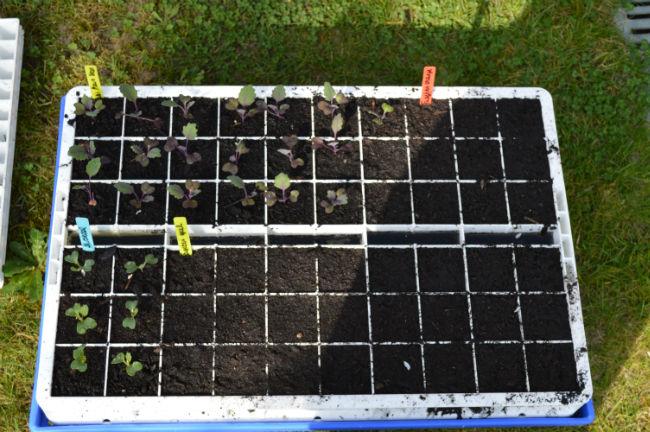
Om later in bloembakken te planten heb ik gele en oranje afrikaantjes gezaaid in de tray naast de koolrabi's en spitskooltjes, die ondertussen al mooi opgekomen zijn/aan het groeien zijn.
DSC002813671396360103.JPG


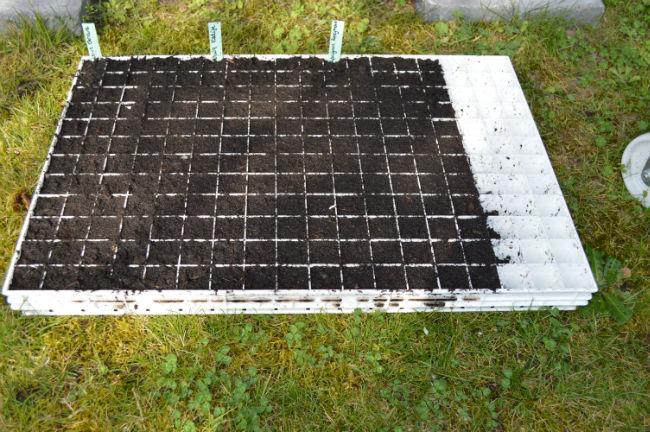
Verder ook nog allerlei erwten gezaaid om uit te planten op het stukje land dat we hopelijk vanaf midden april in gebruik kunnen nemen.

60 doperwten Geneva

60 doperwten Kalife

60 capucijners Rozijnerwt
DSC002924761396360224.JPG


Verder ook nog enkele foto's van de tuinbonen die (redelijk laat) opgekomen zijn. Een aantal zijn bijgezaaid en moeten nog opkomen.

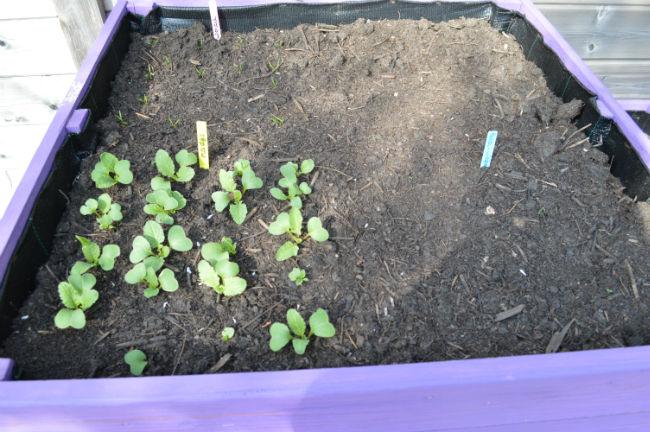
En eronder nog wat radijzen, worteltjes en lente-uitjes.
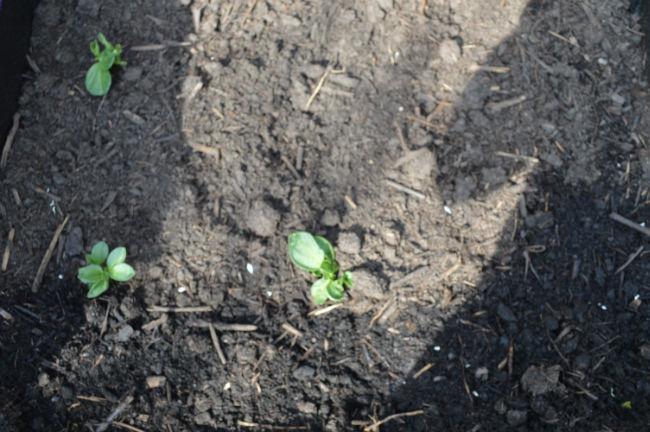
DSC003059941396360274.JPG


DSC003140621396360293.JPG

0 Comments

Recommended Comments

There are no comments to display.

Guest
Add a comment...

Configure browser push notifications

Chrome (Android)
  1. Tap the lock icon next to the address bar.
  2. Tap Permissions → Notifications.
  3. Adjust your preference.
Chrome (Desktop)
  1. Click the padlock icon in the address bar.
  2. Select Site settings.
  3. Find Notifications and adjust your preference.