Jump to content
View in the app

A better way to browse. Learn more.

Moestuin Forum

A full-screen app on your home screen with push notifications, badges and more.

To install this app on iOS and iPadOS
  1. Tap the Share icon in Safari
  2. Scroll the menu and tap Add to Home Screen.
  3. Tap Add in the top-right corner.
To install this app on Android
  1. Tap the 3-dot menu (⋮) in the top-right corner of the browser.
  2. Tap Add to Home screen or Install app.
  3. Confirm by tapping Install.

Is dat je goed kunt zien waar je gebleven bent
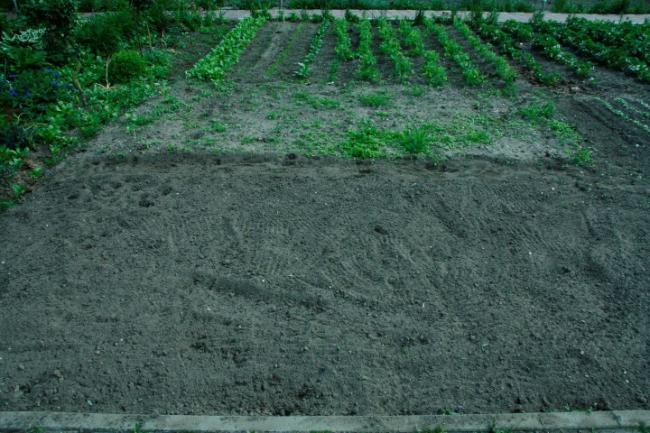
 

mg850357381336895469.JPG


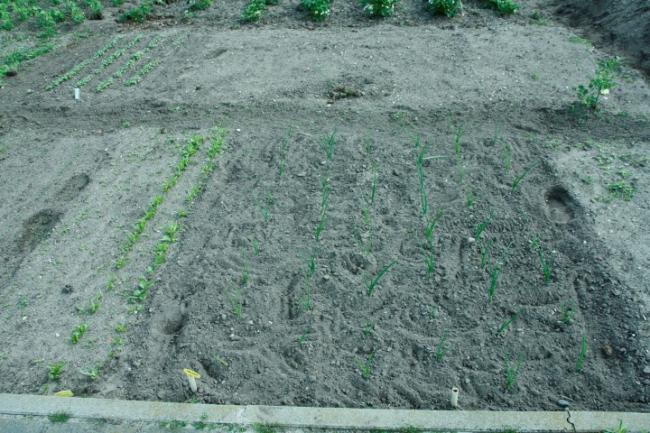
Zo dus. Maar de uien zijn weer schoon
 

mg850556771336895529.JPG


Eigenlijk was het de bedoeling dat er gister het een en ander naar buiten zou gaan, aangezien het dinsdag 15 mei is. Maar hoorde dat het vannacht zou gaan vriezen. Dus toch maar even wachten. Misschien vanavond nog.

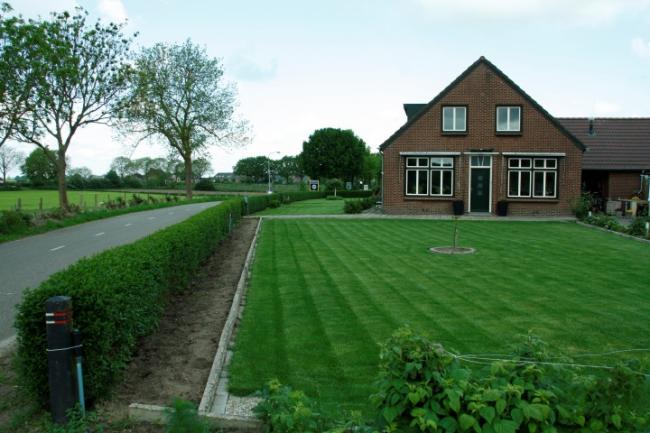
Dan nog maar even de wei maaien
 

mg853838211336895848.JPG


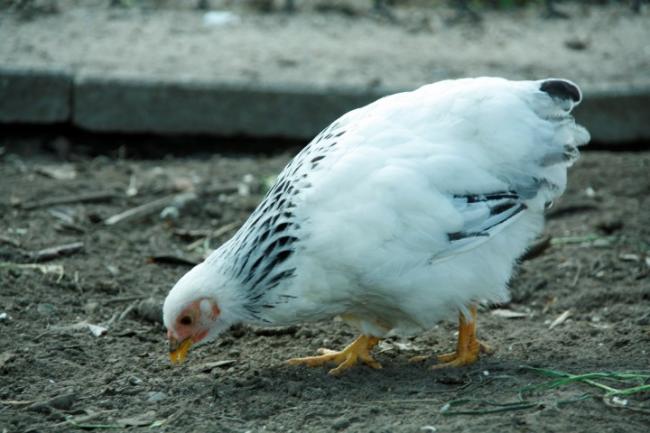
En weer een nieuwe chick erbij gekregen (haan ingeruild)
 

mg850688011336895941.JPG


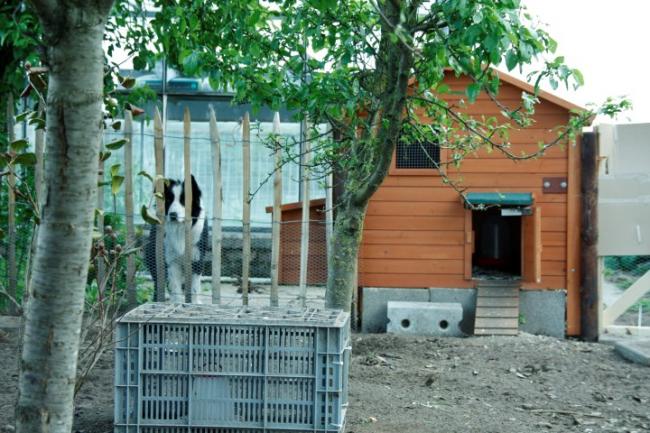
Onder toeziend oog van de bewaking van de kippenvilla.
 

mg853759131336896017.JPG

2 Comments

Recommended Comments

Helly

Members

Dat is zeker netjes. Dat toeziend oog houdt alles goed in de gaten

Guest
Add a comment...

Configure browser push notifications

Chrome (Android)
  1. Tap the lock icon next to the address bar.
  2. Tap Permissions → Notifications.
  3. Adjust your preference.
Chrome (Desktop)
  1. Click the padlock icon in the address bar.
  2. Select Site settings.
  3. Find Notifications and adjust your preference.