Jump to content
View in the app

A better way to browse. Learn more.

Moestuin Forum

A full-screen app on your home screen with push notifications, badges and more.

To install this app on iOS and iPadOS
  1. Tap the Share icon in Safari
  2. Scroll the menu and tap Add to Home Screen.
  3. Tap Add in the top-right corner.
To install this app on Android
  1. Tap the 3-dot menu (⋮) in the top-right corner of the browser.
  2. Tap Add to Home screen or Install app.
  3. Confirm by tapping Install.

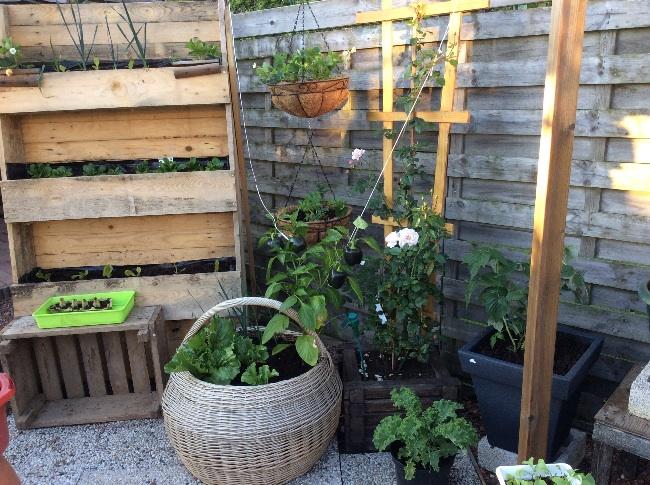
Ik rommel nog steeds wat aan en vind het nog steeds leuk...

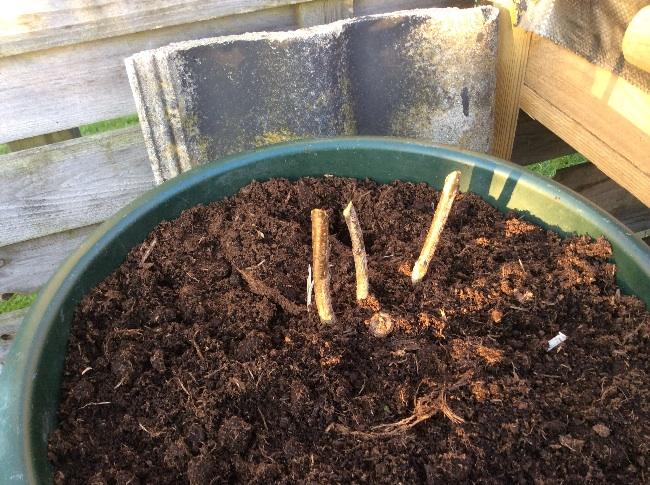
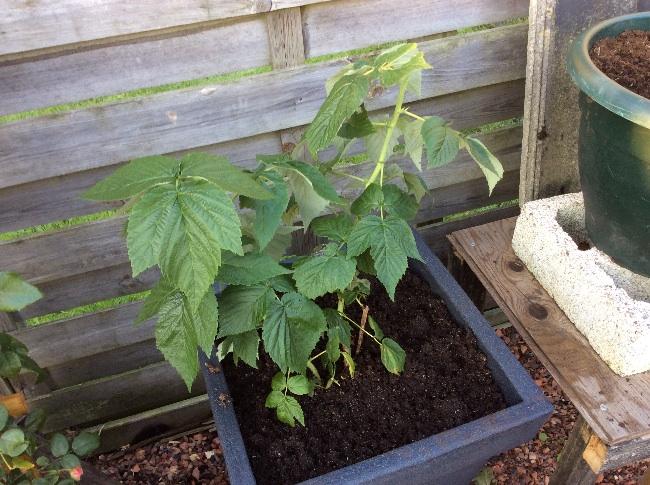
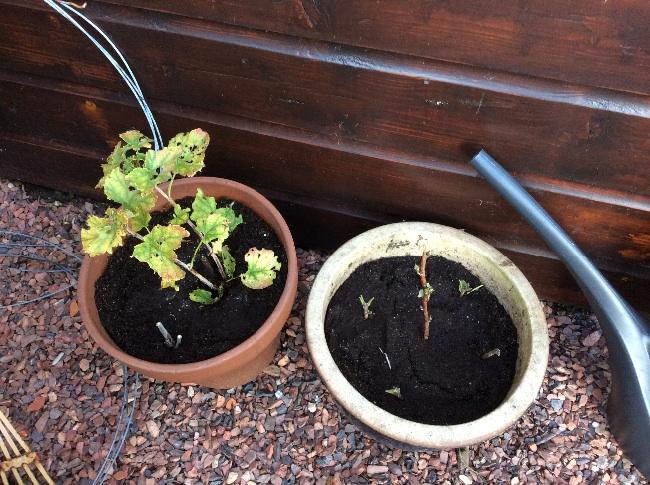
De aalbesstruik heb ik vermoord vrees ik, de framboos overleeft mij misschien,

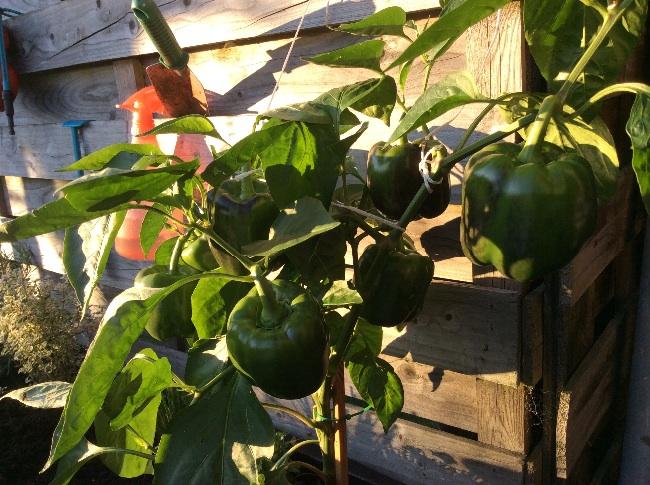
De paprika is prachtig maar ik heb geen idee welke kleur ie moet krijgen!?

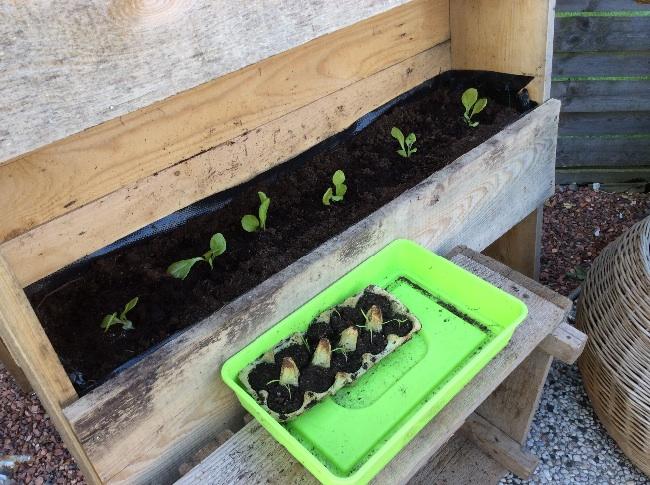
En veldsla, wanneer is dat groot genoeg om te eten?

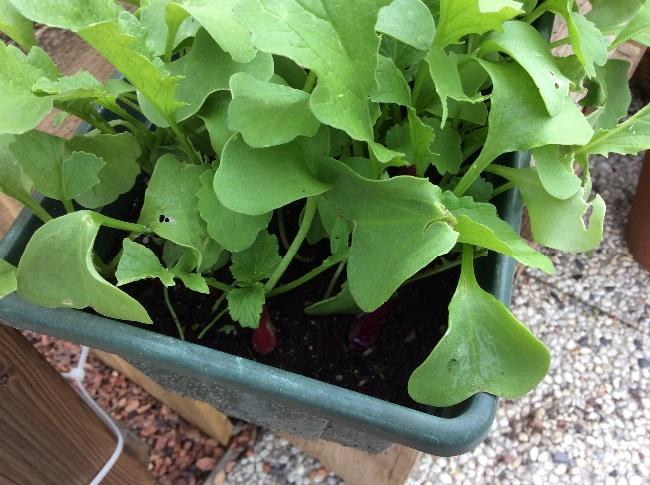
Ik zie een radijs!!!

De pluksla heb ik uit hun lijden verlost en in plaats daarvan andere sla gepoot. We zien wel weer wat het wordt! image24561409075738.jpgimage36181409075505.jpgimage28311409075610.jpgimage59791409075740.jpgimage34821409075505.jpgimage14421409075741.jpgimage24161409075742.jpg
0 Comments

Recommended Comments

There are no comments to display.

Guest
Add a comment...

Configure browser push notifications

Chrome (Android)
  1. Tap the lock icon next to the address bar.
  2. Tap Permissions → Notifications.
  3. Adjust your preference.
Chrome (Desktop)
  1. Click the padlock icon in the address bar.
  2. Select Site settings.
  3. Find Notifications and adjust your preference.