Jump to content
View in the app

A better way to browse. Learn more.

Moestuin Forum

A full-screen app on your home screen with push notifications, badges and more.

To install this app on iOS and iPadOS
  1. Tap the Share icon in Safari
  2. Scroll the menu and tap Add to Home Screen.
  3. Tap Add in the top-right corner.
To install this app on Android
  1. Tap the 3-dot menu (⋮) in the top-right corner of the browser.
  2. Tap Add to Home screen or Install app.
  3. Confirm by tapping Install.

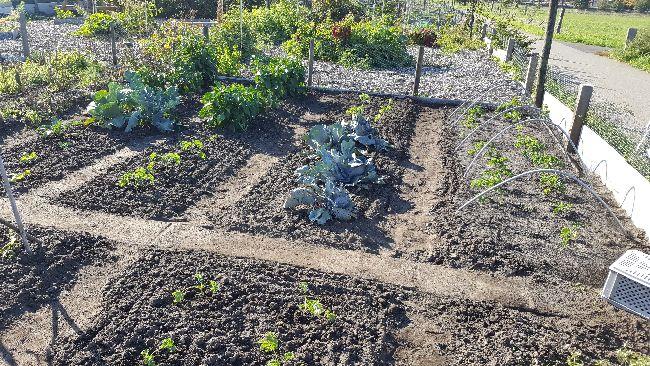
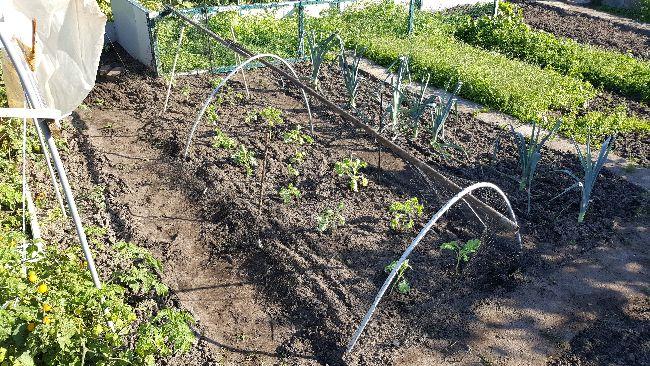
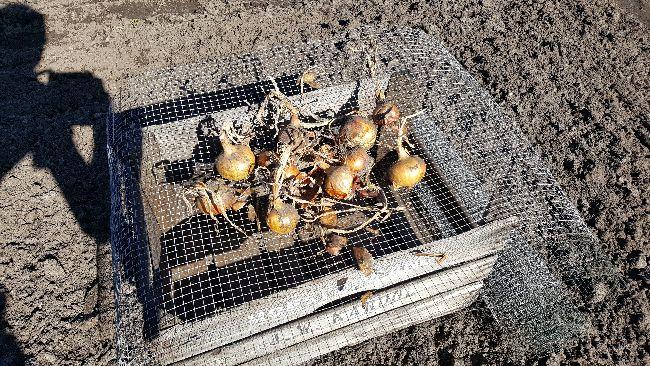
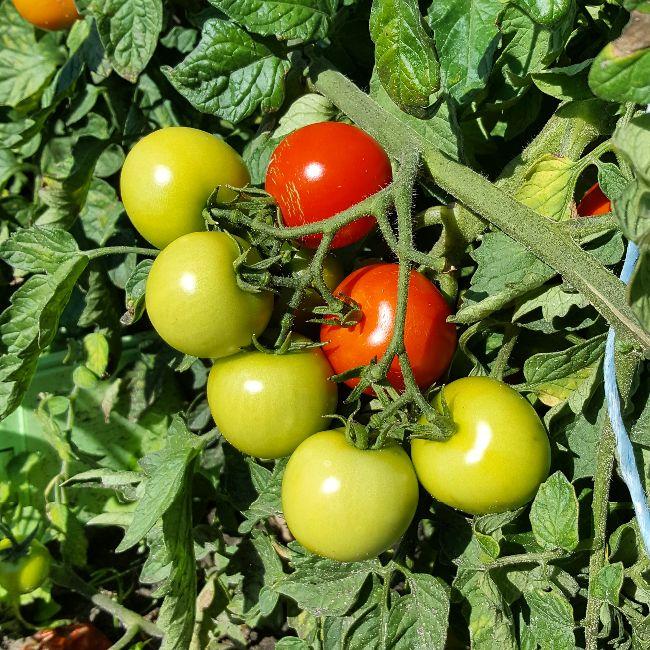
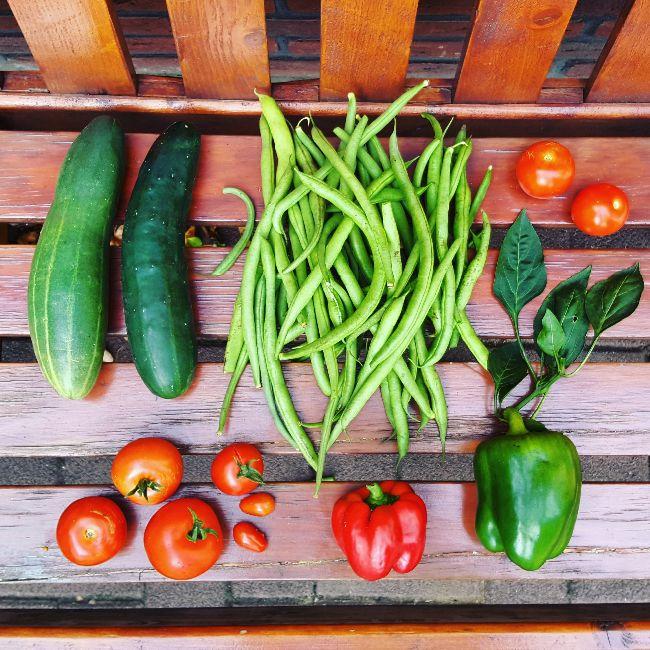
De laatste dagen vooral bezig geweest met oogsten en onkruid wieden. De laatste week viel het mee, maar de weken ervoor met al die regen was echt een drama. Nu nog even genieten met de laatste dagen dat het lekker weer is.


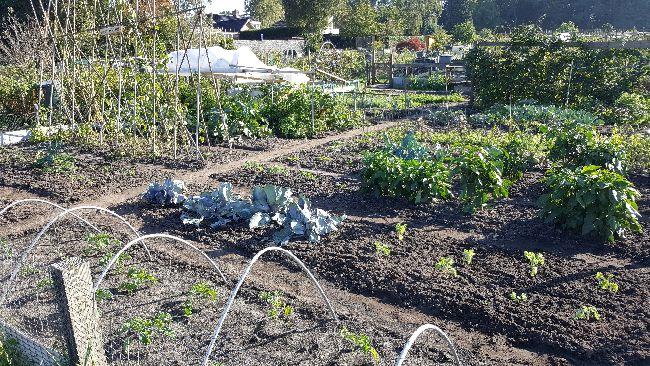
Hopelijk gaan de boerenkool planten het nog redden. Ik heb ze gekregen van een moestuin buurman die er veel te veel gezaaid had. Maarliefst 38 stuks heb ik van hem gekregen.


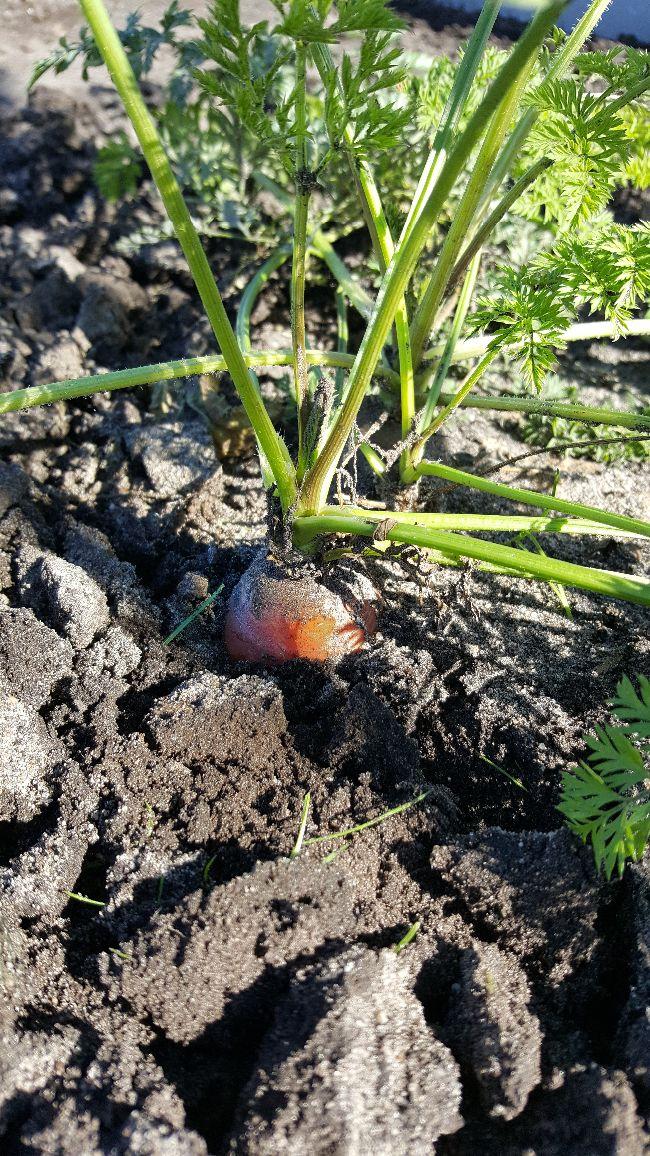
Hieronder wat foto's van de afgelopen dagen:
 

2018092716134872991538380478.jpg2018092716132412731538380526.jpg2018092716130719401538380546.jpg2018092713375479851538380568.jpgIMG2018092716430220318561538380580.jpgIMG2018091710565016079371538380611.jpg20180927133523-0184231538380630.jpeg


Groetjes Peter!

0 Comments

Recommended Comments

There are no comments to display.

Guest
Add a comment...

Configure browser push notifications

Chrome (Android)
  1. Tap the lock icon next to the address bar.
  2. Tap Permissions → Notifications.
  3. Adjust your preference.
Chrome (Desktop)
  1. Click the padlock icon in the address bar.
  2. Select Site settings.
  3. Find Notifications and adjust your preference.