Jump to content
View in the app

A better way to browse. Learn more.

Moestuin Forum

A full-screen app on your home screen with push notifications, badges and more.

To install this app on iOS and iPadOS
  1. Tap the Share icon in Safari
  2. Scroll the menu and tap Add to Home Screen.
  3. Tap Add in the top-right corner.
To install this app on Android
  1. Tap the 3-dot menu (⋮) in the top-right corner of the browser.
  2. Tap Add to Home screen or Install app.
  3. Confirm by tapping Install.

Nog steeds geen lente.


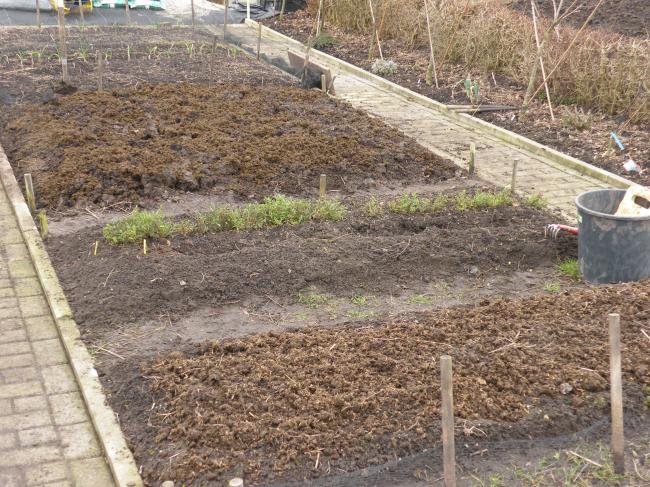
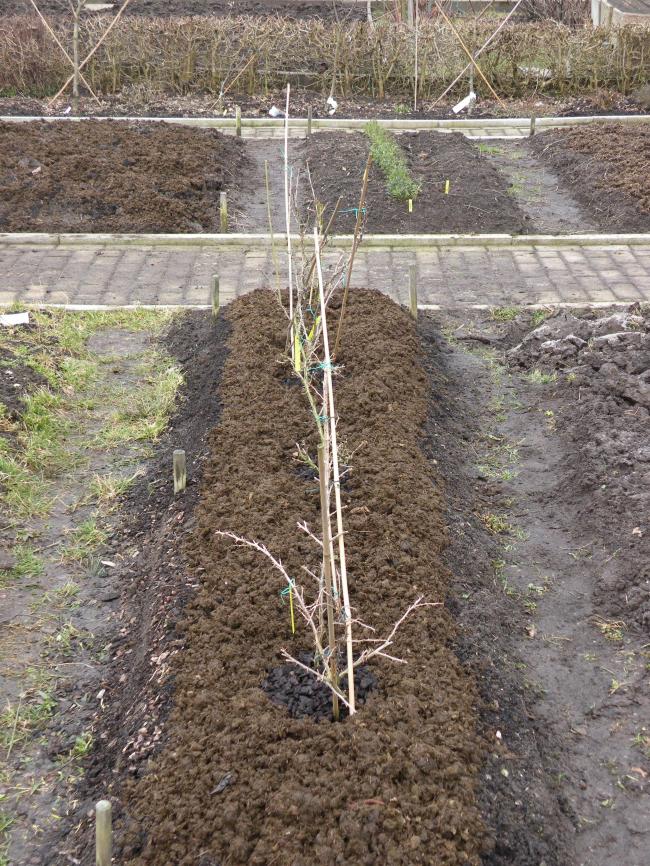
Toch, vandaag weer veel gedaan op de tuin. Het lange middenbed is zo goed als klaar voor het nieuwe seizoen. Haast hebben ik niet. Aanstaand weekend nog matige vorst en overdag +2gr !!

Het kruisbedden bed is klaar. Met de ruige mest gemulcht. De rode en witte bessen verhuis ik komende week naar de andere tuin.

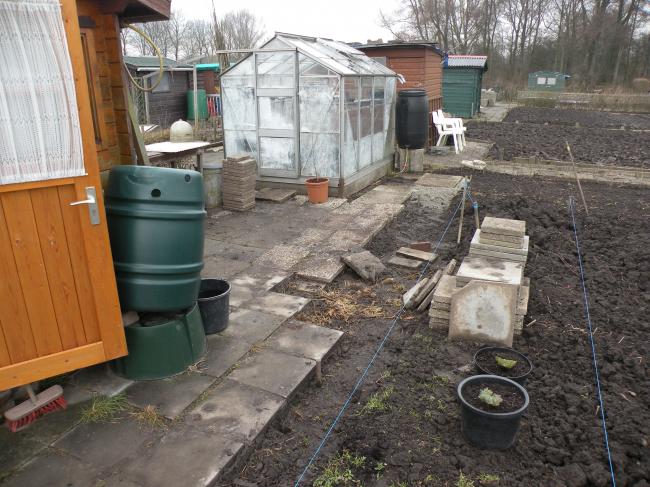
Op de nwe tuin, bezig met de voorbereidingen ter ophogen verharding.

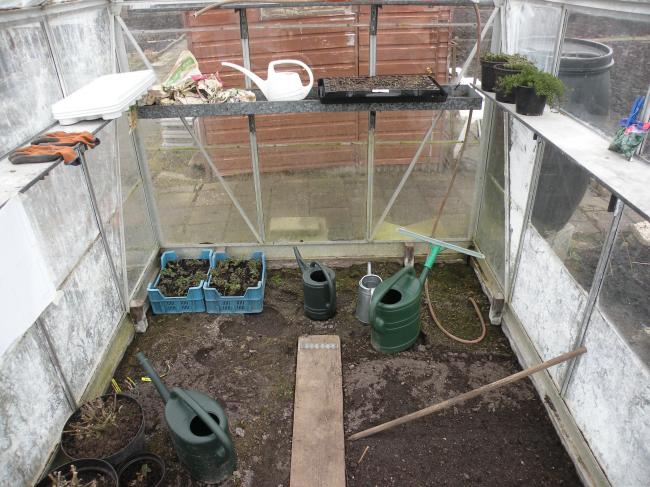
In het kasje, naast wat spinazie gezaaid, wat stekken , wat zaaisels, wat opgepotte vaste planten ter stekken nemen etc etc.
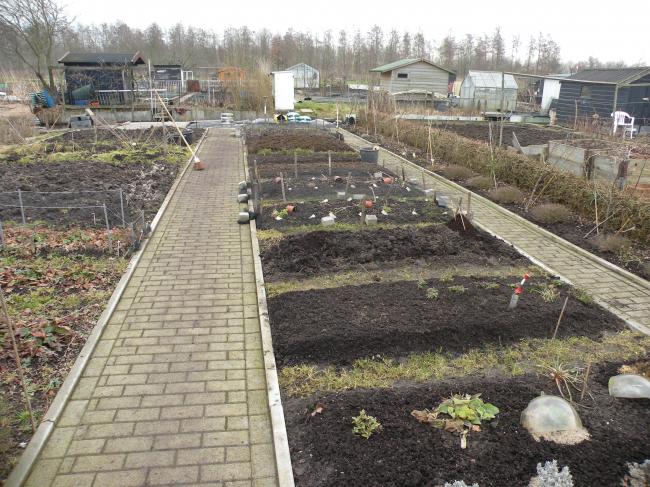
 

dscn503467451363720752.JPG


dscn502927731363720798.JPG


dscn503064431363720819.JPG


dscn503148161363720831.JPG


dscn503216181363720843.JPG

0 Comments

Recommended Comments

There are no comments to display.

Guest
Add a comment...

Configure browser push notifications

Chrome (Android)
  1. Tap the lock icon next to the address bar.
  2. Tap Permissions → Notifications.
  3. Adjust your preference.
Chrome (Desktop)
  1. Click the padlock icon in the address bar.
  2. Select Site settings.
  3. Find Notifications and adjust your preference.