Jump to content
View in the app

A better way to browse. Learn more.

Moestuin Forum

A full-screen app on your home screen with push notifications, badges and more.

To install this app on iOS and iPadOS
  1. Tap the Share icon in Safari
  2. Scroll the menu and tap Add to Home Screen.
  3. Tap Add in the top-right corner.
To install this app on Android
  1. Tap the 3-dot menu (⋮) in the top-right corner of the browser.
  2. Tap Add to Home screen or Install app.
  3. Confirm by tapping Install.

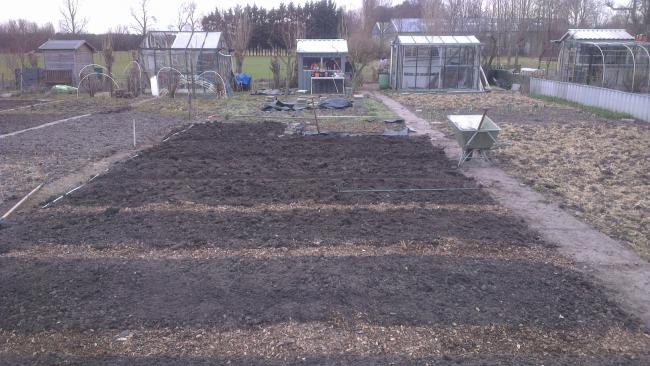
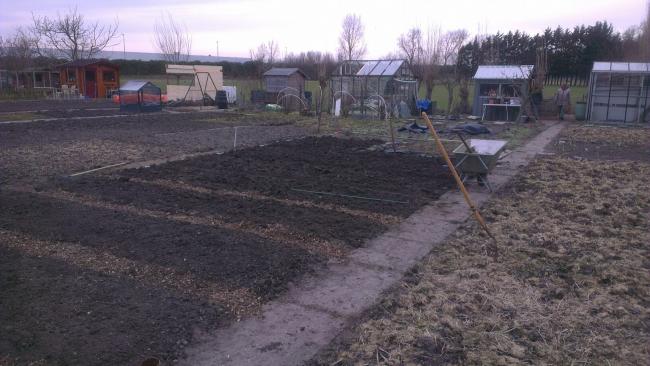
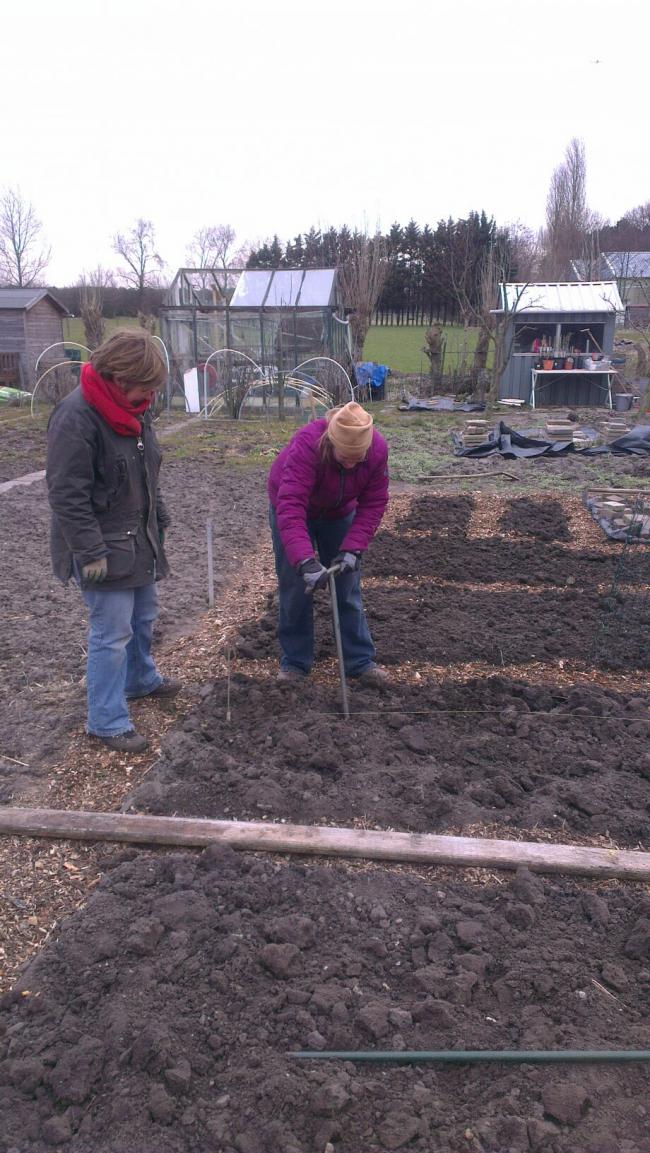
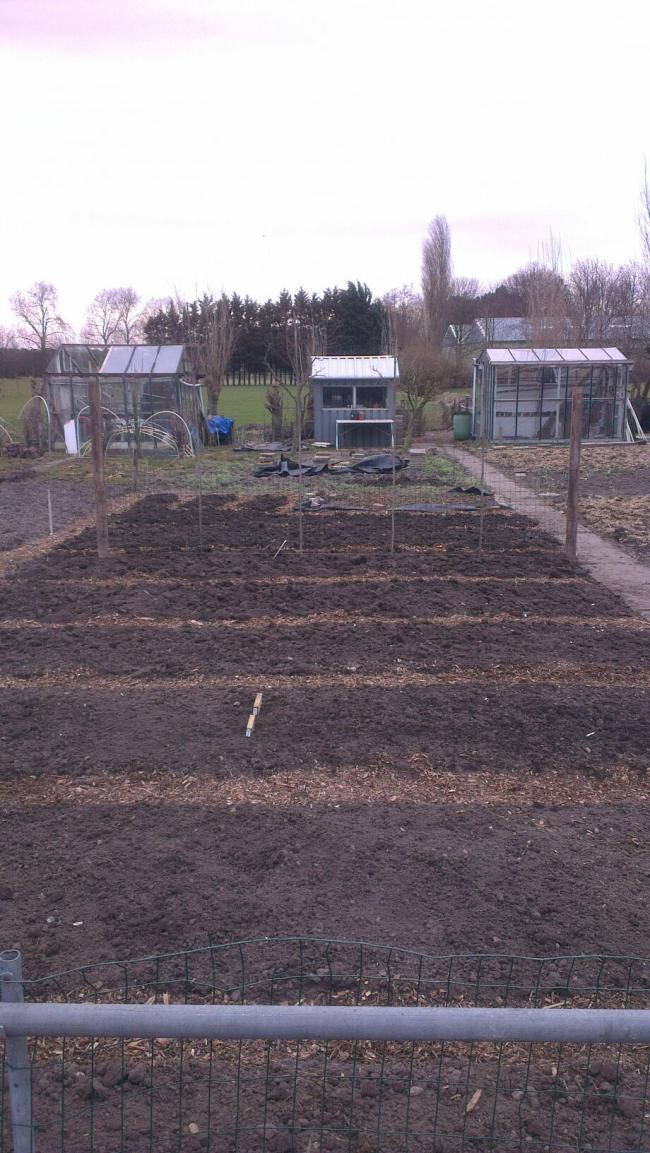
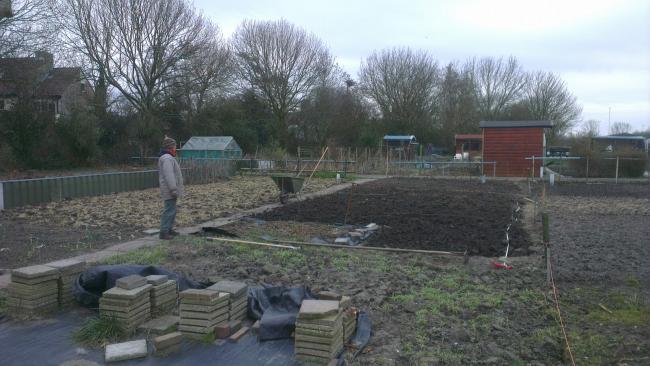
Lekker hard gewerkt vandaag. Hij begint nu wel echt op een volkstuin te lijken...

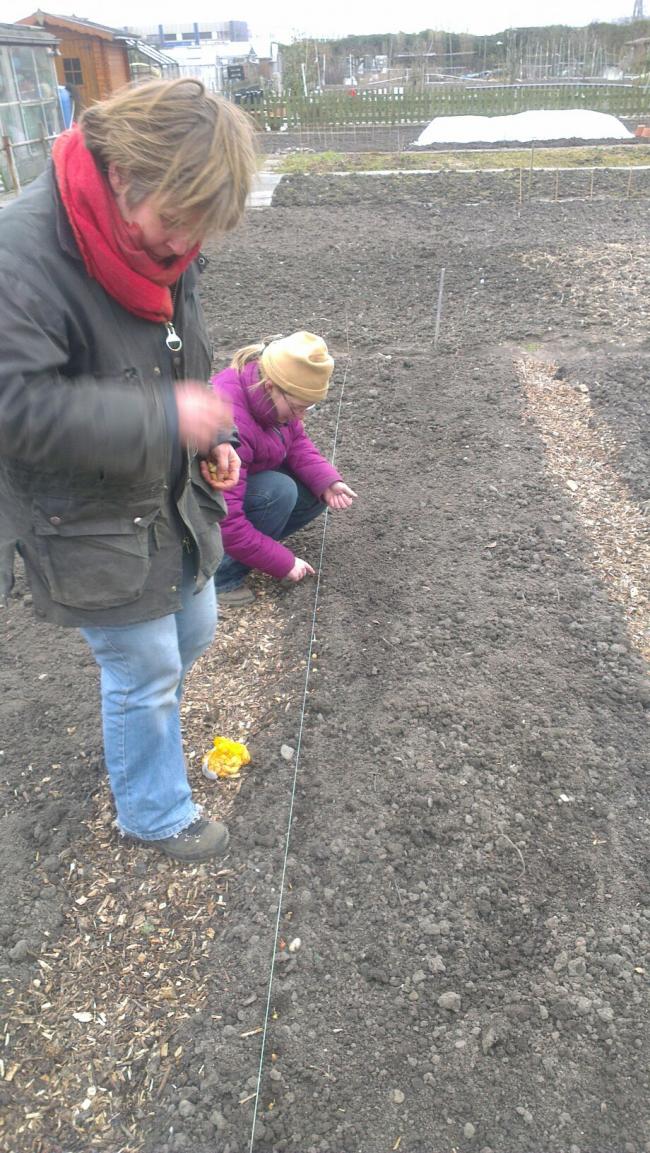
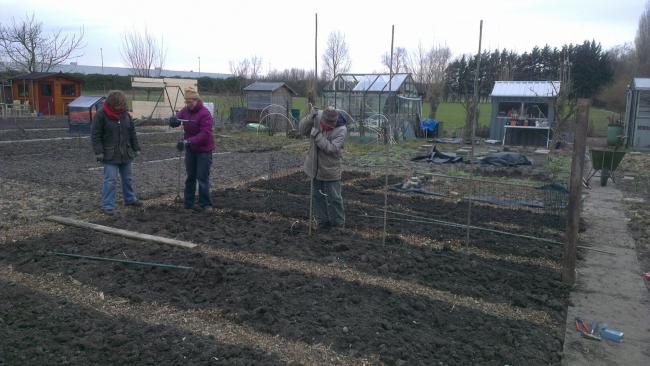
De afgelopen anderhalve maand gespit en vandaag met hulptroepen bedden aangelegd en de uien en knoflook gepoot. Ook zijn er 2 aalbessenstruiken de grond in gegaan. En verder hebben we een constructie gemaakt om de erwten tegenaan te laten groeien.

Zie hier voor het resultaat:
volkstuin-240313-291371364159826.jpgvolkstuin-240313-359741364159827.jpgvolkstuin-240313-451711364159828.jpgvolkstuin-240313-570091364159830.jpgvolkstuin-240313-620941364159831.jpgvolkstuin-240313-741971364159832.jpgvolkstuin-24031375531364159825.jpg

1 Comment

Recommended Comments

Conny

Members

Zo Illes,

Jullie zijn lekker opgeschoten zeg.

Ziet er goed uit zeg en dat met dit koude weer.

Ik doe het je niet na hoor.

Guest
Add a comment...

Configure browser push notifications

Chrome (Android)
  1. Tap the lock icon next to the address bar.
  2. Tap Permissions → Notifications.
  3. Adjust your preference.
Chrome (Desktop)
  1. Click the padlock icon in the address bar.
  2. Select Site settings.
  3. Find Notifications and adjust your preference.