



Jump to content
View in the app

A better way to browse. Learn more.

Moestuin Forum

A full-screen app on your home screen with push notifications, badges and more.

To install this app on iOS and iPadOS
  1. Tap the Share icon in Safari
  2. Scroll the menu and tap Add to Home Screen.
  3. Tap Add in the top-right corner.
To install this app on Android
  1. Tap the 3-dot menu (⋮) in the top-right corner of the browser.
  2. Tap Add to Home screen or Install app.
  3. Confirm by tapping Install.

Vandaag weer een kleine update.


Maandag 3 feburari de volgende paprika's gezaaid


-Gele punt paprika

-Rode punt paprika

-Paprika Melrose

-Paprika Giant

-Paprika Cherry


Ook een peper gezaaid, namelijk:

-Big Jim
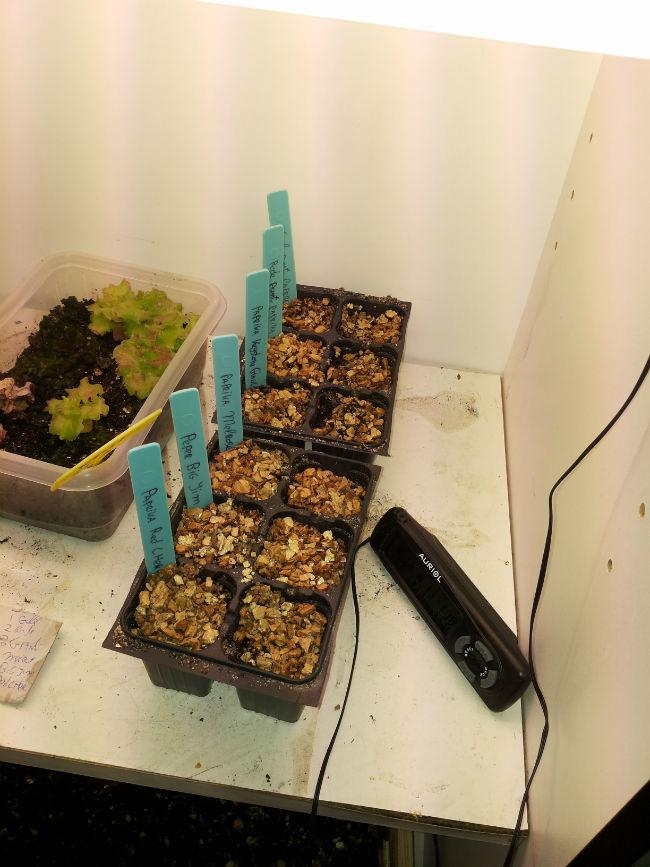
2014020707054848081391851764.jpg


Ook de gezaaide prei toch (tijdelijk) naar het kweekkastje gehaald. Want in de schuur bevroor de bak voor een deel. (stond tegen het raam aan). Daar komt pas 1 prei naar boven:(
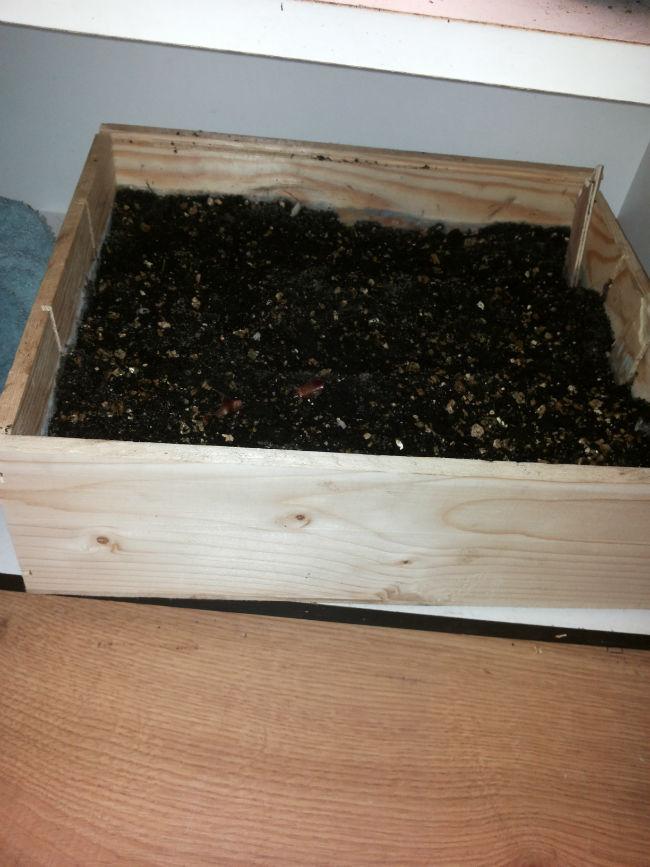
2014020707055327491391851771.jpg


Gisteren donderdag 06-02-14 heb ik 80x Erwt gezaaid. Deze gaan dit weekend naar de koude bak in de moestuin.`
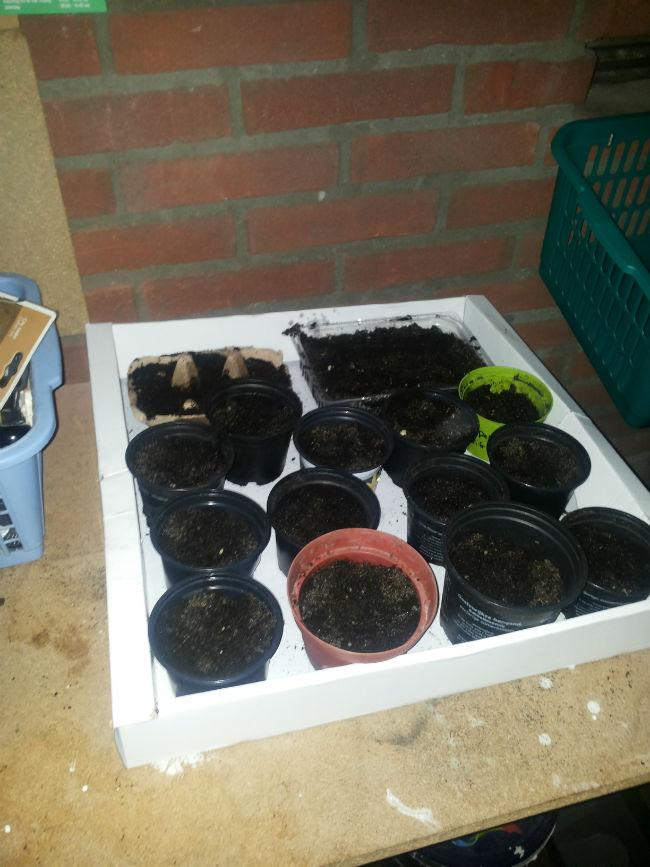
2014020617595221131391851757.jpg

0 Comments

Recommended Comments

There are no comments to display.

Guest
Add a comment...

Configure browser push notifications

Chrome (Android)
  1. Tap the lock icon next to the address bar.
  2. Tap Permissions → Notifications.
  3. Adjust your preference.
Chrome (Desktop)
  1. Click the padlock icon in the address bar.
  2. Select Site settings.
  3. Find Notifications and adjust your preference.