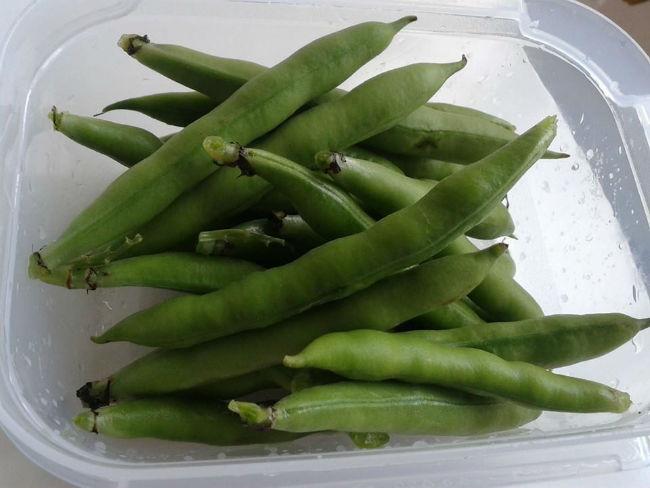
Allereerste tuinboontjes! Delen https://www.moestuinforum.nl/blogs/entry/2559-allereerste-tuinboontjes/ Share on X Deel op Facebook Deel op LinkedIn Delen op Pinterest Meer opties om te delen... Volgers Tadaaaa! Oke, oke, ik heb er flink wat luis vanaf moeten wassen, maar wat zijn ze goed gelukt! De allereerste verse tuinboontjes! En helemaal biologisch! Mmmm!
Jane Doe Leden Geplaatst: 1 juni 201412 j Meer informatie van deze gebruiker Die zien er goed uit, laat ze jullie smaken. Hoe ga je ze klaar maken?
Missmass Leden Geplaatst: 1 juni 201412 j Meer informatie van deze gebruiker Die zien er goed uit, laat ze jullie smaken. Hoe ga je ze klaar maken? Dat weet ik nog niet, dus ik heb ze maar alvast ingevroren. Ik denk dat de eerste lading naar mijn vader gaat die helemaal gek is op tuimboontjes
Jane Doe Leden Geplaatst: 1 juni 201412 j Meer informatie van deze gebruiker Na het blanchieren ingevroren, neem ik aan?
Missmass Leden Geplaatst: 1 juni 201412 j Meer informatie van deze gebruiker Na het blanchieren ingevroren, neem ik aan? Nee hoor, gewoon rauw.





Aanbevolen reacties