Jump to content
View in the app

A better way to browse. Learn more.

Moestuin Forum

A full-screen app on your home screen with push notifications, badges and more.

To install this app on iOS and iPadOS
  1. Tap the Share icon in Safari
  2. Scroll the menu and tap Add to Home Screen.
  3. Tap Add in the top-right corner.
To install this app on Android
  1. Tap the 3-dot menu (⋮) in the top-right corner of the browser.
  2. Tap Add to Home screen or Install app.
  3. Confirm by tapping Install.

Hallo Allemaal,


Ik heb net van 1 kilo pruimen jam gemaakt.
 

SAM690336221408299403.JPG

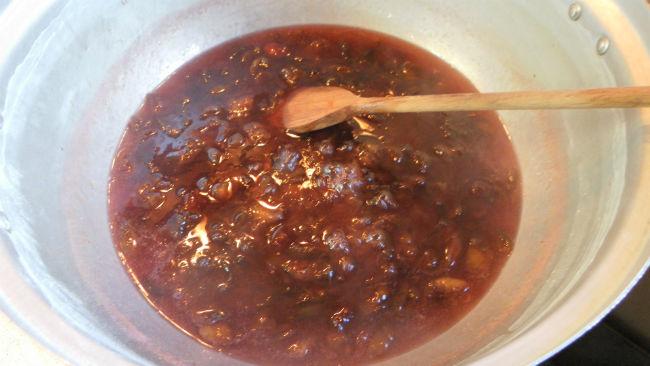
Dit is de jam in de pan.


SAM690450661408299399.JPG

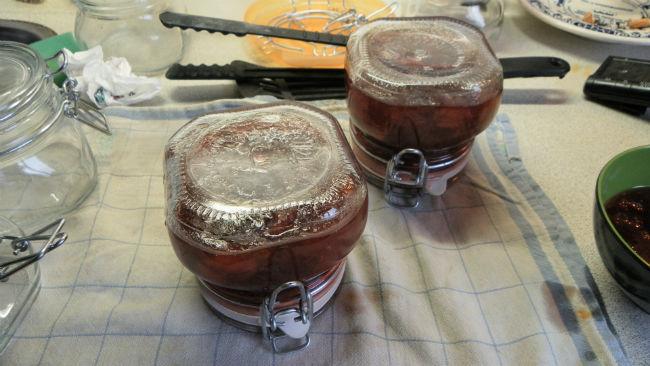
2 nieuwe weckpotten van 1/2 liter vol.
 

SAM690538631408299396.JPG

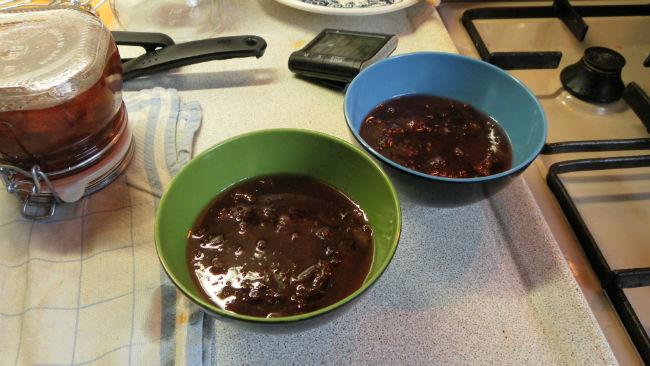
Dit bleef er nog over na het vullen van de potten.
 

SAM690662511408299392.JPG

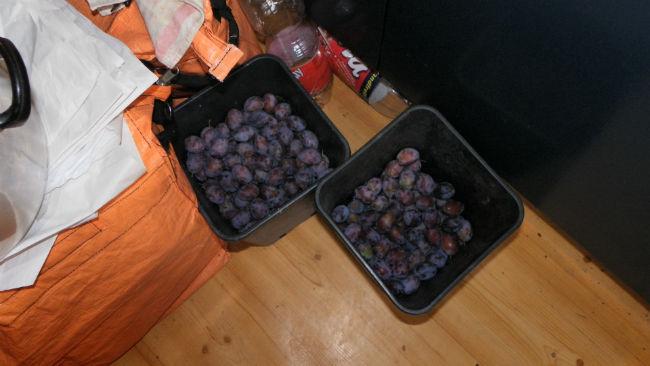
Deze staan te wachten tot de volgende ronde.


Nou maar hopen dat het zal smaken.


Groetjes Conny.


P.S. Wat een muts ben ik toch zeg.

Ik had deze update al aan het begin van de avond klaar, ik vergat alleen om hem te plaatsen.

Nou bij deze dan.

1 Comment

Recommended Comments

Jane Doe

Members

(edited)

Zo te zien is het je gelukt, dat het jullie mag smaken. Ik schenk de potten zo vol mogelijk, zodat ze goed vacuum trekken. Maar gaat ook snel op en veel suikers, dus wordt niet slecht.

Edited by Jane Doe

Guest
Add a comment...

Configure browser push notifications

Chrome (Android)
  1. Tap the lock icon next to the address bar.
  2. Tap Permissions → Notifications.
  3. Adjust your preference.
Chrome (Desktop)
  1. Click the padlock icon in the address bar.
  2. Select Site settings.
  3. Find Notifications and adjust your preference.