Jump to content
View in the app

A better way to browse. Learn more.

Moestuin Forum

A full-screen app on your home screen with push notifications, badges and more.

To install this app on iOS and iPadOS
  1. Tap the Share icon in Safari
  2. Scroll the menu and tap Add to Home Screen.
  3. Tap Add in the top-right corner.
To install this app on Android
  1. Tap the 3-dot menu (⋮) in the top-right corner of the browser.
  2. Tap Add to Home screen or Install app.
  3. Confirm by tapping Install.

Vandaag even kort in de tuin geweest. Helaas schade aan mijn foliekassen
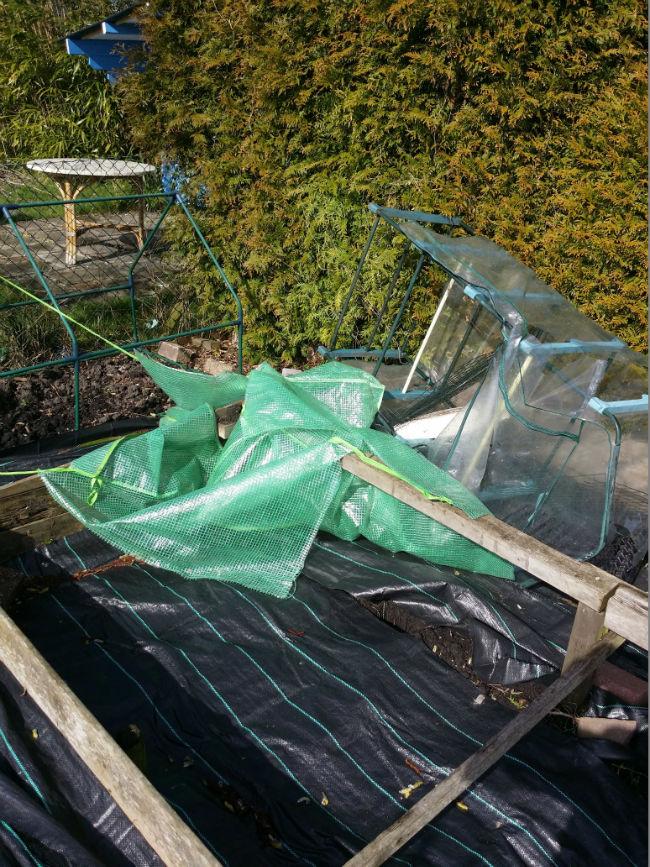
2015040111531322751427889003.jpg


De bietenzaailingen waren helaas ook gevallen. Deze heb ik weer bij elkaar geraapt en weer onder glas gezet
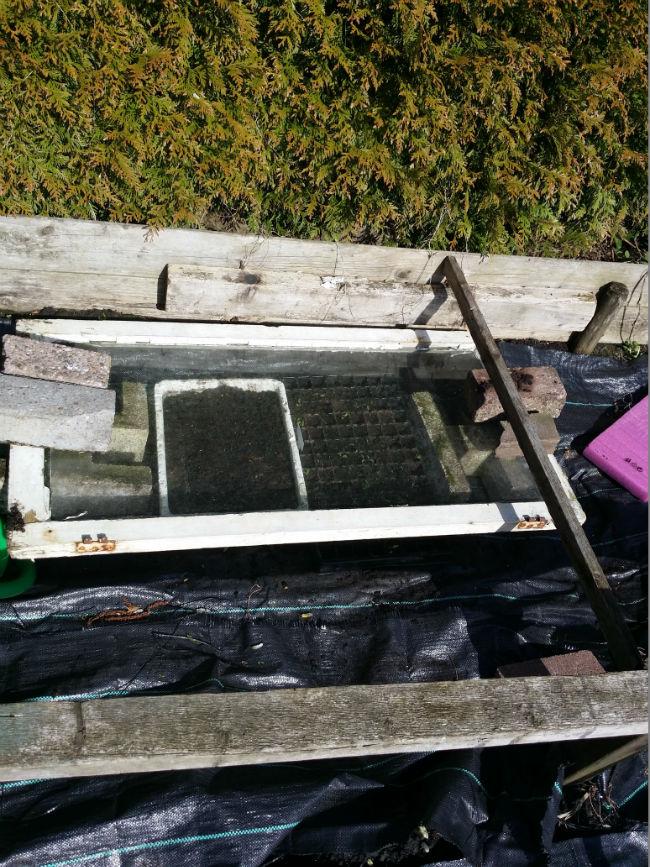
 

2015040112060922201427889011.jpg


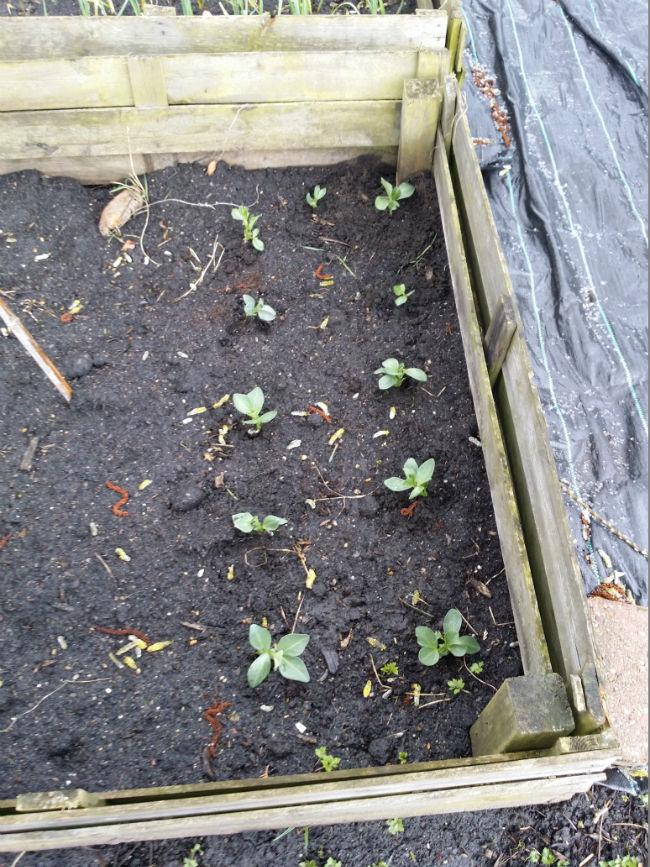
De tuinbonen zitten ook in de grond:

2015040112464445621427889017.jpg


Met de knoflook gaat het ook nog goed! Dat wordt lekker stinken aankomend jaar!
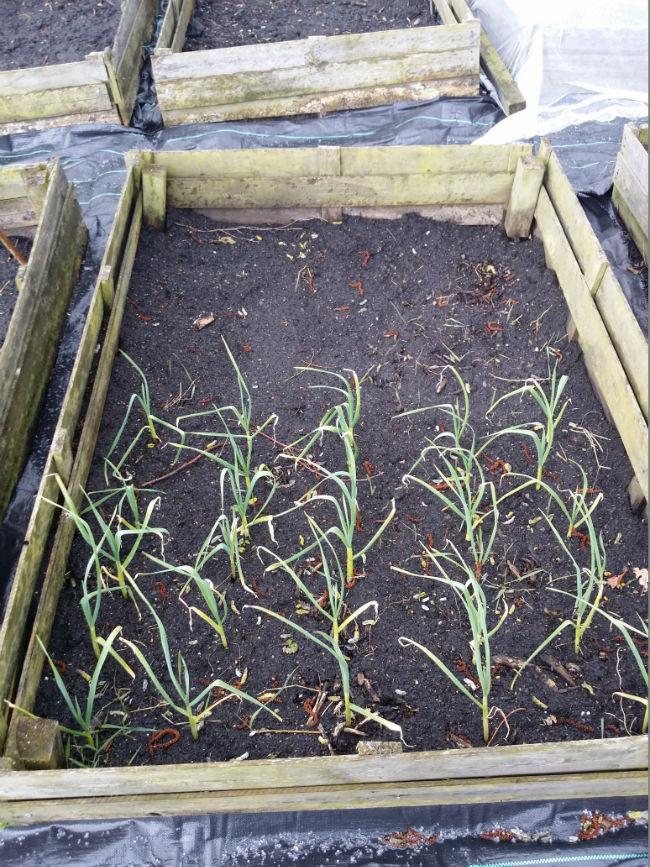
2015040112465051891427889025.jpg


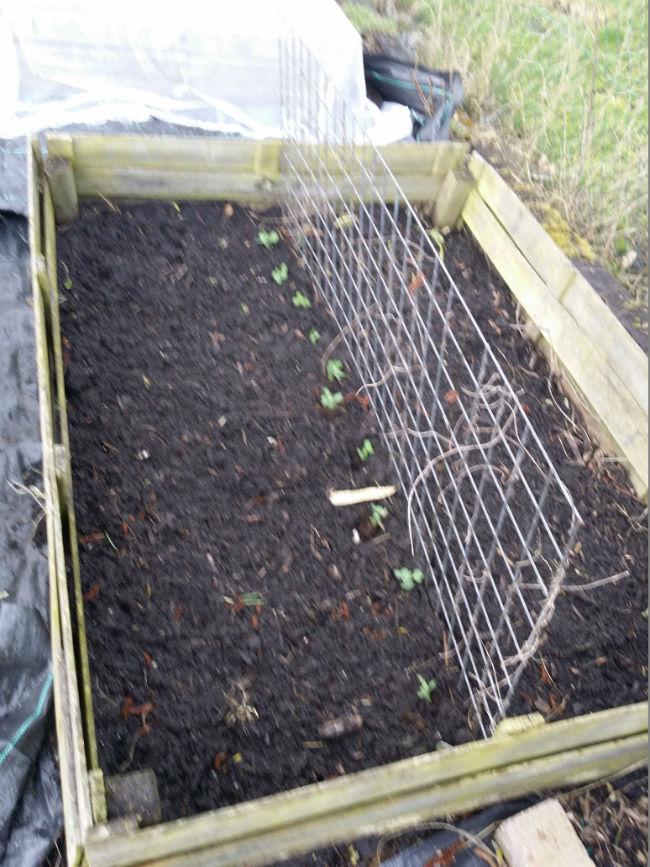
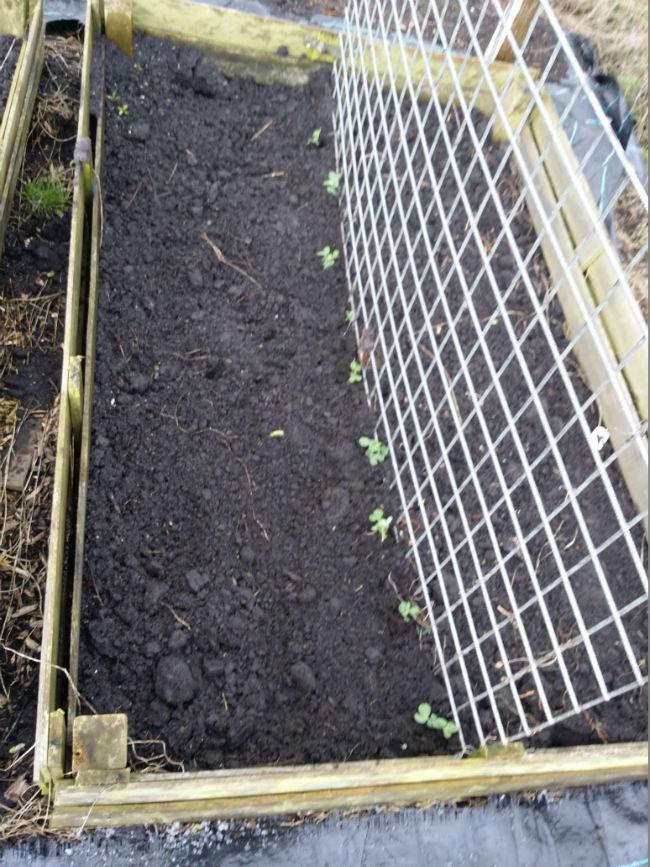
Twee bakken met erwten gezaaid:

2015040112465363621427889031.jpg

2015040112470758361427889037.jpg


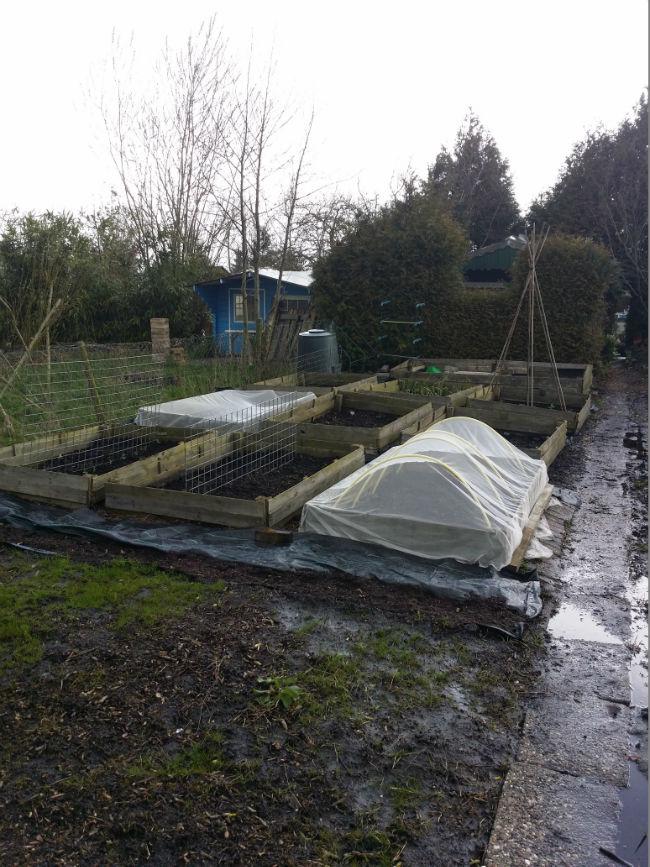
Overzichtje van de natte tuin:

2015040112472373281427889044.jpg


Rijtje met bessenstruikjes. Vorig jaar vanuit het park 4 takjes meegenomen en deze in de grond gezet. Doet het goed!
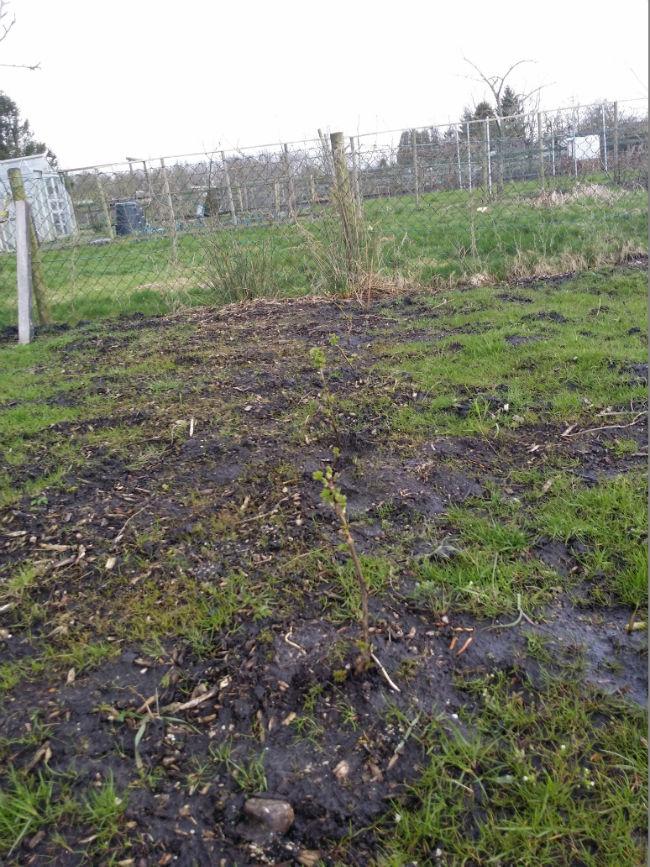
2015040112473113551427889051.jpg


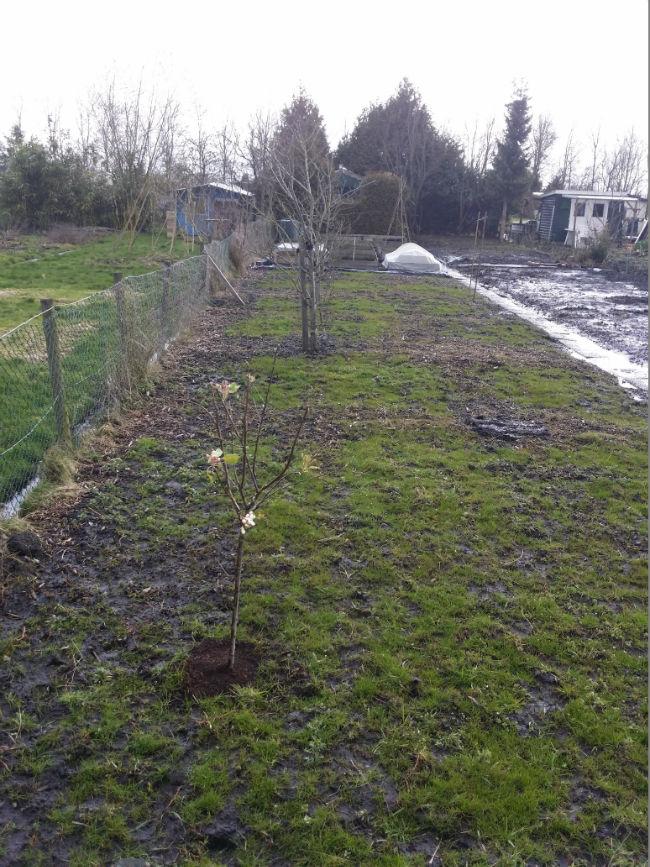
Tevens een nieuw appelboompje geplant. Een boom met 5 soorten appel er aan. Ik ben benieuwd wat dit oplevert en of het echt goed werkt. Er ging 50% af bij de Gamma. Dus kon hem niet laten staan:
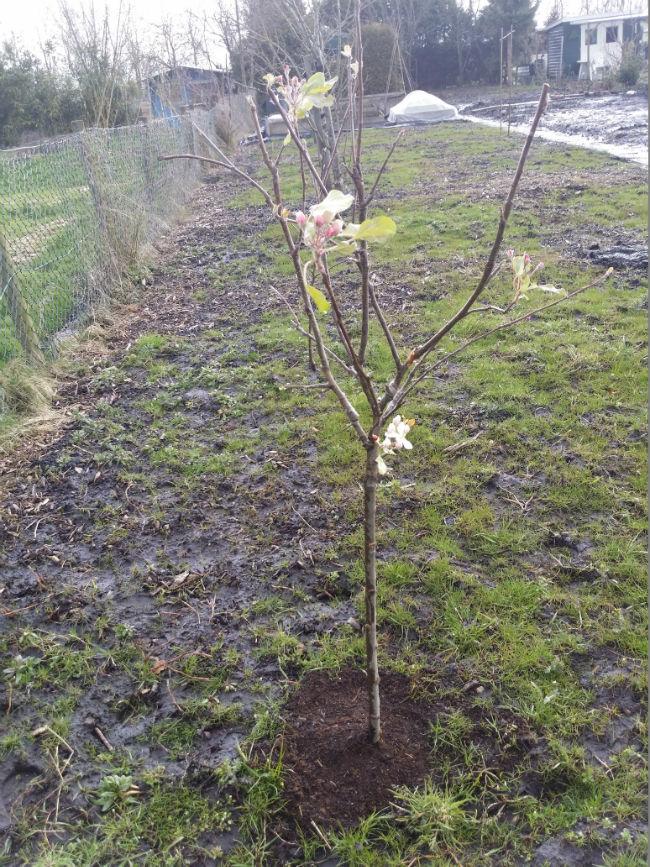
 

2015040112480469571427889059.jpg


De tuin vanaf de straat

2015040112483462781427889067.jpg

0 Comments

Recommended Comments

There are no comments to display.

Guest
Add a comment...

Configure browser push notifications

Chrome (Android)
  1. Tap the lock icon next to the address bar.
  2. Tap Permissions → Notifications.
  3. Adjust your preference.
Chrome (Desktop)
  1. Click the padlock icon in the address bar.
  2. Select Site settings.
  3. Find Notifications and adjust your preference.