


Jump to content
View in the app

A better way to browse. Learn more.

Moestuin Forum

A full-screen app on your home screen with push notifications, badges and more.

To install this app on iOS and iPadOS
  1. Tap the Share icon in Safari
  2. Scroll the menu and tap Add to Home Screen.
  3. Tap Add in the top-right corner.
To install this app on Android
  1. Tap the 3-dot menu (⋮) in the top-right corner of the browser.
  2. Tap Add to Home screen or Install app.
  3. Confirm by tapping Install.

Vandaag pepers en paprika's een groter potje gegeven. Hierna nog 1maal groter en dan gaan ze naar buiten.
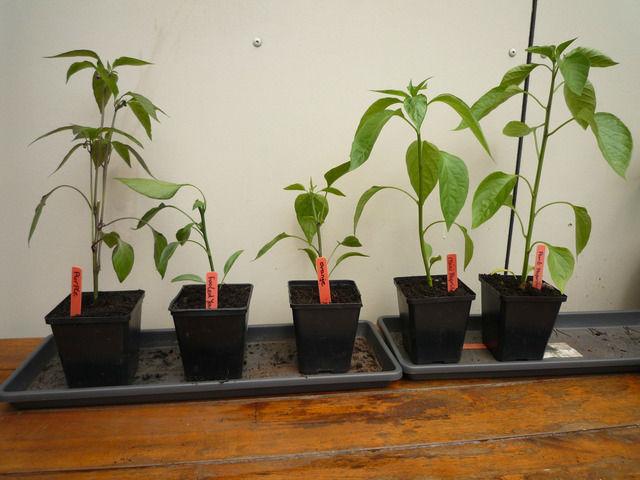
P110018477141500982201.jpg


De jalapeno "purple" gaat hard! zelfs al bloemknoppen
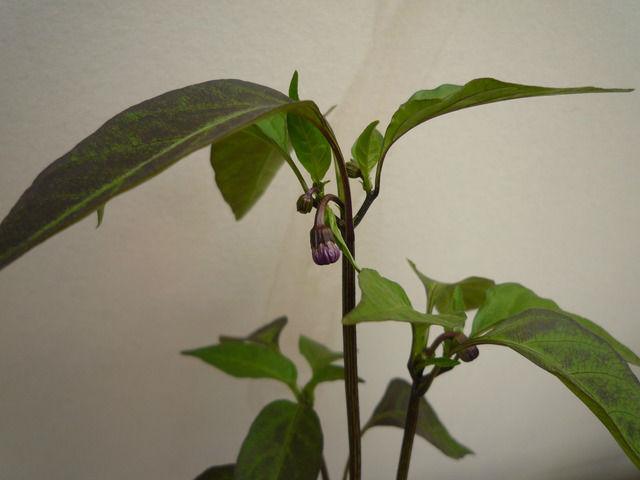
P110018516531500982207.jpg

deze getopt nadat de splitsing zichtbaar werd. de "orange" en "fooled you" zijn getopt boven het 4e blad maar maken beduidend minder snel nieuwe scheuten aan. De paprika's top ik niet.


Vorige week op advies van oa. appelvrouw de tomaten een stuk dieper geplant. Het is gelukkig goed gegaan met de voorspelde vorst. Zo staan ze er nu bij:
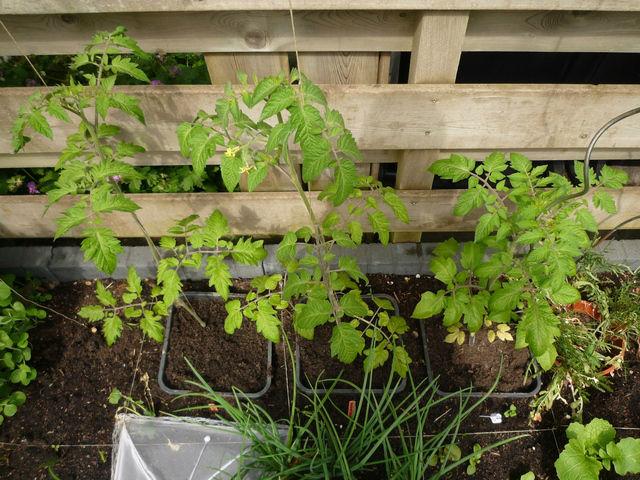
P110018777121500982213.jpg

inmiddels staan er ook buisjes/flesjes bij de pot voor het water geven.


Bonenkruid van bit doet het ook super het ene plantje heeft zich (met een beetje hulp) al lekker verspreid en staat nu in bloei.
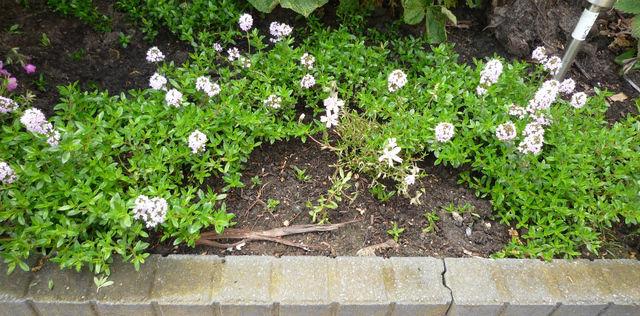
P110019011361500982218.jpg

0 Comments

Recommended Comments

There are no comments to display.

Guest
Add a comment...

Configure browser push notifications

Chrome (Android)
  1. Tap the lock icon next to the address bar.
  2. Tap Permissions → Notifications.
  3. Adjust your preference.
Chrome (Desktop)
  1. Click the padlock icon in the address bar.
  2. Select Site settings.
  3. Find Notifications and adjust your preference.