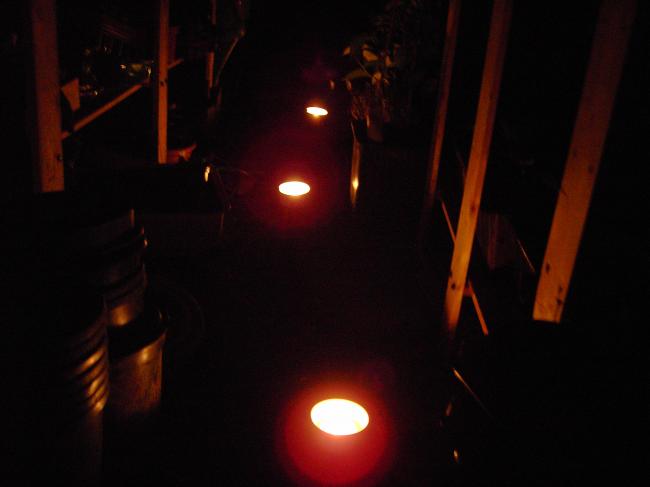
Kas bij kaarslicht Delen https://www.moestuinforum.nl/blogs/entry/353-kas-bij-kaarslicht/ Share on X Deel op Facebook Deel op LinkedIn Delen op Pinterest Meer opties om te delen... Volgers Mijn plantjes in de kas gaan een romantische nacht tegemoet.....ik hoop dat ze het overleven....de thermometer gaf nu al 2 graden aan....dus kaarsjes aangemaakt:
sammetje Leden Geplaatst: 1 april 201214 j Meer informatie van deze gebruiker De kaarsjestip had ik ik ook al ergens op internet gelezen, wat leuk om hem ook eens toegepast te zien. En heeft het gewerkt?
Supermoeke Leden Geplaatst: 1 april 201214 j Meer informatie van deze gebruiker Ziet er heel gezellig uit.. Ik hoop dat het werkt.. Succes..
geedee Leden Geplaatst: 1 april 201214 j Meer informatie van deze gebruiker De temperatuur gaf wel -2 aan maar heb geen schade...buiten was het -6 geweest.




Aanbevolen reacties