Jump to content
View in the app

A better way to browse. Learn more.

Moestuin Forum

A full-screen app on your home screen with push notifications, badges and more.

To install this app on iOS and iPadOS
  1. Tap the Share icon in Safari
  2. Scroll the menu and tap Add to Home Screen.
  3. Tap Add in the top-right corner.
To install this app on Android
  1. Tap the 3-dot menu (⋮) in the top-right corner of the browser.
  2. Tap Add to Home screen or Install app.
  3. Confirm by tapping Install.

hoi allemaal,


helaas niet veel laten horen van me dit jaar.

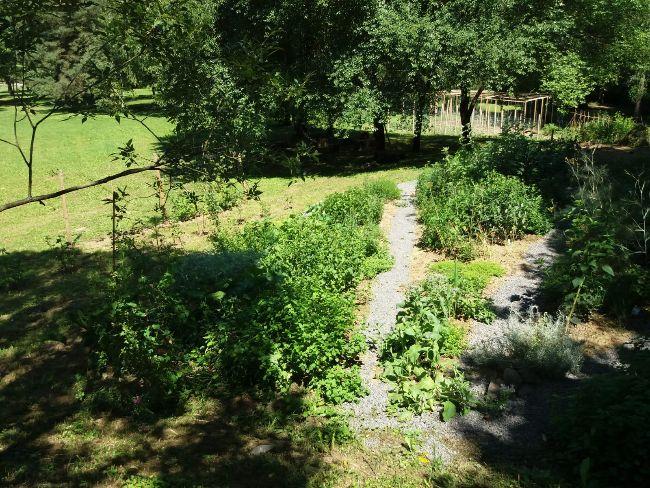
heb het erg druk gehad met de aanleg van de nieuwe tuin en het eerste tuinseizoen daar. ook is de camping van mijn ouders en mij, officieel geopend wat erg veel werk is.

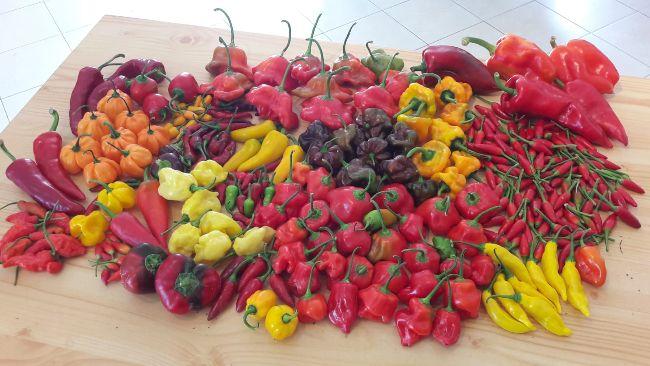
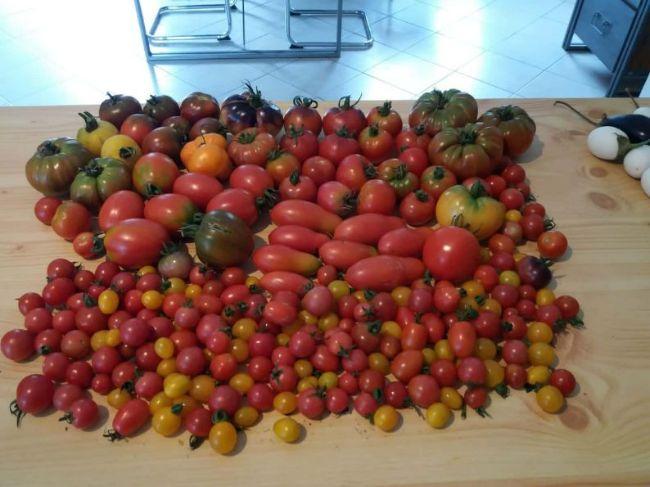
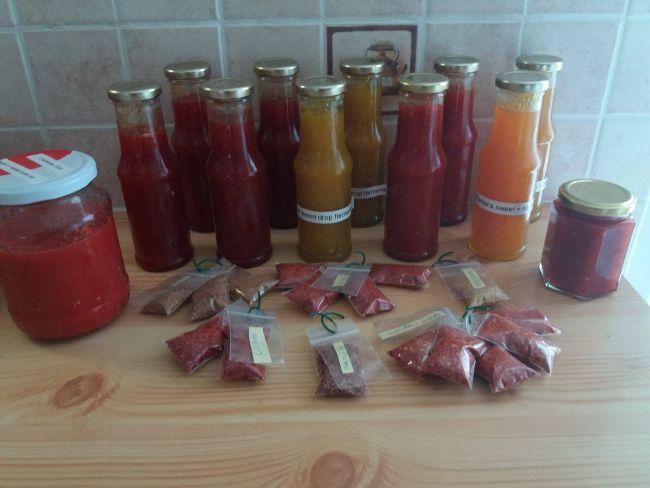
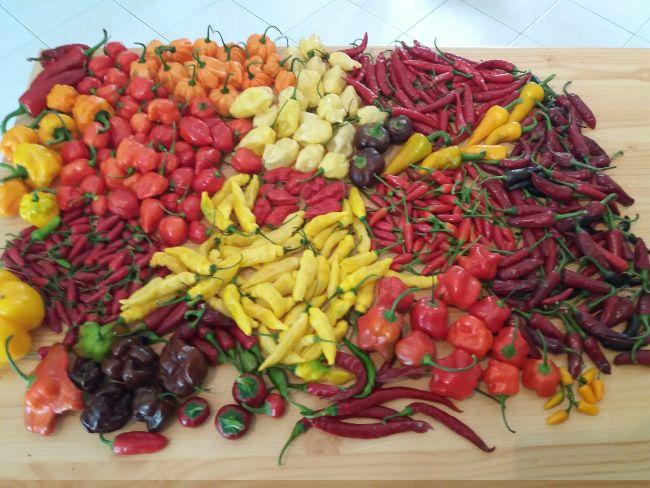
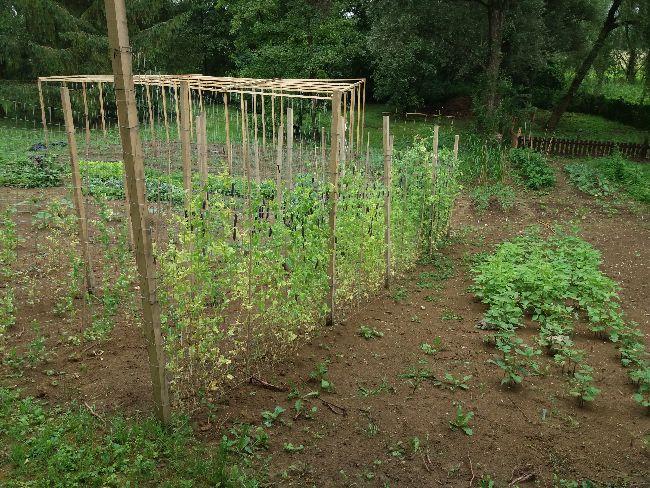
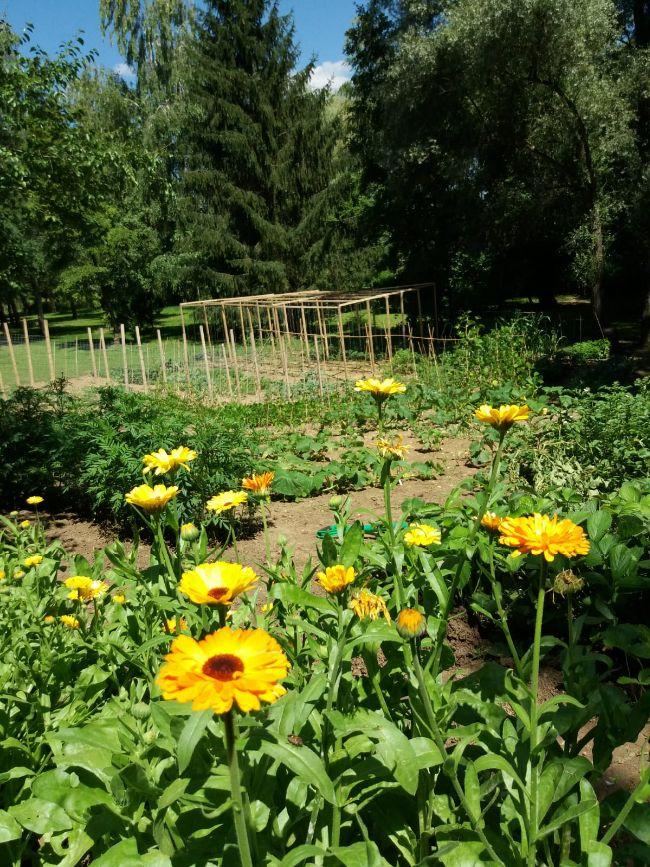
bij deze nog een klein overzichtje (helaas weinig overzichts foto's, die staan op mn telefoon die kapot is)
 

2018061510485621761536941250.jpg

WhatsApp-Image-2018-09-03-at-1838621536941313.27

WhatsApp-Image-2018-09-03-at-1811681536941314.27

pepers-september-201825181536940706.jpeg

oogst-tomaten-100kb-800pixels60281536941260.jpg

pepers-tuin-2018-02-min37451536941281.jpeg

pepers-tuin-201892941536941289.jpeg

1 Comment

Recommended Comments

Guest
Add a comment...

Configure browser push notifications

Chrome (Android)
  1. Tap the lock icon next to the address bar.
  2. Tap Permissions → Notifications.
  3. Adjust your preference.
Chrome (Desktop)
  1. Click the padlock icon in the address bar.
  2. Select Site settings.
  3. Find Notifications and adjust your preference.