


Jump to content
View in the app

A better way to browse. Learn more.

Moestuin Forum

A full-screen app on your home screen with push notifications, badges and more.

To install this app on iOS and iPadOS
  1. Tap the Share icon in Safari
  2. Scroll the menu and tap Add to Home Screen.
  3. Tap Add in the top-right corner.
To install this app on Android
  1. Tap the 3-dot menu (⋮) in the top-right corner of the browser.
  2. Tap Add to Home screen or Install app.
  3. Confirm by tapping Install.

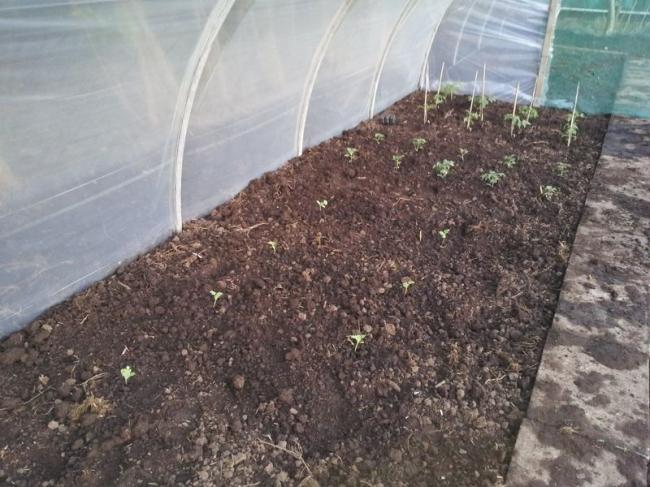
Gisteravond vast het een en ander in de kas geplant. Ik had een paar weken terug al tomaten komkommer en watermeloen gezaaid in huis. En later in potjes in de tuin gezet.

Die stonden te wachten tot de kas klaar was.


Op de voorgrond de watermeloen daarachter 2 rijtjes cherrytomaat en 2 rijtjes normale tomaat.
 

2012061822025864011340093100.jpg


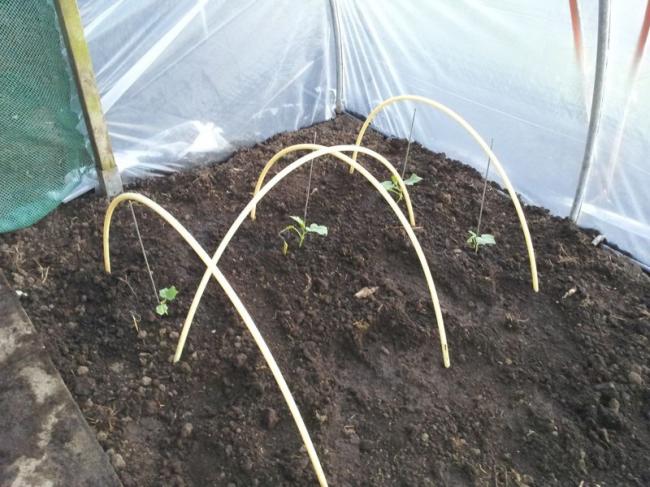
Aan de andere kant een paar komkommerplantjes die hebben het een tijd erg moeilijk gehad maar zijn het toch gaan doen.

Er ligt nu een net over om ze te beschermen tegen directe zon. De tunnel moet nog wit gekalkt.
 

2012061822033021231340093151.jpg


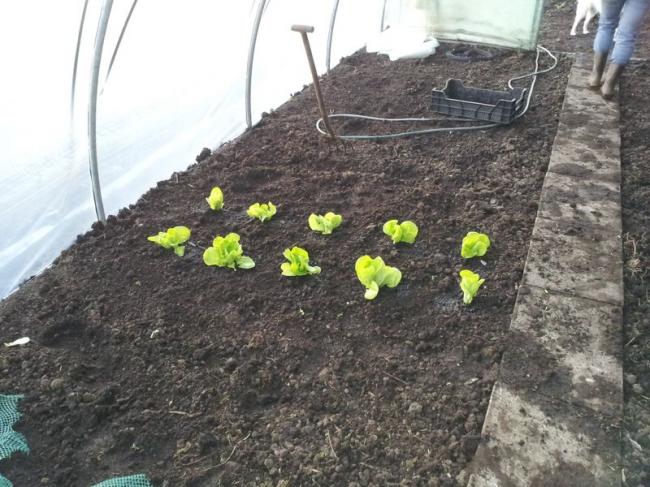
Stond buiten nog een beetje sla in de weg. Ik hoop dat het werkt in een tunnel. Ik las later dat ze kunnen doorschieten.
 

2012061822031731591340093231.jpg


Wordt vervolgd

0 Comments

Recommended Comments

There are no comments to display.

Guest
Add a comment...

Configure browser push notifications

Chrome (Android)
  1. Tap the lock icon next to the address bar.
  2. Tap Permissions → Notifications.
  3. Adjust your preference.
Chrome (Desktop)
  1. Click the padlock icon in the address bar.
  2. Select Site settings.
  3. Find Notifications and adjust your preference.
