


Jump to content
View in the app

A better way to browse. Learn more.

Moestuin Forum

A full-screen app on your home screen with push notifications, badges and more.

To install this app on iOS and iPadOS
  1. Tap the Share icon in Safari
  2. Scroll the menu and tap Add to Home Screen.
  3. Tap Add in the top-right corner.
To install this app on Android
  1. Tap the 3-dot menu (⋮) in the top-right corner of the browser.
  2. Tap Add to Home screen or Install app.
  3. Confirm by tapping Install.

Teeltplan

-


Aangestoken door jullie verhalen en de lekkere soep dit jaar maar weer eens een poging wagen met pompoen. De meeste zaden voor dit jaar heb ik al binnen, hier en daar nog wat kleine bestellingen doen eind v/d maand. Voor de rest niet te moeilijk doen met nieuwe dingen omdat ik al weet dat ik dit jaar wat minder tijd heb.


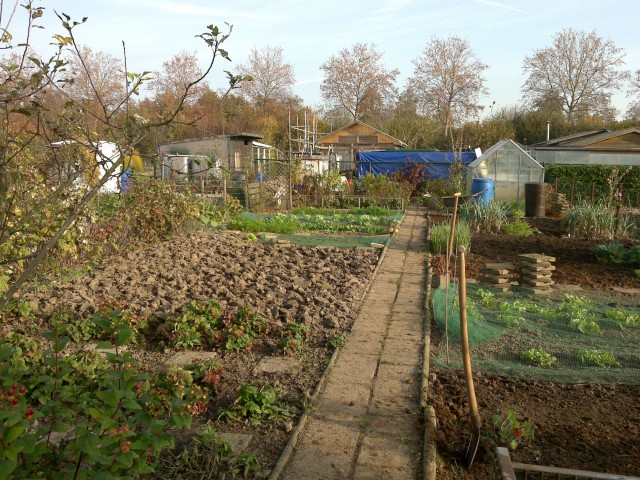
Tuin in oktober 2011
resized_93_292a7d26d784cfbd9da392ae56ce3ca2.jpg

0 Comments

Recommended Comments

There are no comments to display.

Guest
Add a comment...

Configure browser push notifications

Chrome (Android)
  1. Tap the lock icon next to the address bar.
  2. Tap Permissions → Notifications.
  3. Adjust your preference.
Chrome (Desktop)
  1. Click the padlock icon in the address bar.
  2. Select Site settings.
  3. Find Notifications and adjust your preference.