Jump to content
View in the app

A better way to browse. Learn more.

Moestuin Forum

A full-screen app on your home screen with push notifications, badges and more.

To install this app on iOS and iPadOS
  1. Tap the Share icon in Safari
  2. Scroll the menu and tap Add to Home Screen.
  3. Tap Add in the top-right corner.
To install this app on Android
  1. Tap the 3-dot menu (⋮) in the top-right corner of the browser.
  2. Tap Add to Home screen or Install app.
  3. Confirm by tapping Install.

Wat een lekker weertje! We zijn hele dagen buiten bezig, en er bloeit alweer van alles!


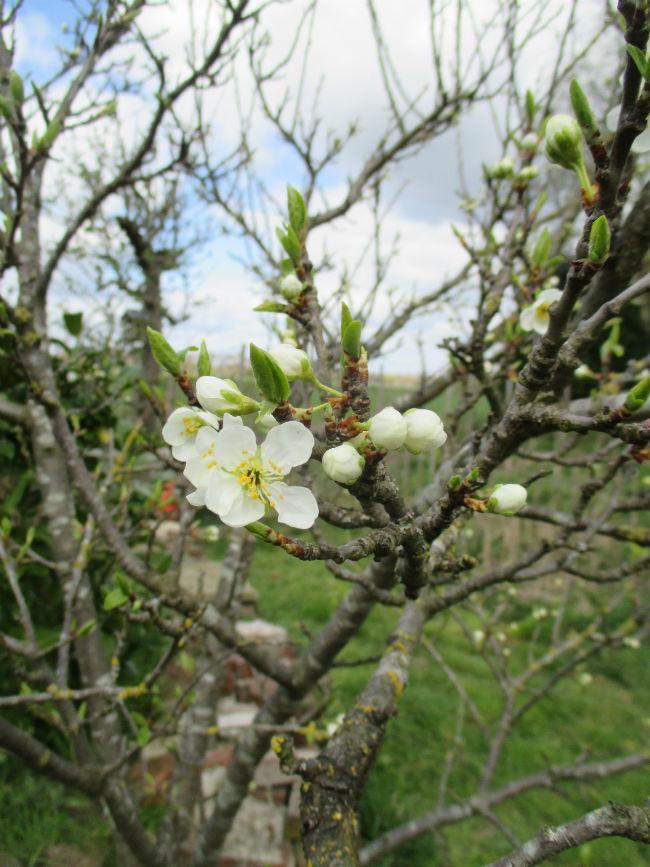
Pruim,
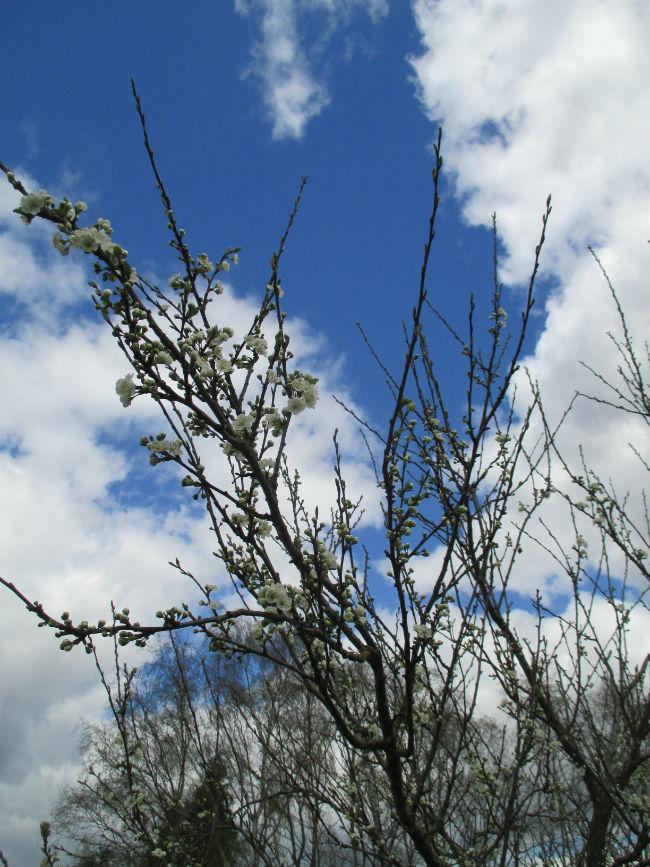
IMG798025671429506983.JPG


Nog een pruim

IMG798252261429507011.JPG


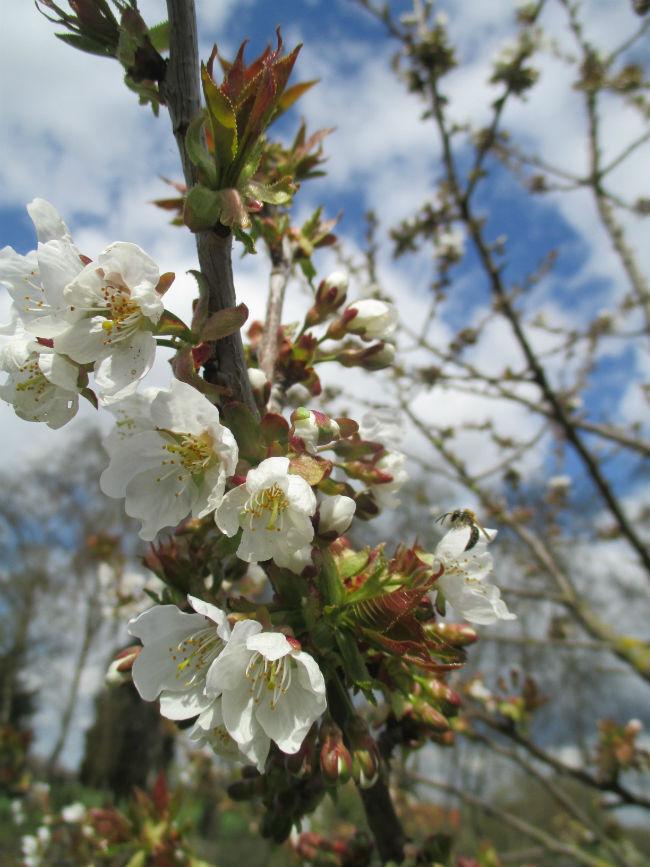
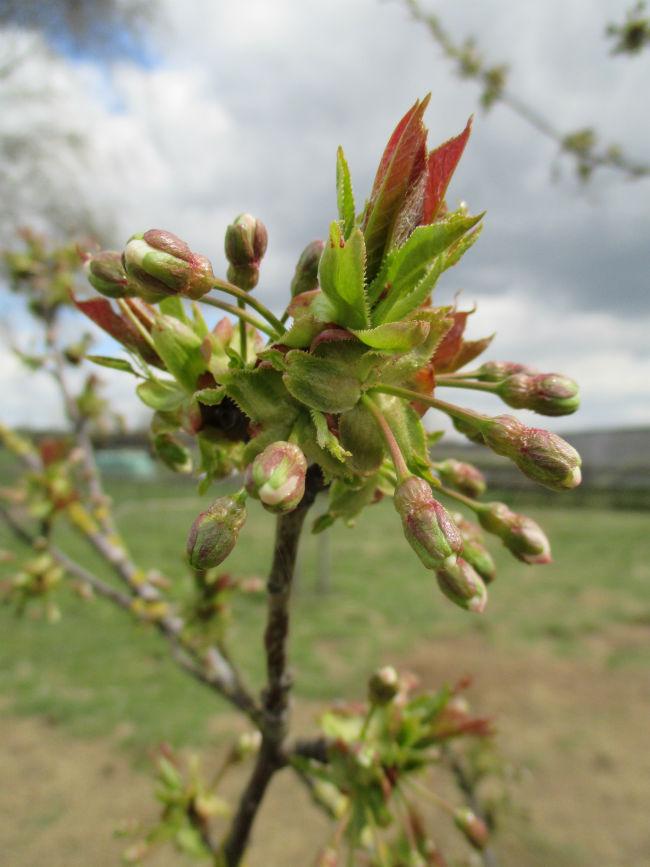
Kers:

IMG798499971429507034.JPG


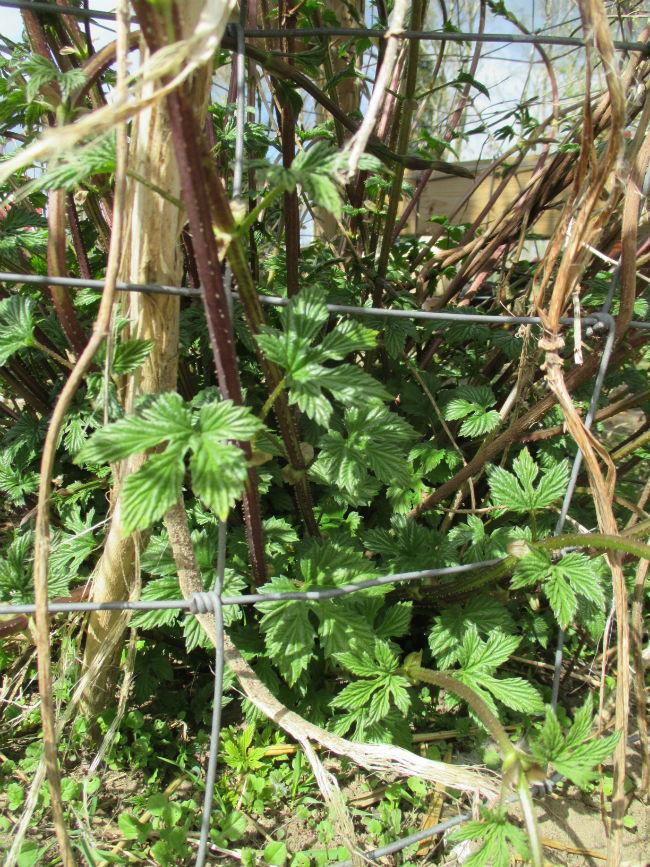
De hop loopt alweer flink uit:

IMG798685301429507063.JPG


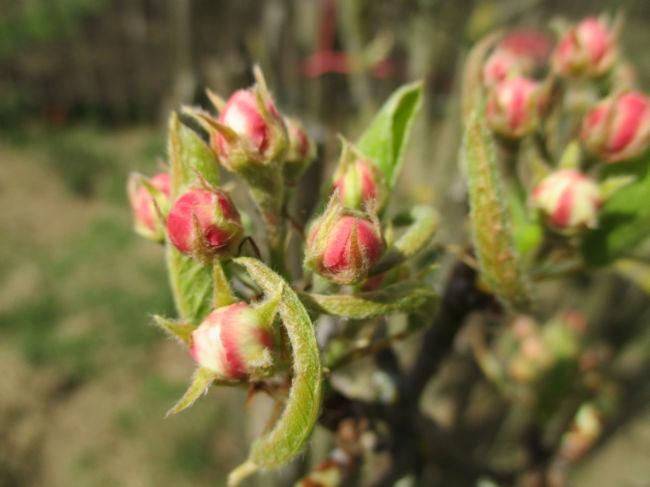
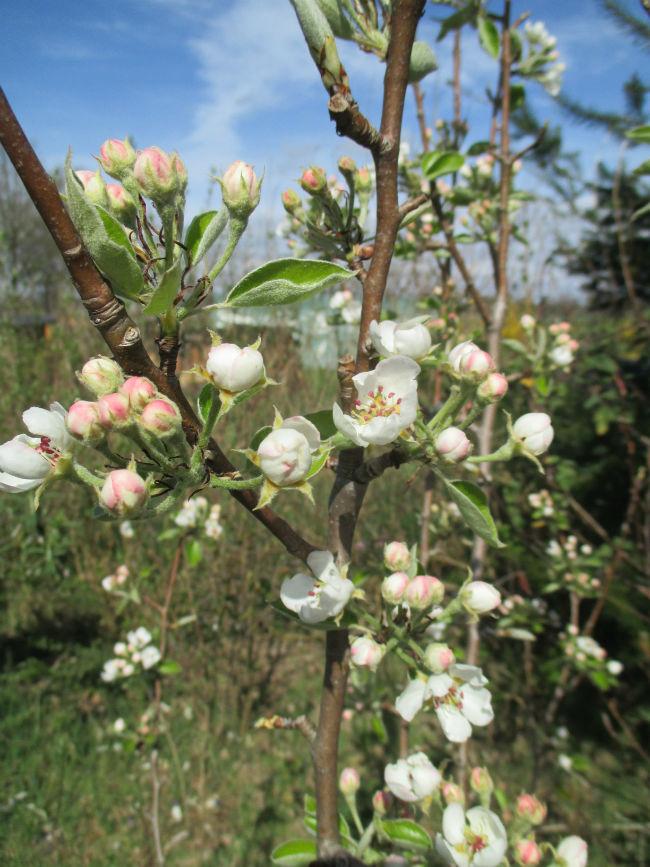
Peer:

IMG798828051429507091.JPG


Nog een kers:

IMG799038971429507128.JPG


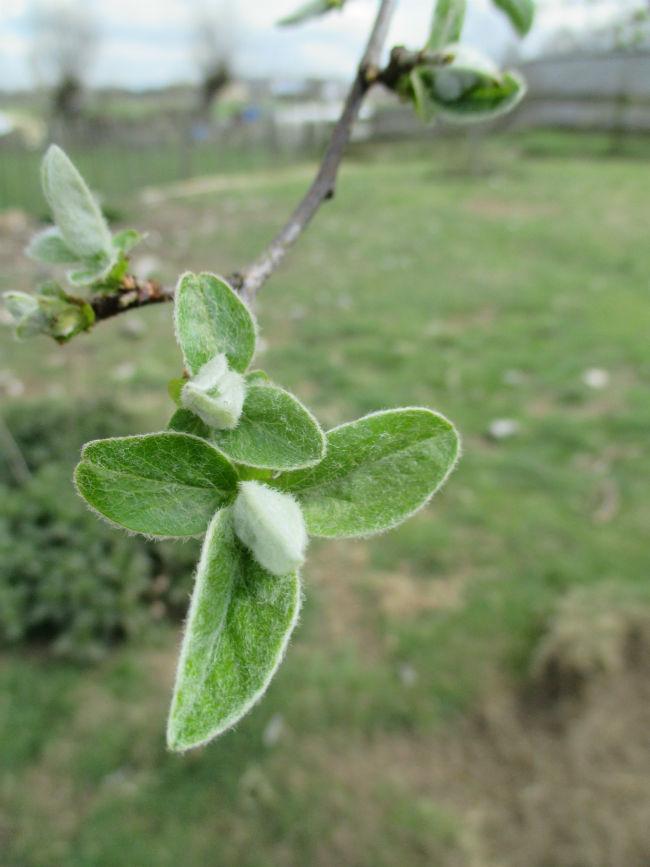
De kwee maakt eerst fluweelzacht blad:
IMG799193501429507164.JPG


Stoofpeer:

IMG803873241429507524.JPG


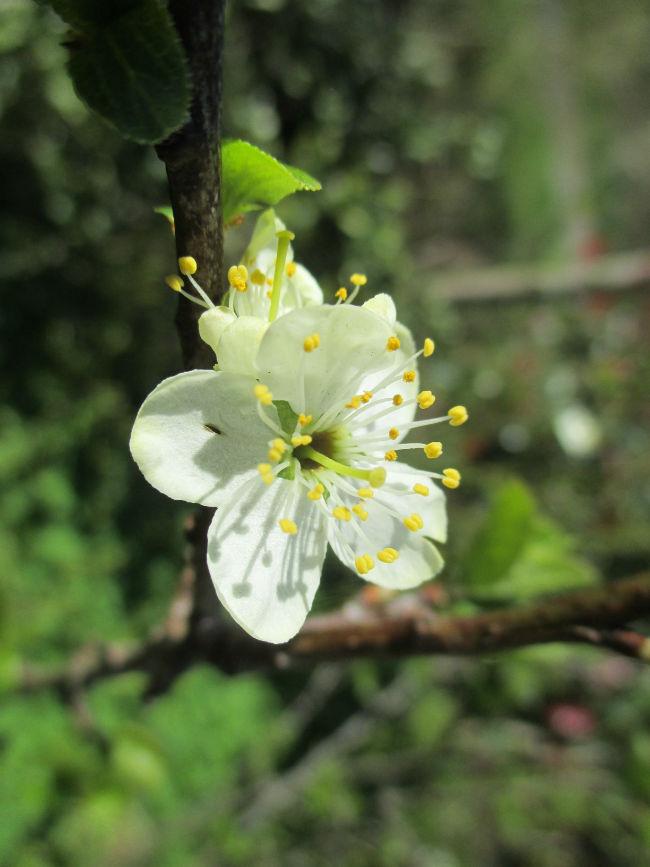
Uitgelopen onderstam van een fruitboompje wat dood ging:
IMG804870481429507593.JPG


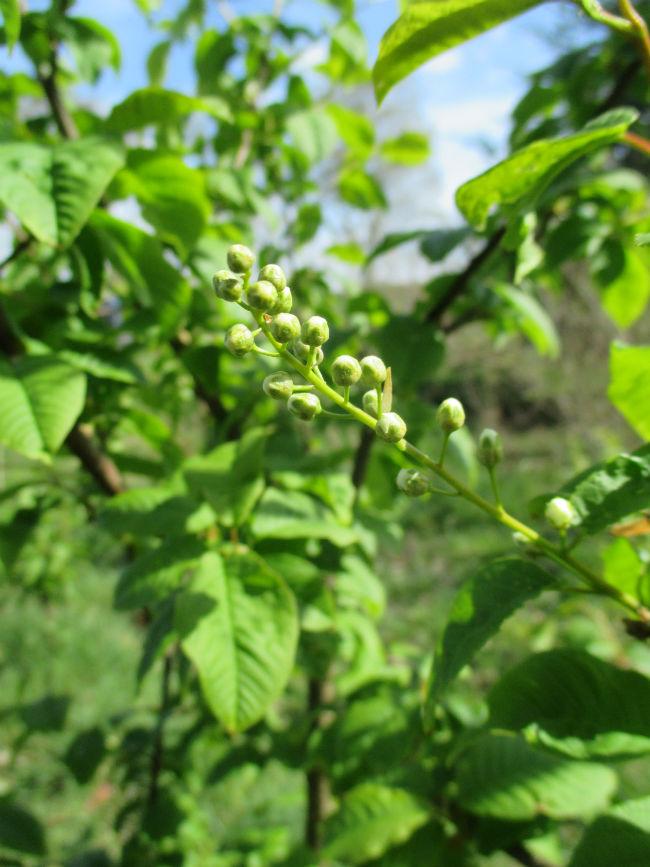
Vogelkers, bloeit bijna:

IMG804684351429507560.JPG


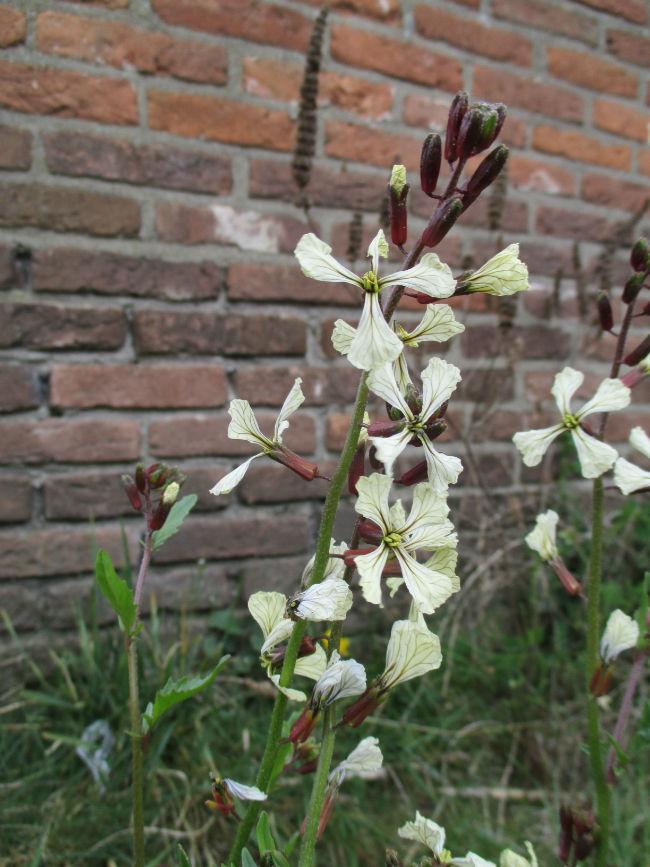
Rucola van vorig jaar, tussen de stenen, bloeit ook:
IMG799288611429507206.JPG


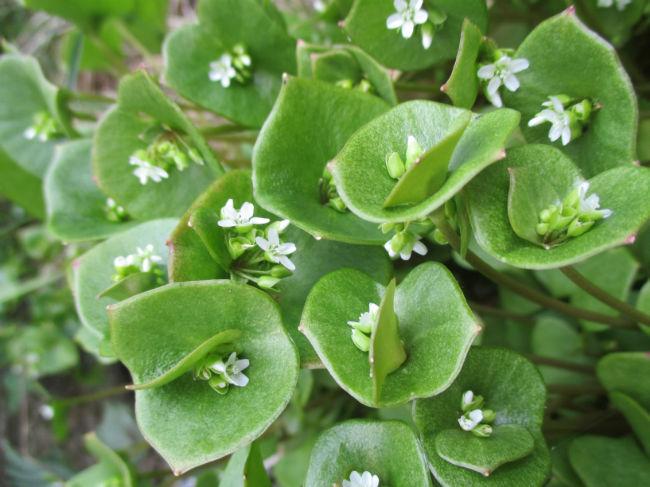
De winterpostelein schiet ook in de bloei. Ook tussen de stenen, deze:
IMG799565851429507227.JPG


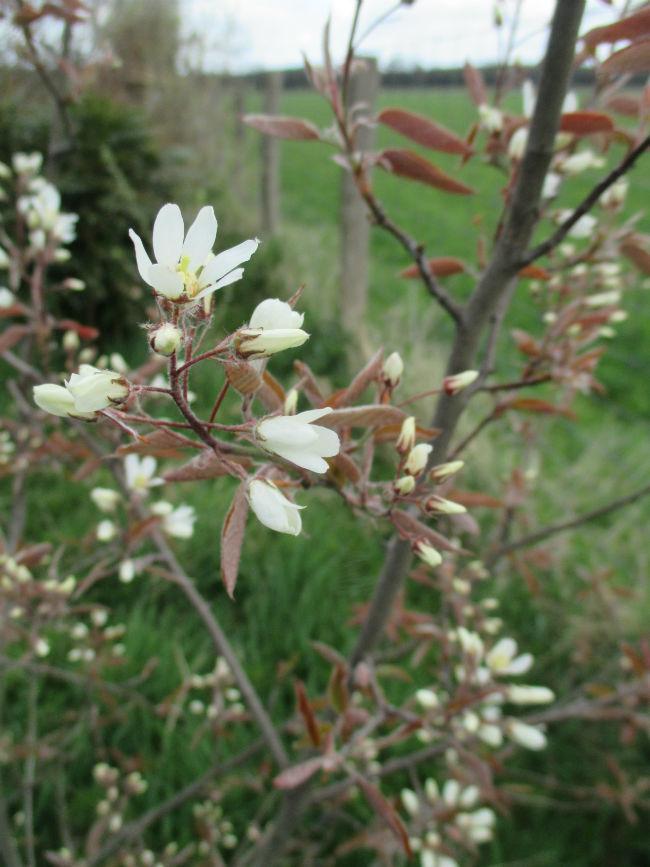
Krentenboompje:

IMG799663751429507245.JPG


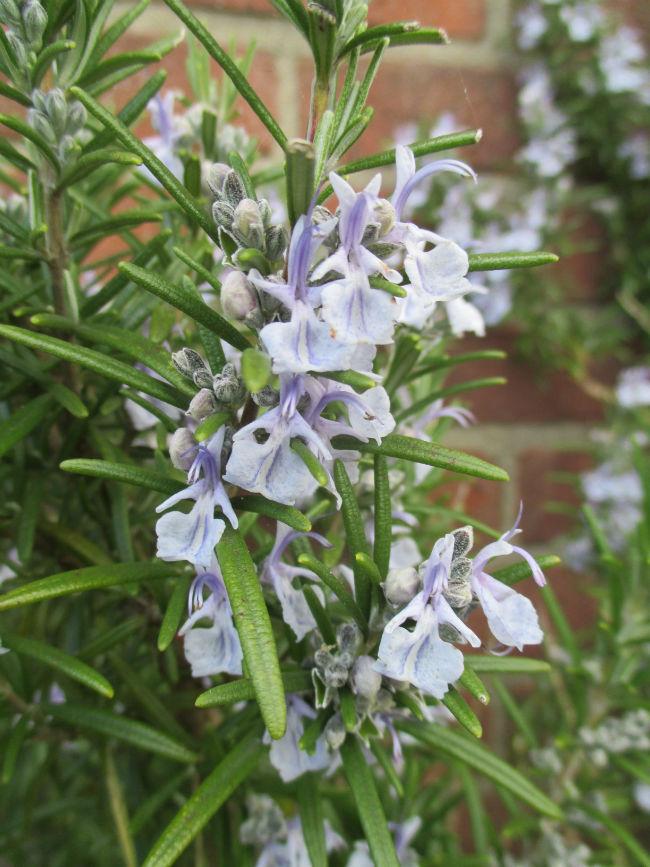
Rozemarijn:

IMG800046531429507260.JPG


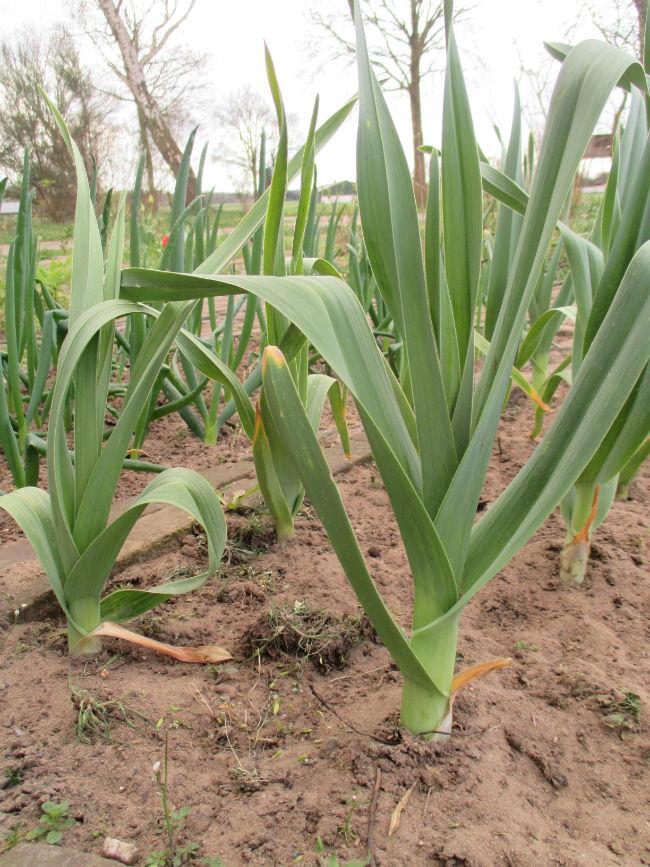
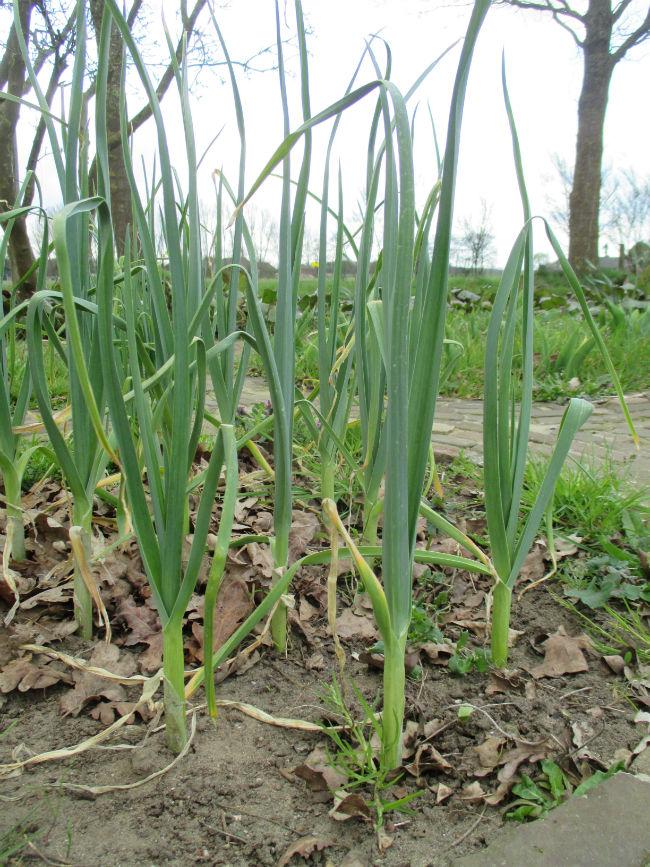
De olifantenlook lijkt wel prei:

IMG800228041429507279.JPG


De oerprei dan weer niet (maar doet het toch mooi):
IMG800589021429507328.JPG


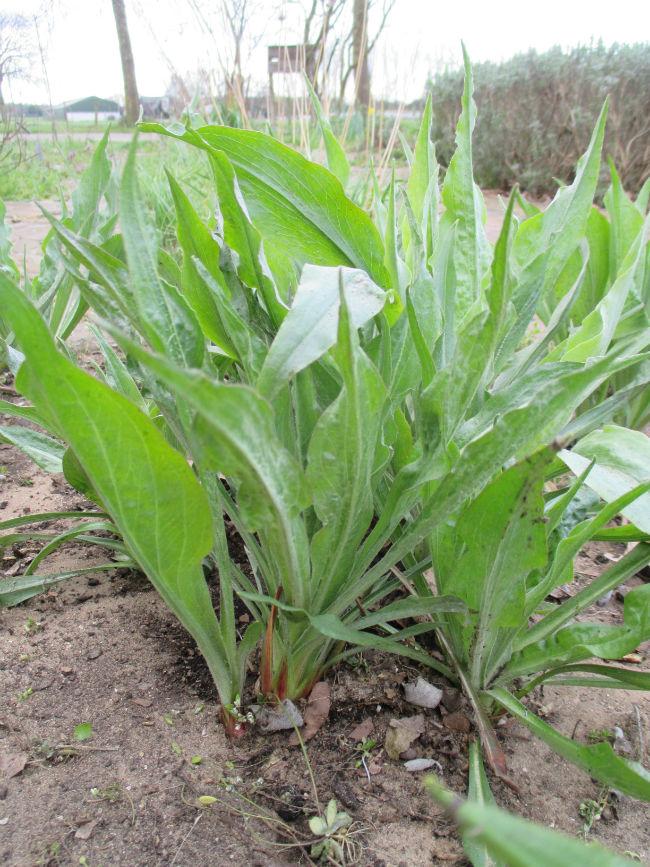
Ik heb heel wat schorseneren staan, maar dan voor de bloemen. Die naar chocolade ruiken
IMG800367851429507313.JPG


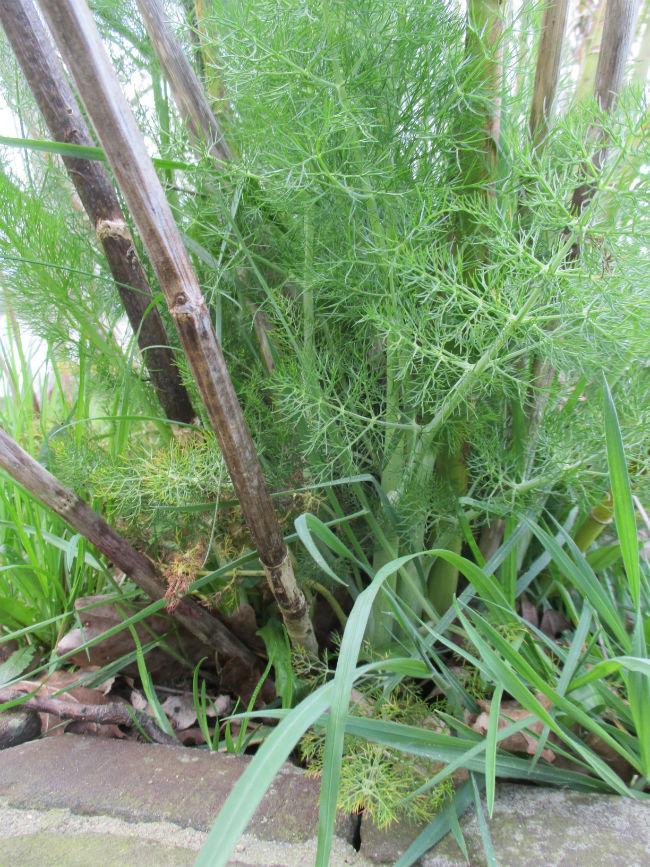
Kruidvenkel is de hele winter groen geweest. Groen van de nieuwe scheuten, want de oude stengels zijn afgestorven.
IMG800672531429507361.JPG


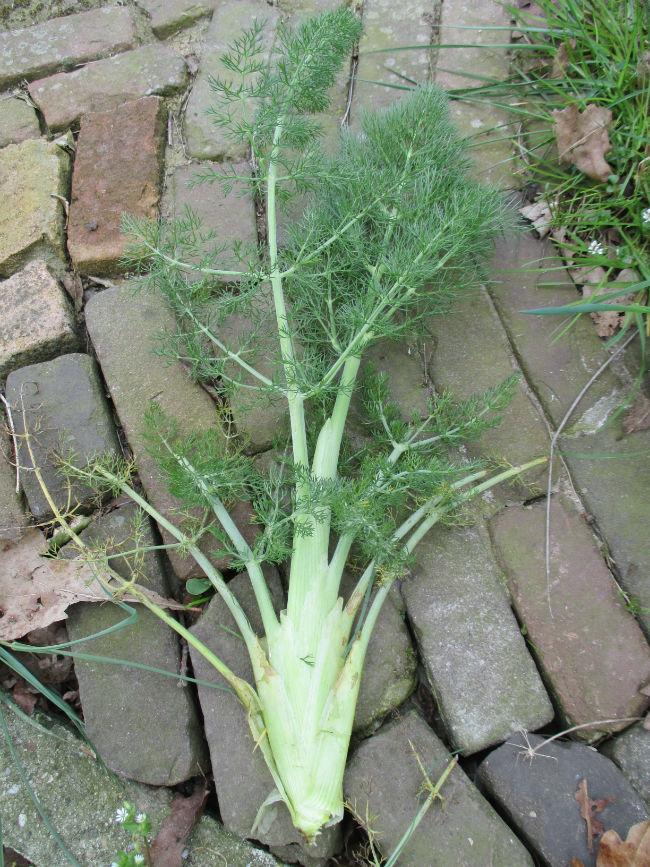
Ik heb er een scheut vanaf gebroken, en gegeten als knolvenkel (dunne reepjes door de sla).
IMG800866191429507400.JPG


Ik was hem kwijt, maar heb toch weer een sprietje gevonden; het bonte zevenblad!
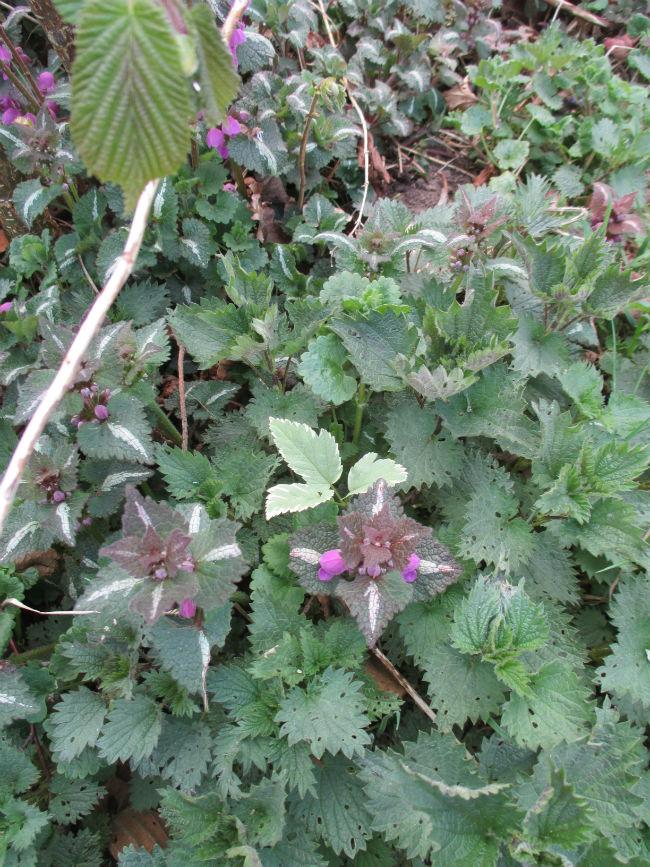
IMG800917471429507438.JPG

1 Comment

Recommended Comments

Mari

Members

Moet prachtig zijn bij jullie met al die bloesems

Guest
Add a comment...

Configure browser push notifications

Chrome (Android)
  1. Tap the lock icon next to the address bar.
  2. Tap Permissions → Notifications.
  3. Adjust your preference.
Chrome (Desktop)
  1. Click the padlock icon in the address bar.
  2. Select Site settings.
  3. Find Notifications and adjust your preference.