Jump to content
View in the app

A better way to browse. Learn more.

Moestuin Forum

A full-screen app on your home screen with push notifications, badges and more.

To install this app on iOS and iPadOS
  1. Tap the Share icon in Safari
  2. Scroll the menu and tap Add to Home Screen.
  3. Tap Add in the top-right corner.
To install this app on Android
  1. Tap the 3-dot menu (⋮) in the top-right corner of the browser.
  2. Tap Add to Home screen or Install app.
  3. Confirm by tapping Install.

Het heeft even geduurd voordat ik weer een update kon plaatsen op deze blog omdat ik op vakantie was. In ieder geval gaat het goed met de moestuin! Bijna alles zit er nu in en groeit goed, de palmkool was helaas dood gegaan maar ik had er eentje extra gezaaid dus die kan ik hier dan gelukkig weer terugzetten.
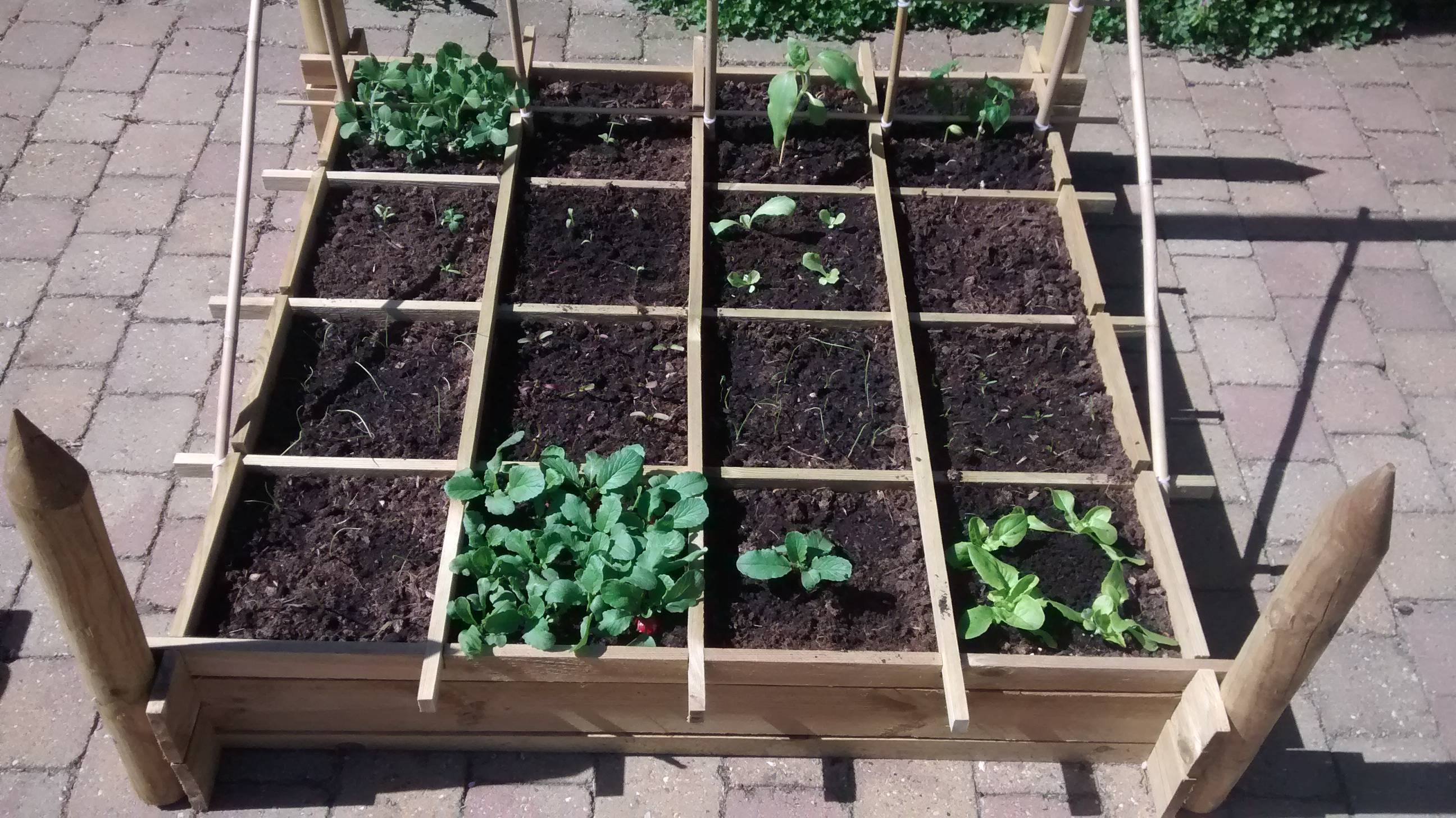
OjIh7p5.jpg


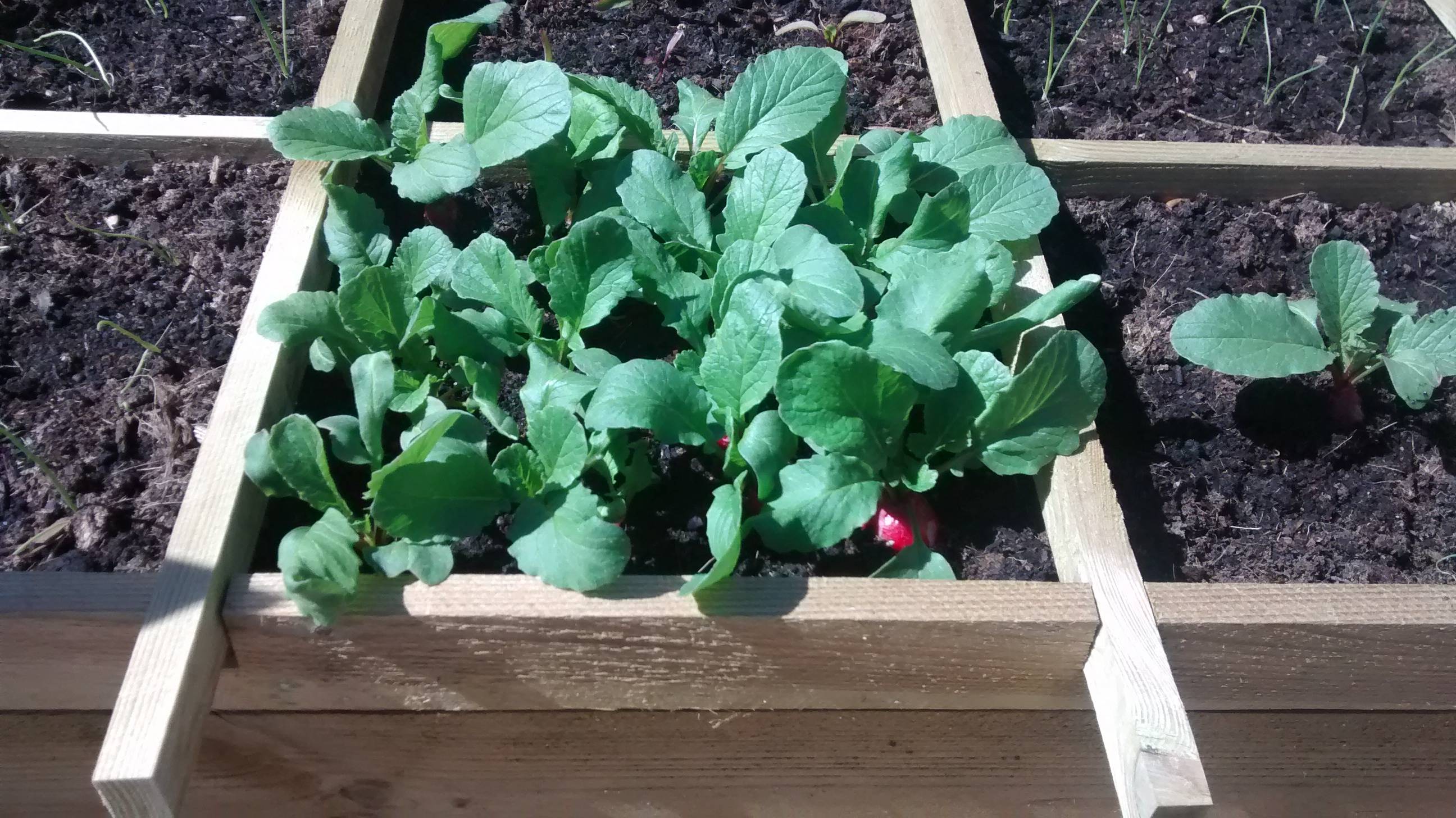
De radijsjes gaan nu erg hard!

HyuaXKY.jpg


Ik heb er zelfs al eentje kunnen oogsten
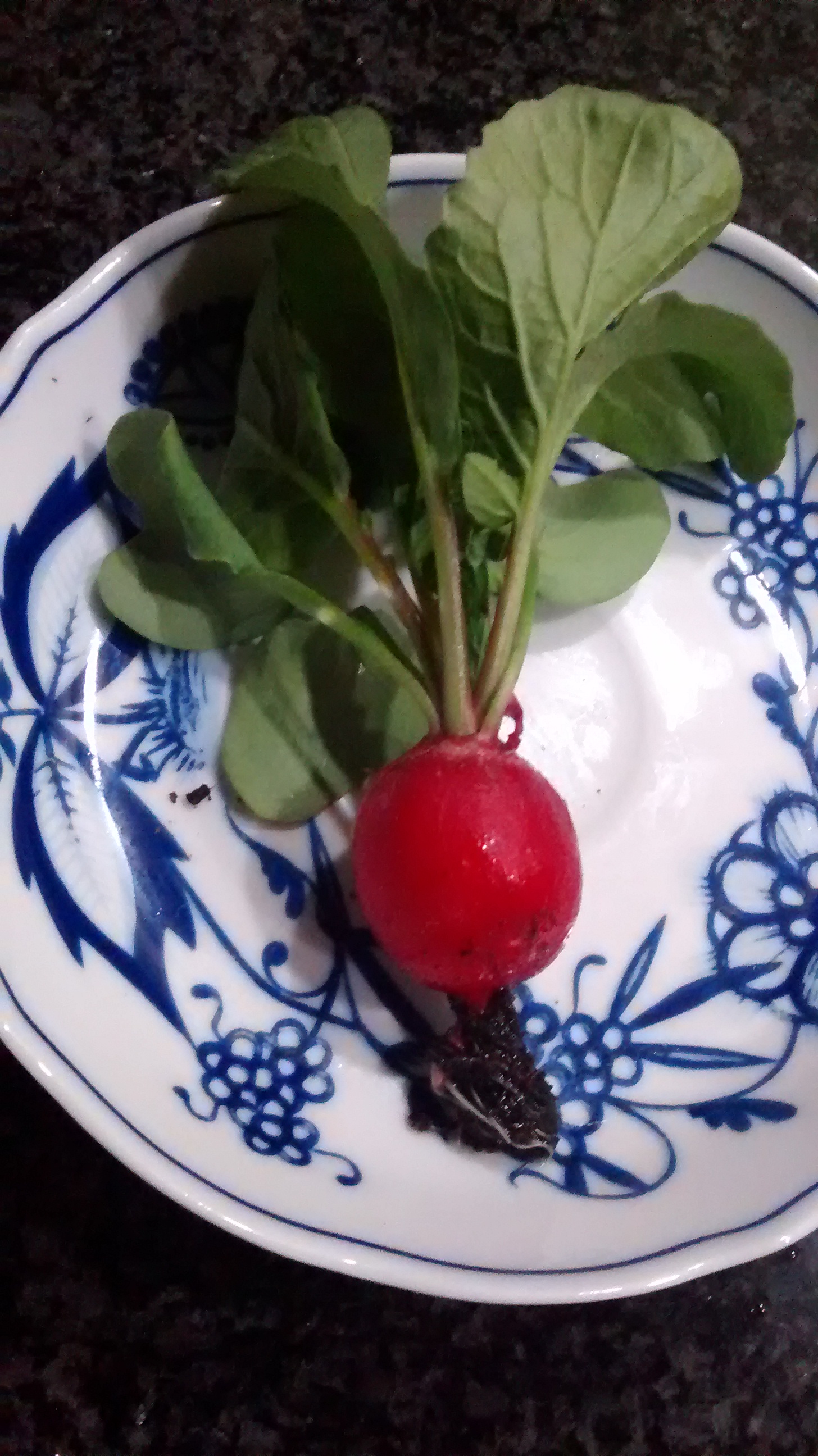
bLjQehh.jpg


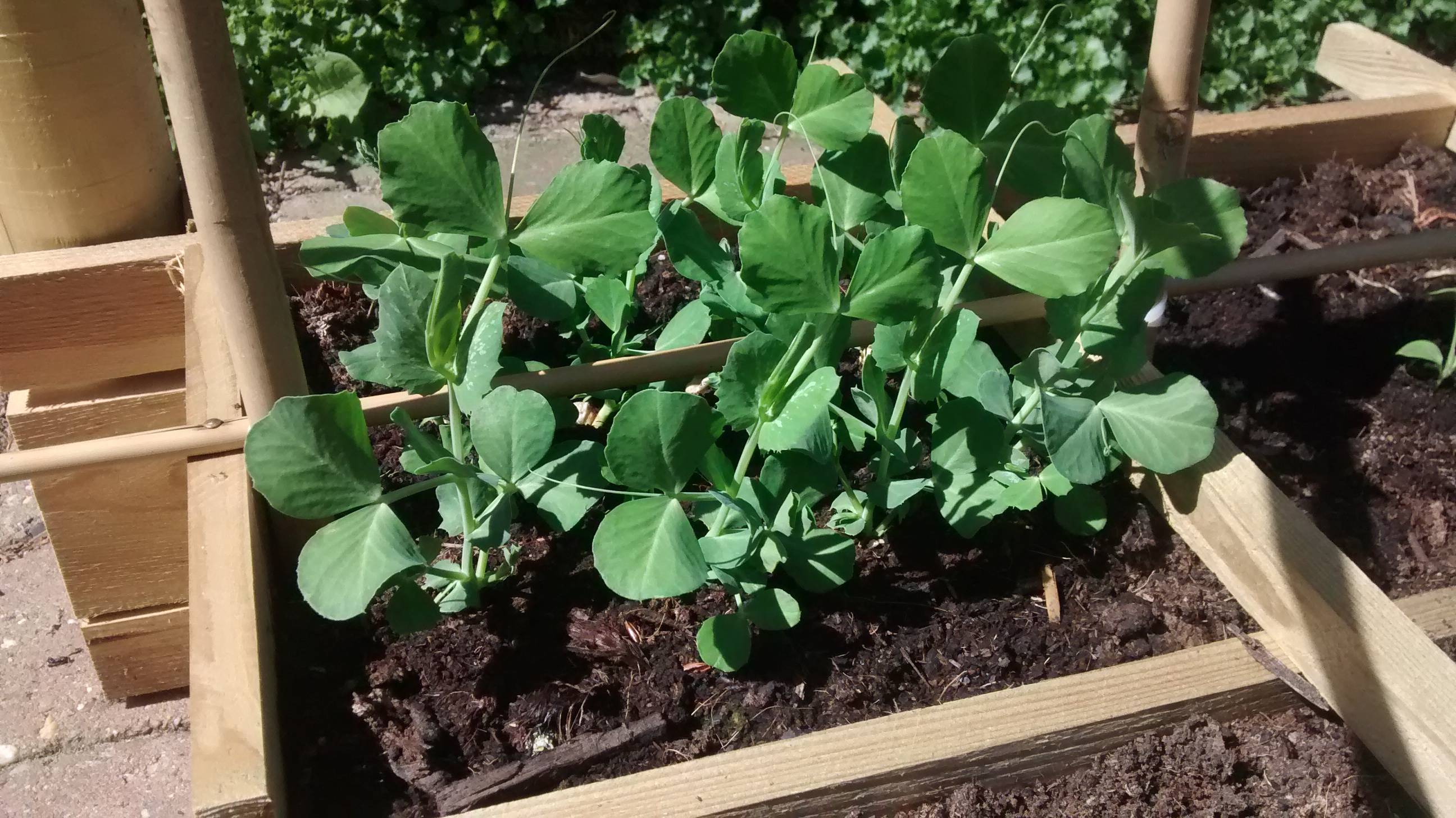
Ook de sugar snaps zijn in een groeispurt terecht komen, ik zie ze bijna groeien als ik er naar kijk
bBBMxwZ.jpg

0 Comments

Recommended Comments

There are no comments to display.

Guest
Add a comment...

Configure browser push notifications

Chrome (Android)
  1. Tap the lock icon next to the address bar.
  2. Tap Permissions → Notifications.
  3. Adjust your preference.
Chrome (Desktop)
  1. Click the padlock icon in the address bar.
  2. Select Site settings.
  3. Find Notifications and adjust your preference.