Jump to content
View in the app

A better way to browse. Learn more.

Moestuin Forum

A full-screen app on your home screen with push notifications, badges and more.

To install this app on iOS and iPadOS
  1. Tap the Share icon in Safari
  2. Scroll the menu and tap Add to Home Screen.
  3. Tap Add in the top-right corner.
To install this app on Android
  1. Tap the 3-dot menu (⋮) in the top-right corner of the browser.
  2. Tap Add to Home screen or Install app.
  3. Confirm by tapping Install.

Vanmiddag aan het einde van de dag nog even naar de tuin geweest en nog wat op de tuin geklust. Een deel, 32 stuks, van de onderstammen staat nu in de volle grond.


De rest staat nog tijdelijk ingekuild buiten, zodra de grond verder ontdooit kan ik die ook kwijt. Net die ene plek waar ik ze kwijt wil is nog aardig bevroren.
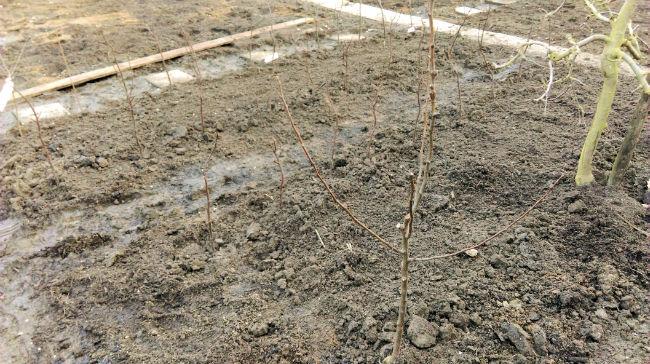
 

onderstammen76511487184239.jpg


De grond is nu grotendeels ontdooit, de compost daarom alvast over de hele grond verspreid zodat er straks gefreesd kunnen worden.
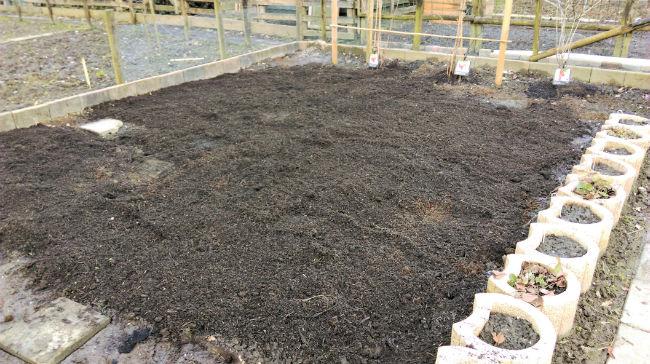
 

compostglad25271487184236.jpg


En eindelijk staat de knoflook in de grond, eerst een heuveltje gemaakt en daarna de knoflook er in.
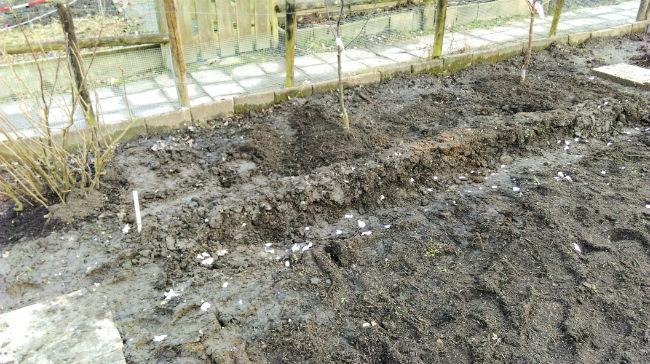
 

knoflook25921487184237.jpg


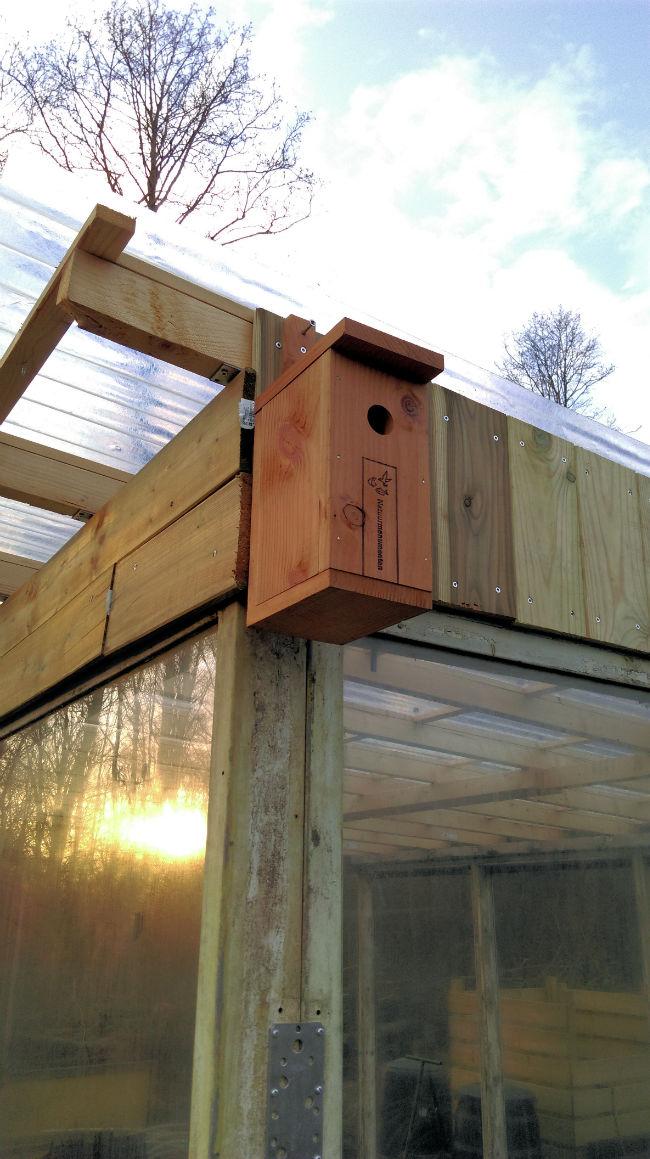
En vogelhuisjes opgehangen.


vogelhuisje99861487184240.jpg

0 Comments

Recommended Comments

There are no comments to display.

Guest
Add a comment...

Configure browser push notifications

Chrome (Android)
  1. Tap the lock icon next to the address bar.
  2. Tap Permissions → Notifications.
  3. Adjust your preference.
Chrome (Desktop)
  1. Click the padlock icon in the address bar.
  2. Select Site settings.
  3. Find Notifications and adjust your preference.