Jump to content
View in the app

A better way to browse. Learn more.

Moestuin Forum

A full-screen app on your home screen with push notifications, badges and more.

To install this app on iOS and iPadOS
  1. Tap the Share icon in Safari
  2. Scroll the menu and tap Add to Home Screen.
  3. Tap Add in the top-right corner.
To install this app on Android
  1. Tap the 3-dot menu (⋮) in the top-right corner of the browser.
  2. Tap Add to Home screen or Install app.
  3. Confirm by tapping Install.

Alles begint nu heel hard te groeien!


Ik heb een paar draadjesespannen tegen de vogels. Die kwamen de aardbeien pikken. Ik hoop dat het helpt.
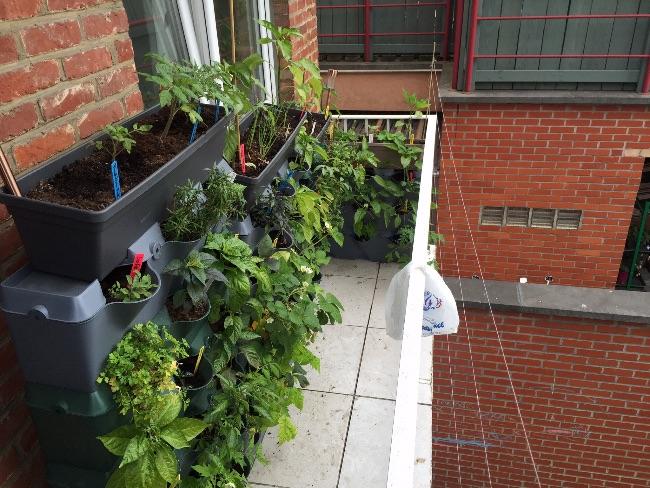
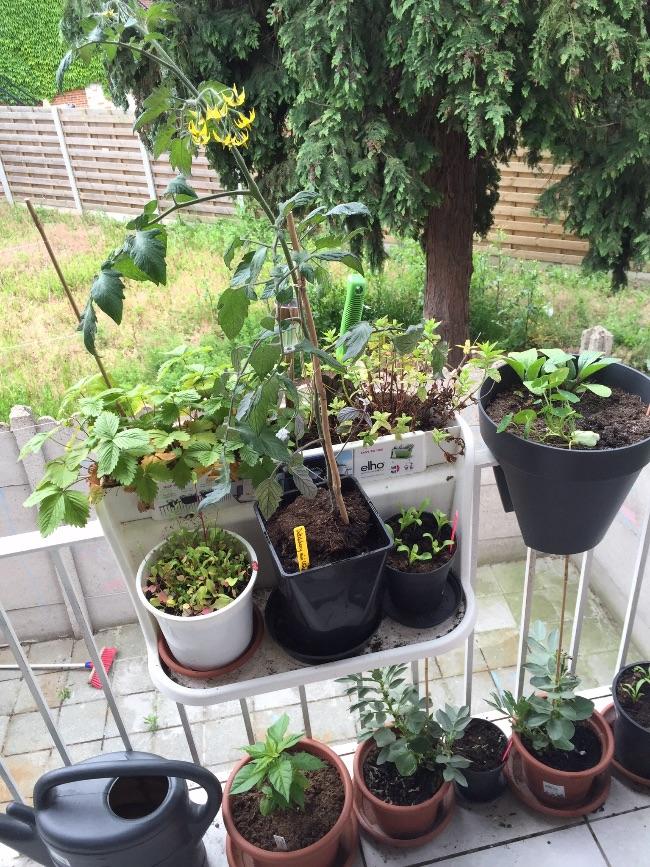
image23051432907959.jpg


image73461432907965.jpg


In de lege pot vooraan heb ik pas edamame gezaaid. Ik ben benieuwd.
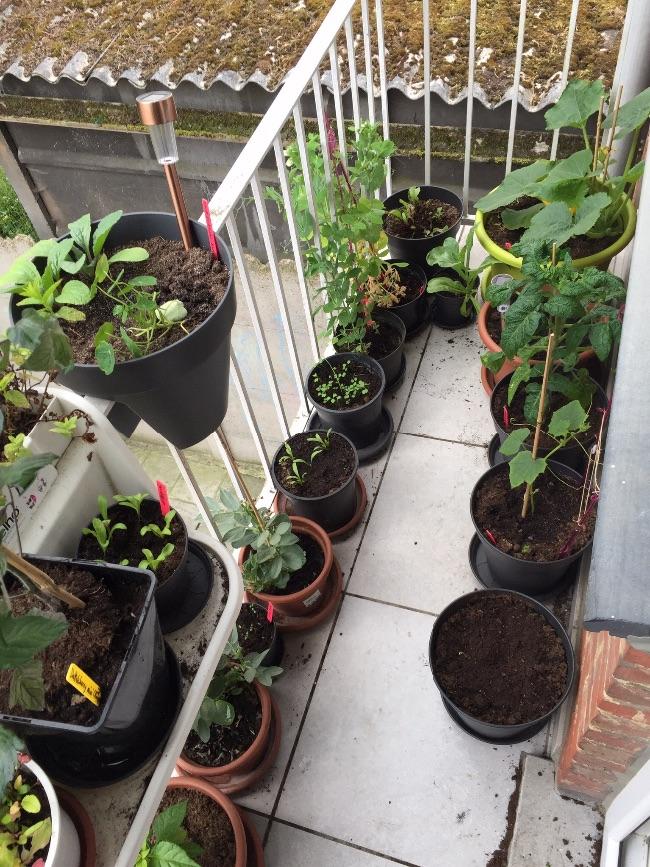
image93381432907962.jpg


De courgette heeft prachtige bloemen. Voorlopig mannelijke, maar de eerste vrouwelijke knop is al in aantocht.
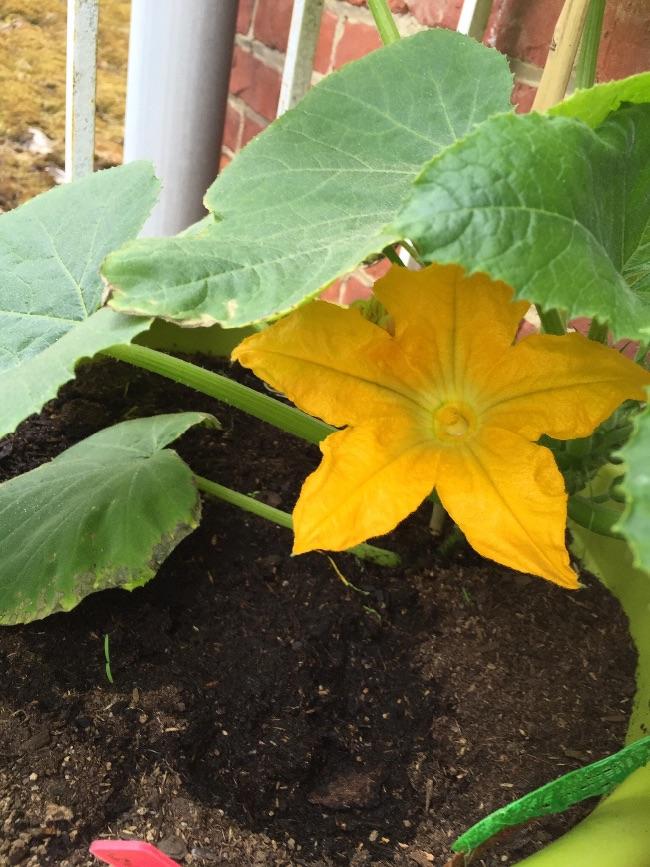
image85001432907956.jpg


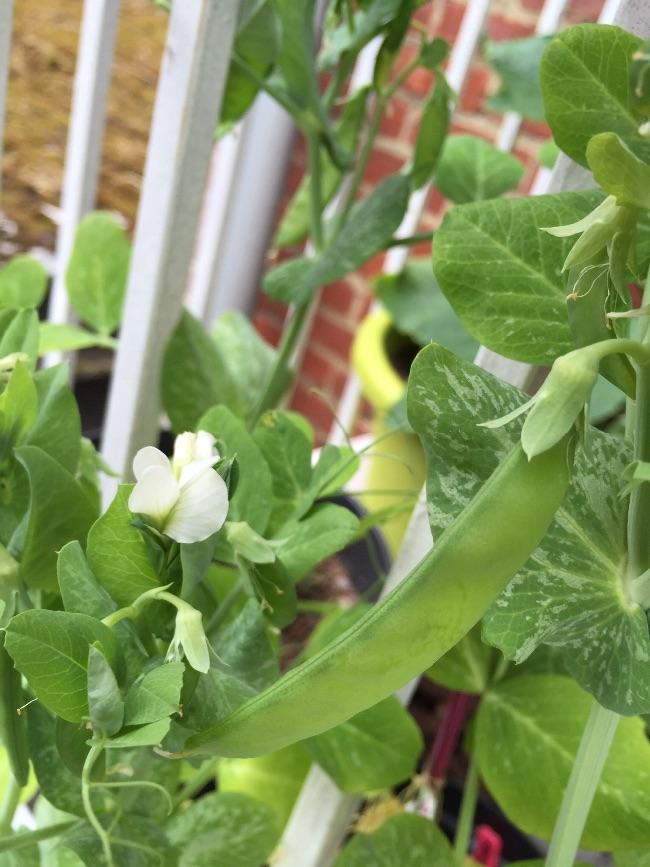
Sluimererwten:

image43001432907968.jpg


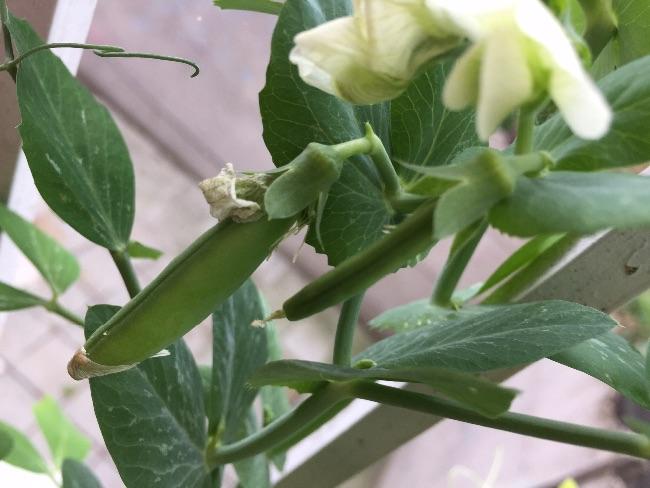
sugarsnaps:

image54481432907974.jpg


Er hangen welgeteld 2 tuinbonen aan 1 van mijn 2 struiken, aan de andere hangt niks, ik hoop dat er toch meer komen!
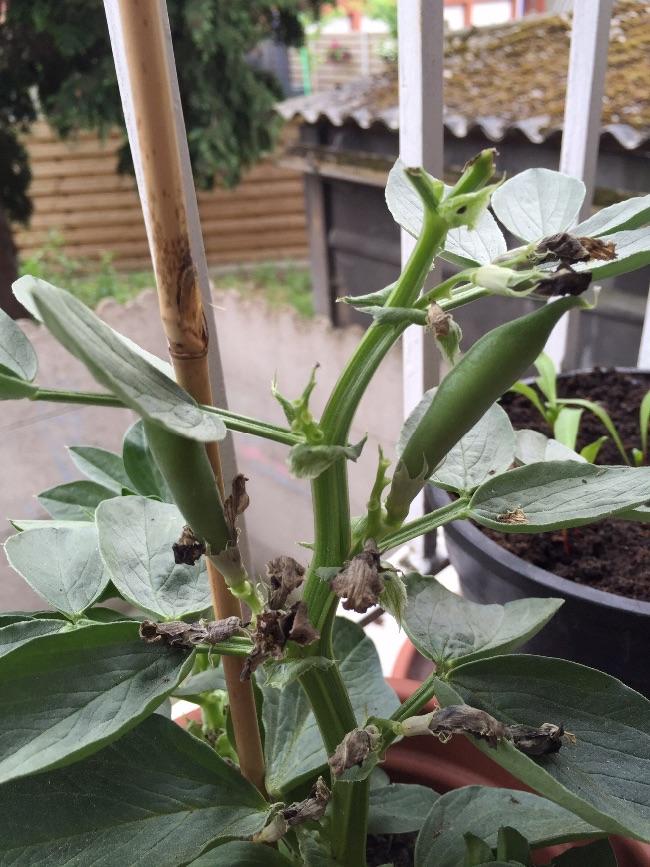
image24451432907981.jpg


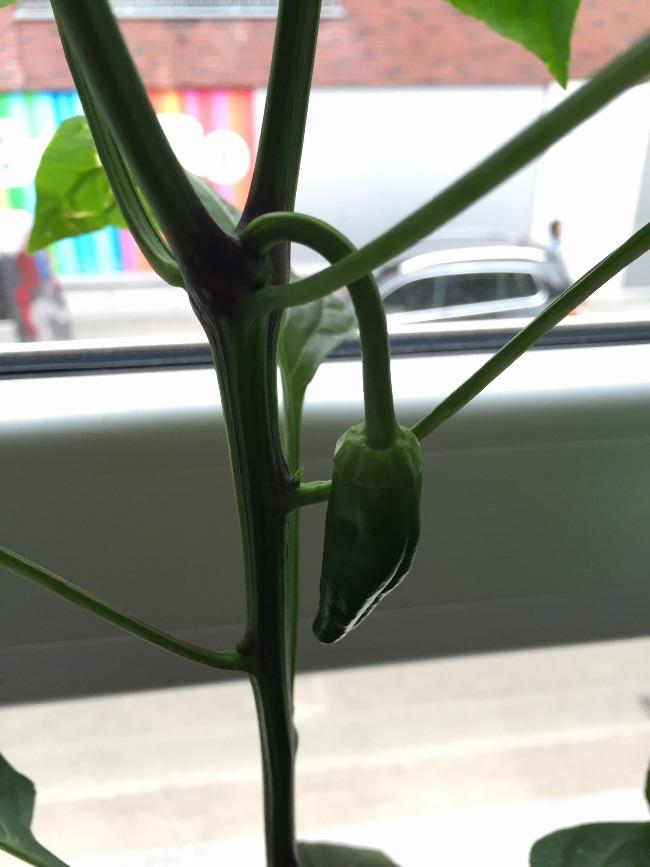
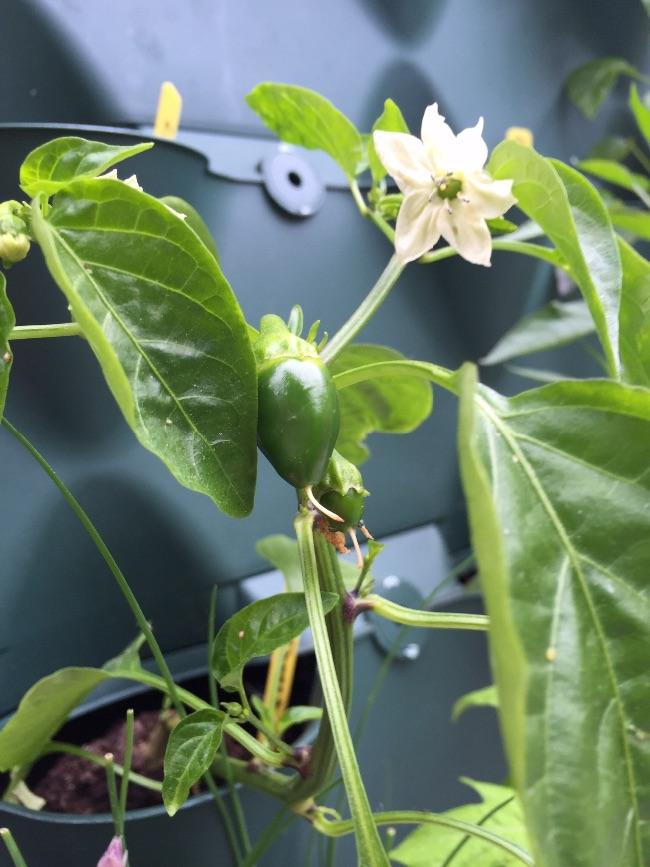
Puntpaprika uit de zadenenvelop:

image25821432907984.jpg


Rechts is al een heel klein tomaatje te spotten:
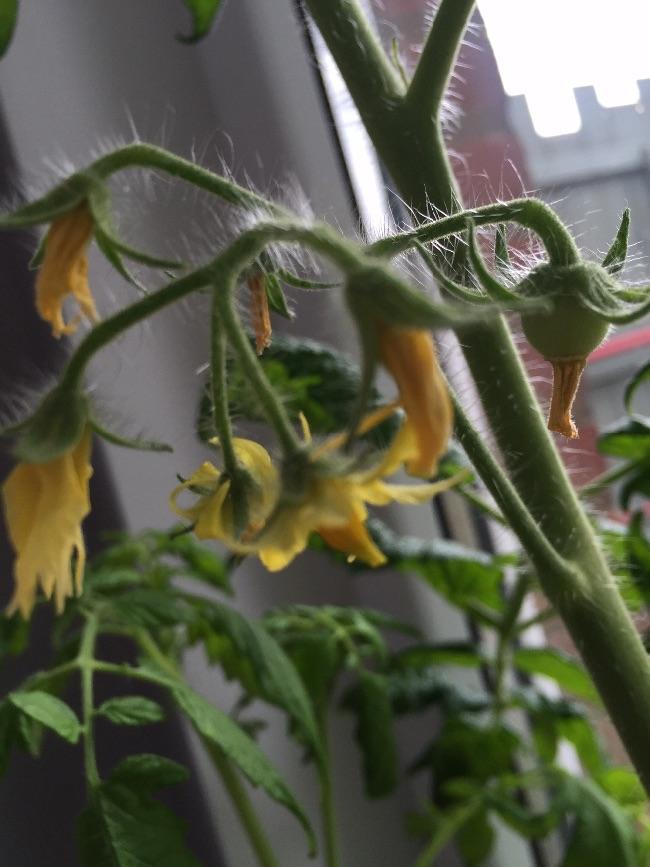
image72871432907970.jpg


Bessler cherry:

image62301432907972.jpg

3 Comments

Recommended Comments

balkontuinder

Members

Wauw, lef hoor een courgette op zo'n klein balkonnetje. Wel stoer dat je het gewoon probeert.

En leuk he die eerste tomaatjes?! Helemaal als ze hun gele jurkjes nog aan hebben.

Ktrijn

Members

Wauw, lef hoor een courgette op zo'n klein balkonnetje. Wel stoer dat je het gewoon probeert.


Wie niet waagt, niet wint!

geertlaurent

Members

Zo dat gaat aardig volstaan straks ziet er leuk uit

Guest
Add a comment...

Configure browser push notifications

Chrome (Android)
  1. Tap the lock icon next to the address bar.
  2. Tap Permissions → Notifications.
  3. Adjust your preference.
Chrome (Desktop)
  1. Click the padlock icon in the address bar.
  2. Select Site settings.
  3. Find Notifications and adjust your preference.