Jump to content
View in the app

A better way to browse. Learn more.

Moestuin Forum

A full-screen app on your home screen with push notifications, badges and more.

To install this app on iOS and iPadOS
  1. Tap the Share icon in Safari
  2. Scroll the menu and tap Add to Home Screen.
  3. Tap Add in the top-right corner.
To install this app on Android
  1. Tap the 3-dot menu (⋮) in the top-right corner of the browser.
  2. Tap Add to Home screen or Install app.
  3. Confirm by tapping Install.

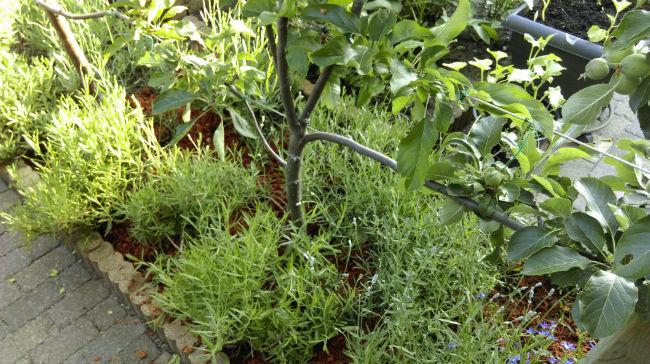
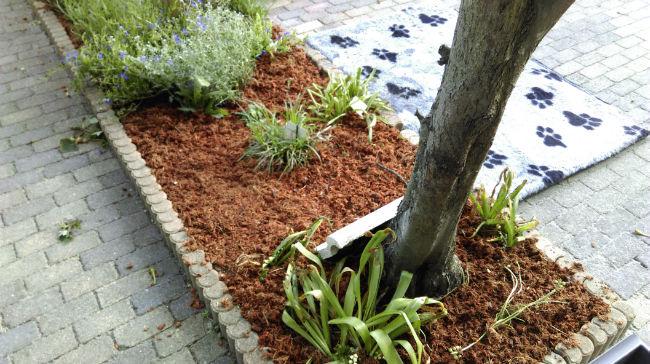
Begonnen met het mulchen van de hele tuin en alle plantenbakken.


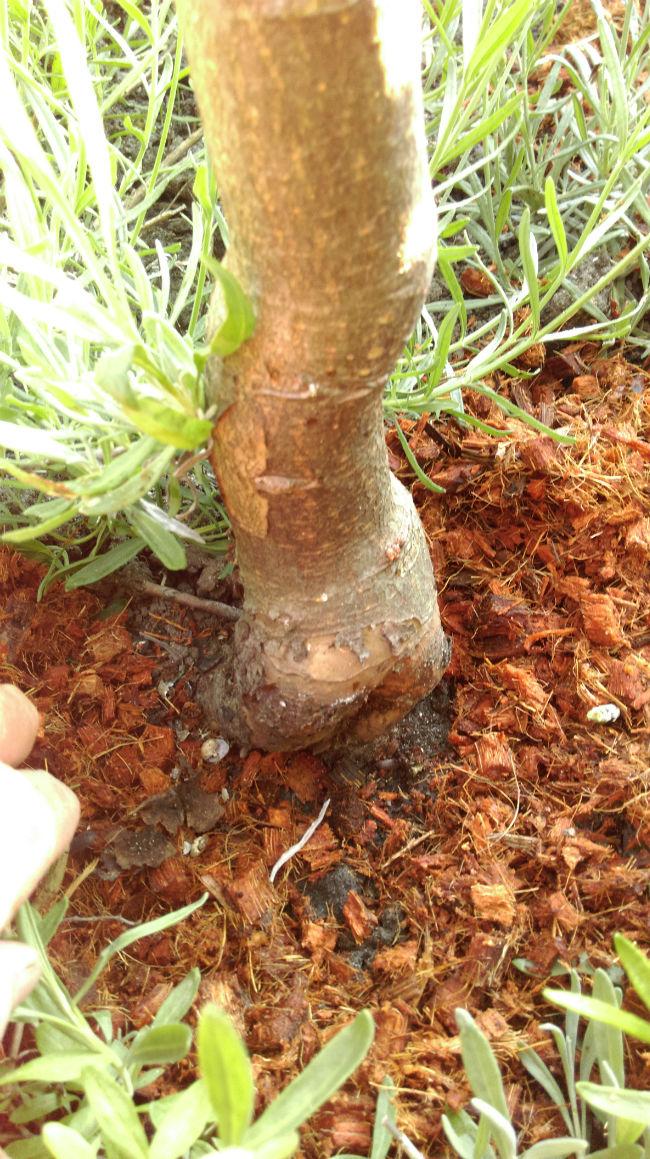
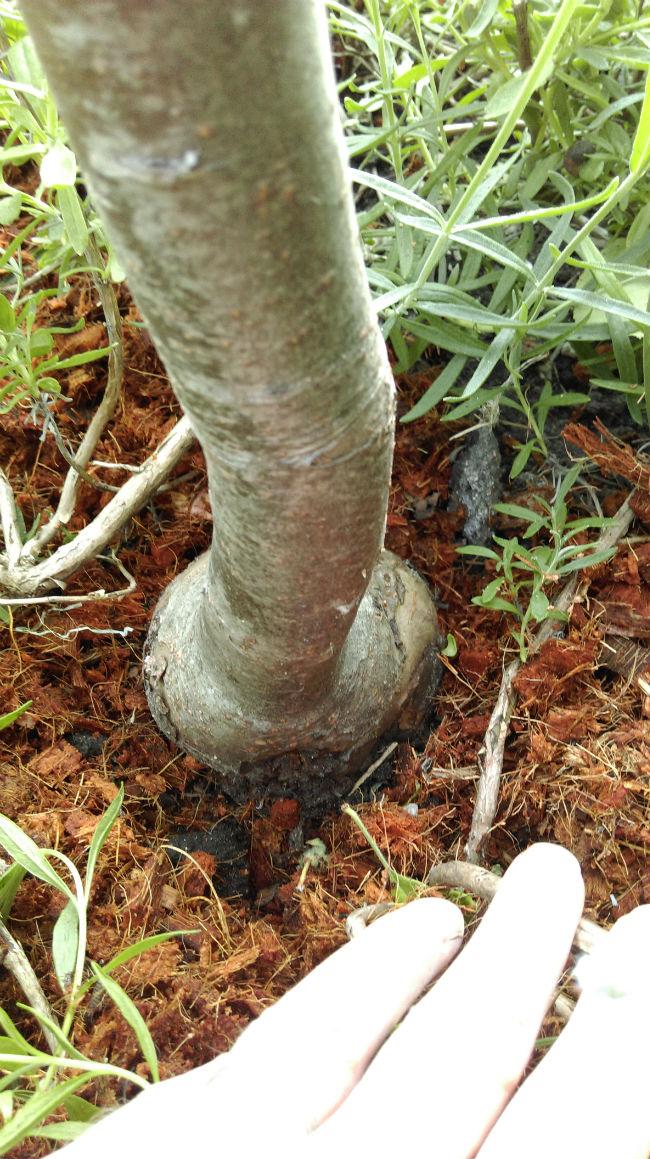
Verder beginnen de eerste aardbeien rood te worden en vond ik bij toeval tussen de lavendel deze twee geweldig mooie grillige entplekken van de appelboompjes.
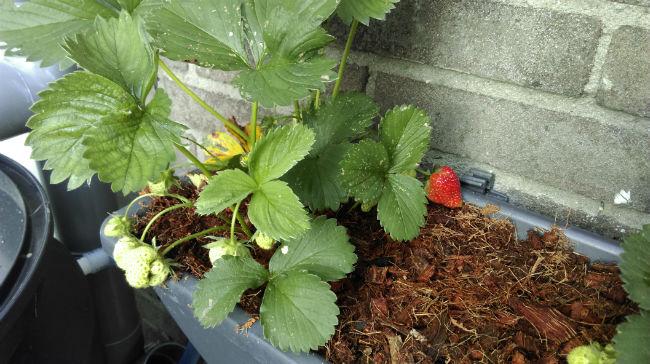
 

IMAG035857581464721984.jpg


IMAG035947961464721985.jpg


IMAG036043051464721987.jpg


IMAG036156961464721989.jpg


IMAG036297601464721990.jpg


Het meest opvallende is misschien nog wel dat deze entplekken oorspronkelijk 15cm boven de grond zaten. Het lijkt wel alsof die entplek naar beneden steeds dikker en grilliger is geworden.

0 Comments

Recommended Comments

There are no comments to display.

Guest
Add a comment...

Configure browser push notifications

Chrome (Android)
  1. Tap the lock icon next to the address bar.
  2. Tap Permissions → Notifications.
  3. Adjust your preference.
Chrome (Desktop)
  1. Click the padlock icon in the address bar.
  2. Select Site settings.
  3. Find Notifications and adjust your preference.