Jump to content
View in the app

A better way to browse. Learn more.

Moestuin Forum

A full-screen app on your home screen with push notifications, badges and more.

To install this app on iOS and iPadOS
  1. Tap the Share icon in Safari
  2. Scroll the menu and tap Add to Home Screen.
  3. Tap Add in the top-right corner.
To install this app on Android
  1. Tap the 3-dot menu (⋮) in the top-right corner of the browser.
  2. Tap Add to Home screen or Install app.
  3. Confirm by tapping Install.

Vandaag een dagje tussendoor vrij. Lekker lopen tuttelen op de tuin.


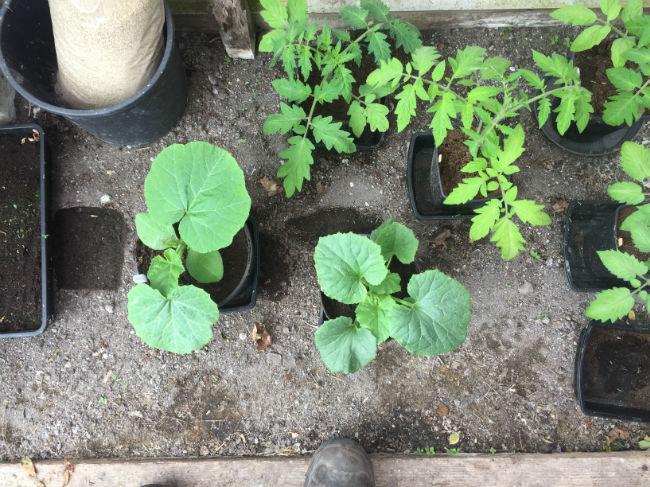
1 Meloen ( maar weer een Oranje Ananas, die beviel eerder erg goed ) omgepot. Ik hou hem waarschijnlijk in de kas. Onder licht opgekweekt rond 25 maart. En 1 pompoen. Waar ik nu de naam alweer van kwijt ben. Zaad gekregen van een tuinbuurvrouw. Ze had over. Zelfde datum. Die gaat wel op de tuin. Een grotert.
 

2017-05-16-1292221494952320.59


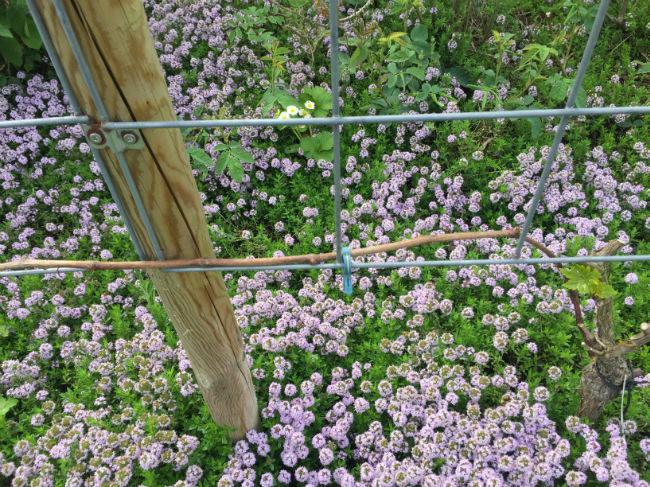
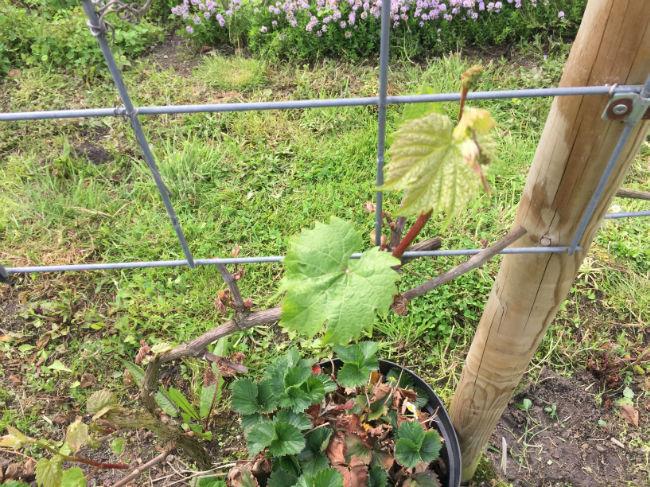
De druiven trekken wat bij, maar er is ook blijvende schade, waar zich echt helemaal niks toont. Dode takken.
 

2017-05-16-1750531494952389.11


Een aantal gaan nu opeens hard. Zelfs her en der wat bloemen.
 

2017-05-16-1786541494952447.10


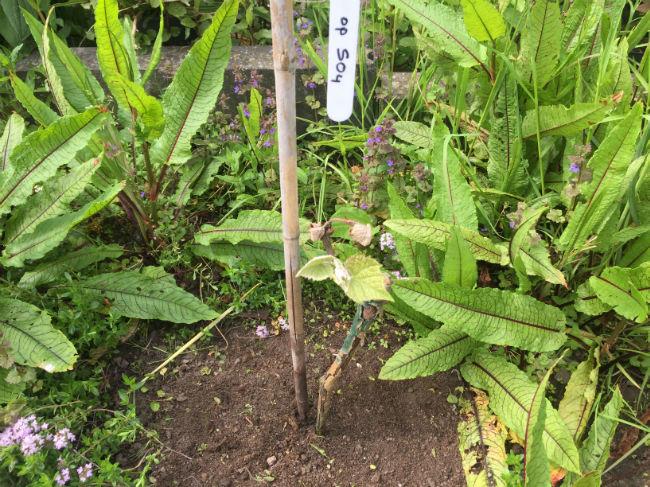
Vandaag de kokers weggehaald welke om de nwe aanplant stond. Ook daar had de vorst goed toegeslagen, maar er is nwe groei.
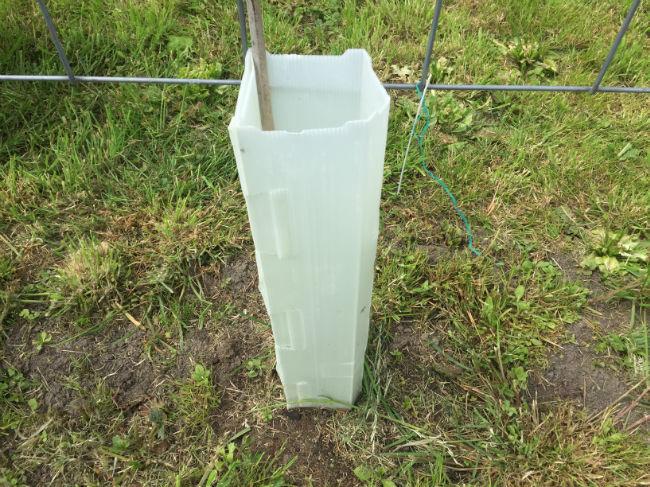
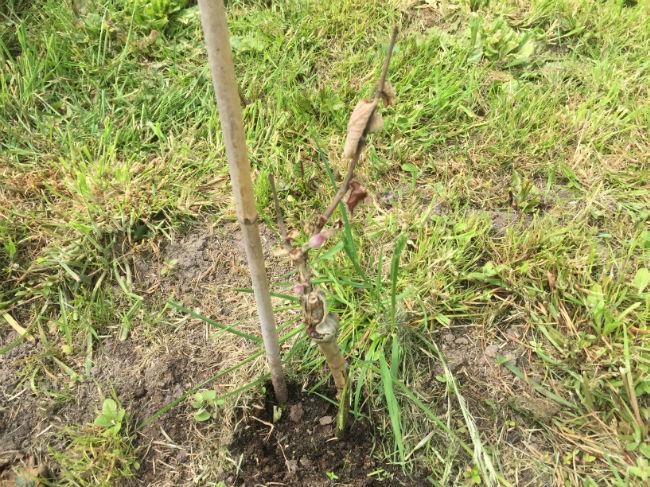
 

2017-05-16-1453301494952528.212017-05-16-1436331494952556.222017-05-16-1428831494952601.11

0 Comments

Recommended Comments

There are no comments to display.

Guest
Add a comment...

Configure browser push notifications

Chrome (Android)
  1. Tap the lock icon next to the address bar.
  2. Tap Permissions → Notifications.
  3. Adjust your preference.
Chrome (Desktop)
  1. Click the padlock icon in the address bar.
  2. Select Site settings.
  3. Find Notifications and adjust your preference.