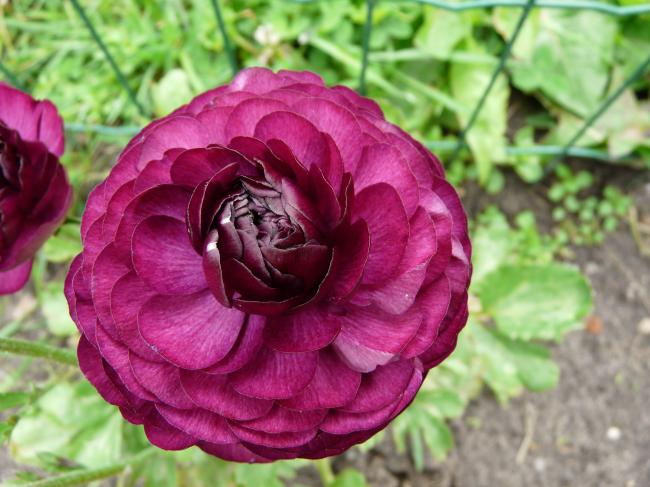
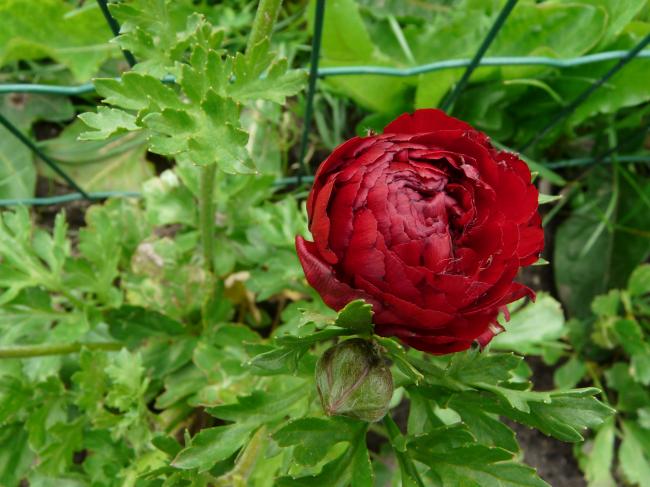
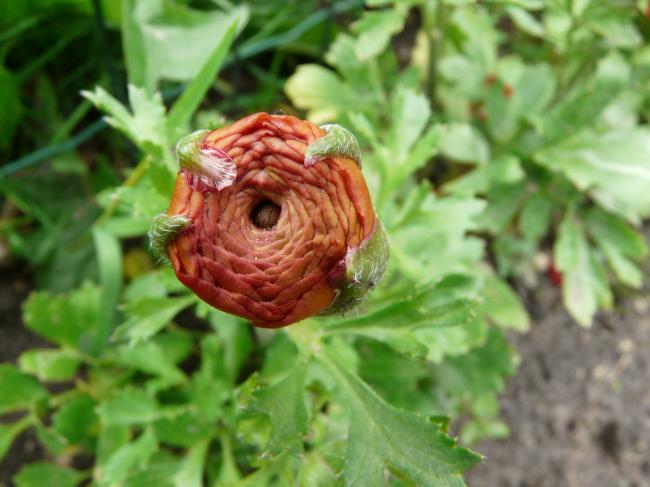
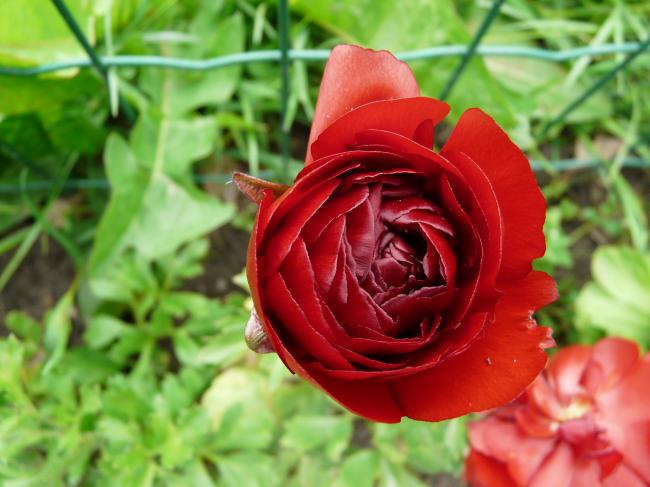
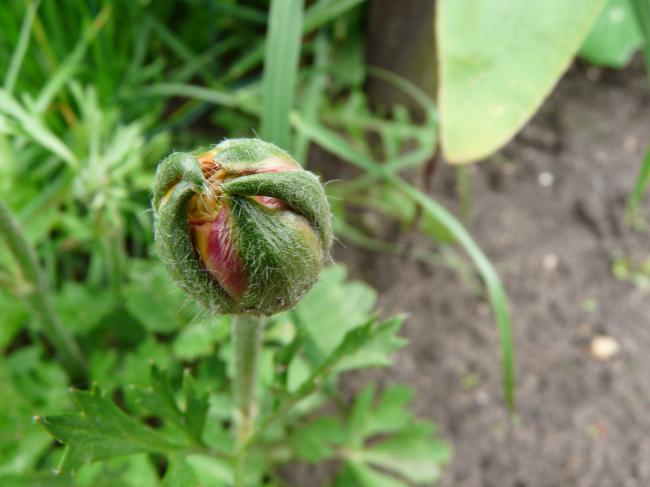
- 7 juni - Ranonkels Delen https://www.moestuinforum.nl/blogs/entry/5541-7-juni-ranonkels/ Share on X Deel op Facebook Deel op LinkedIn Delen op Pinterest Meer opties om te delen... Volgers Pff, wil je een lading moestuinfoto's plaatsen en ben je bijna klaar met je berichtje, wordt de pagina herladen en is alles foetsie..... Nu dus alleen maar de ranonkels, de rest komt een andere keer wel weer!
Helly Leden Geplaatst: 7 juni 201214 j Meer informatie van deze gebruiker Heel jammer van de rest van je blogje, maar de foto's zijn geweldig mooi. Vooral de bovenste Misschien is het handig om eerst een blogje te tikken in een kladblok, wordpad of word document, en aan het eind kopiëren en plakken en dan de foto's erbij halen.
Rantje Leden Geplaatst: 7 juni 201214 j Meer informatie van deze gebruiker Heel jammer van de rest van je blogje, maar de foto's zijn geweldig mooi. Vooral de bovenste Misschien is het handig om eerst een blogje te tikken in een kladblok, wordpad of word document, en aan het eind kopiëren en plakken en dan de foto's erbij halen. Helly schrijft al wat ik ook wilde schrijven Erg mooie die Ranonkels
Wendy0411 Leden Geplaatst: 7 juni 201214 j Meer informatie van deze gebruiker Helemaal eens met Helly en Rantje, wat zijn ze mooi! Ik ga ze op mijn verlanglijstje zetten!




Aanbevolen reacties