Jump to content
View in the app

A better way to browse. Learn more.

Moestuin Forum

A full-screen app on your home screen with push notifications, badges and more.

To install this app on iOS and iPadOS
  1. Tap the Share icon in Safari
  2. Scroll the menu and tap Add to Home Screen.
  3. Tap Add in the top-right corner.
To install this app on Android
  1. Tap the 3-dot menu (⋮) in the top-right corner of the browser.
  2. Tap Add to Home screen or Install app.
  3. Confirm by tapping Install.

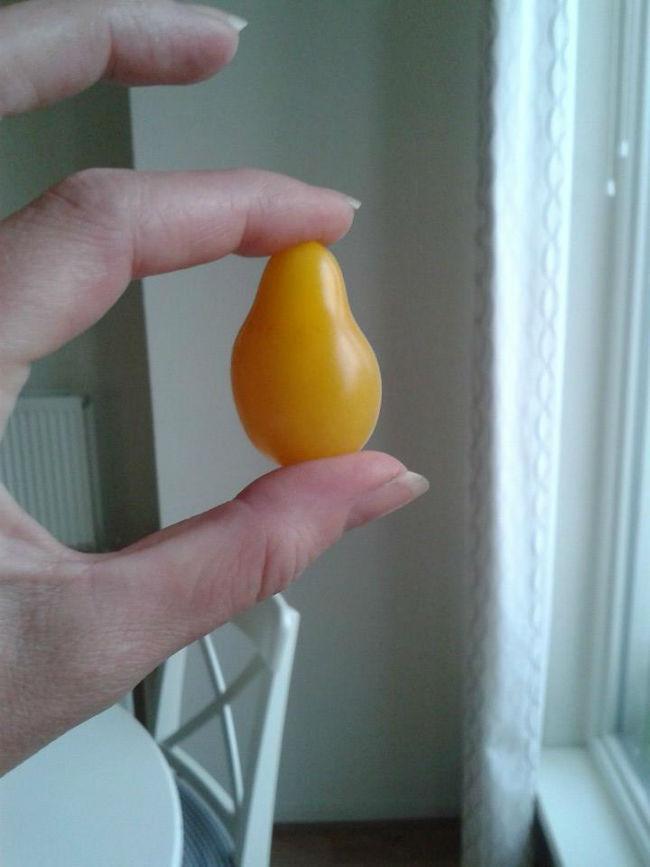
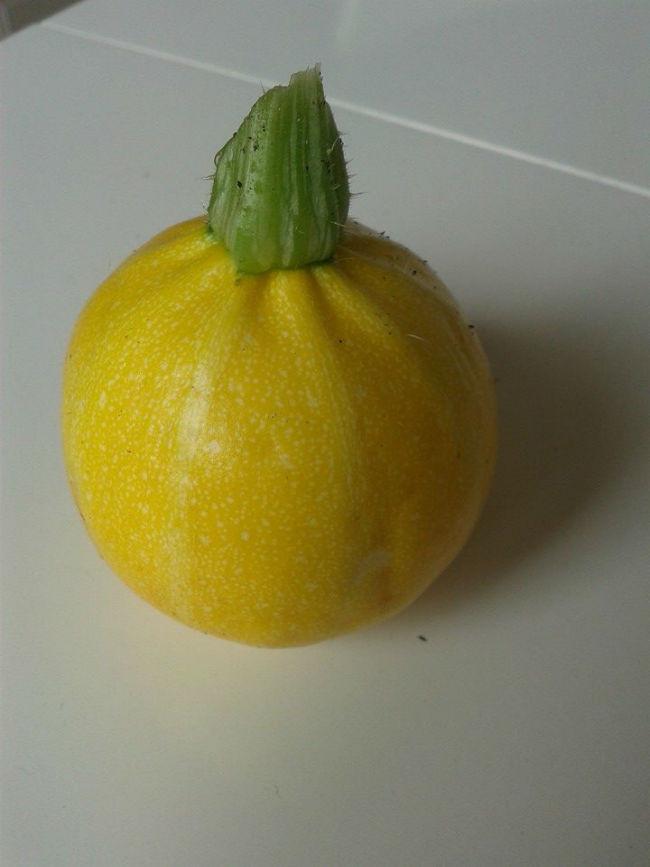
Vandaag even een gele update! De eerste Yellow Pear tomaten zijn rijp en ik heb ze geproefd: heerlijk zacht van textuur en erg lekker. Ook is de eerste gele bolcourgette klaar en ik ga maar eens wat recepten opzoeken zodat ik daar wat lekkers mee kan maken!

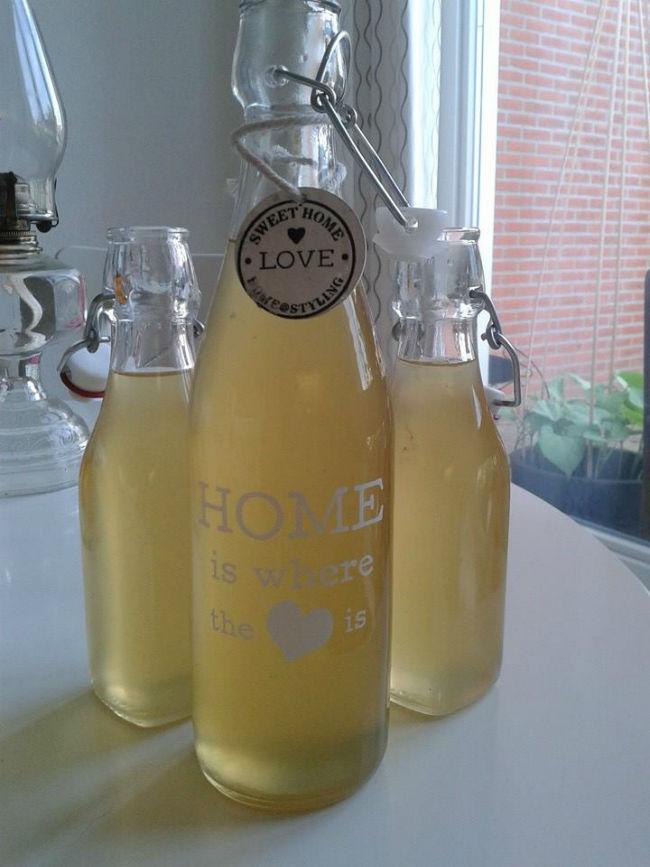
Ook de citroen-limoen limonadesiroop die ik begin deze week maakte is weer heerlijk gelukt en alweer bijna op! Kortom: een gele week!
 

104330877313703369052762680836104861607114n55651405254000.jpg


105344137316945735395191408247878908288949n-132881405253989.jpg


104008597287121138377657453303647801988381n39011404746386.jpg

1 Comment

Recommended Comments

Almond

Members

een beetje late post maar naar aanleiding van je wortelsoep hierboven: van courgette kun je ook heerlijke soep maken! en in plakken is hij ook lekker op de bbq

Jouw yellow pear tomaatjes zijn overigens al veel verder dan mijn exemplaren, die zijn nog lang niet yellow

Guest
Add a comment...

Configure browser push notifications

Chrome (Android)
  1. Tap the lock icon next to the address bar.
  2. Tap Permissions → Notifications.
  3. Adjust your preference.
Chrome (Desktop)
  1. Click the padlock icon in the address bar.
  2. Select Site settings.
  3. Find Notifications and adjust your preference.