Jump to content
View in the app

A better way to browse. Learn more.

Moestuin Forum

A full-screen app on your home screen with push notifications, badges and more.

To install this app on iOS and iPadOS
  1. Tap the Share icon in Safari
  2. Scroll the menu and tap Add to Home Screen.
  3. Tap Add in the top-right corner.
To install this app on Android
  1. Tap the 3-dot menu (⋮) in the top-right corner of the browser.
  2. Tap Add to Home screen or Install app.
  3. Confirm by tapping Install.


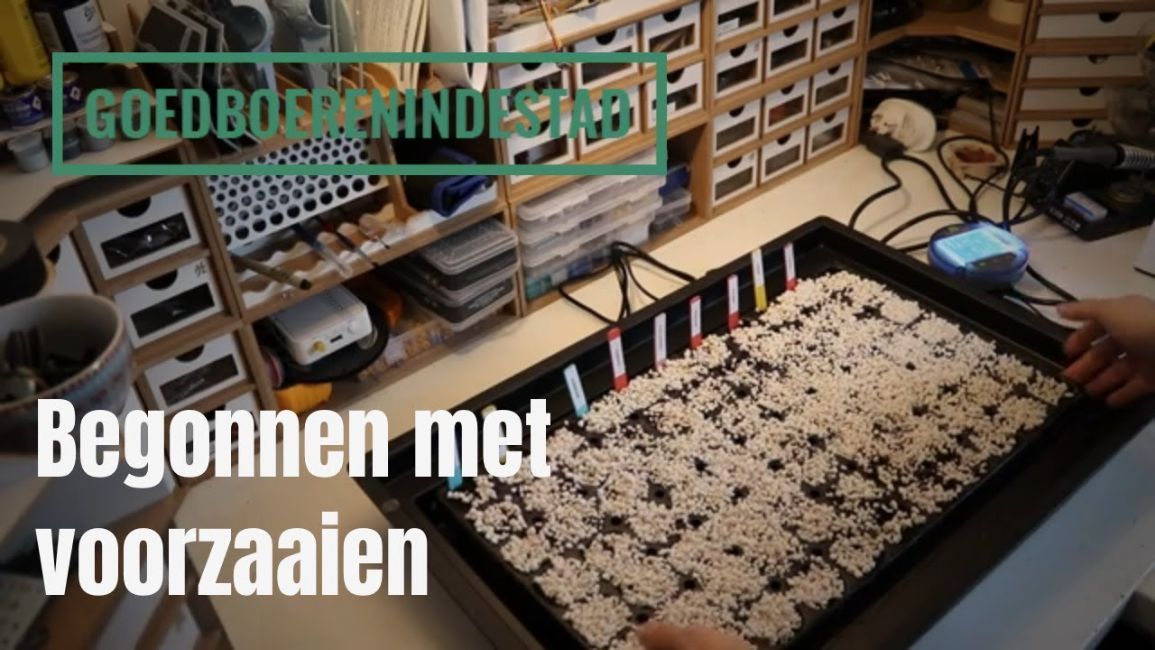
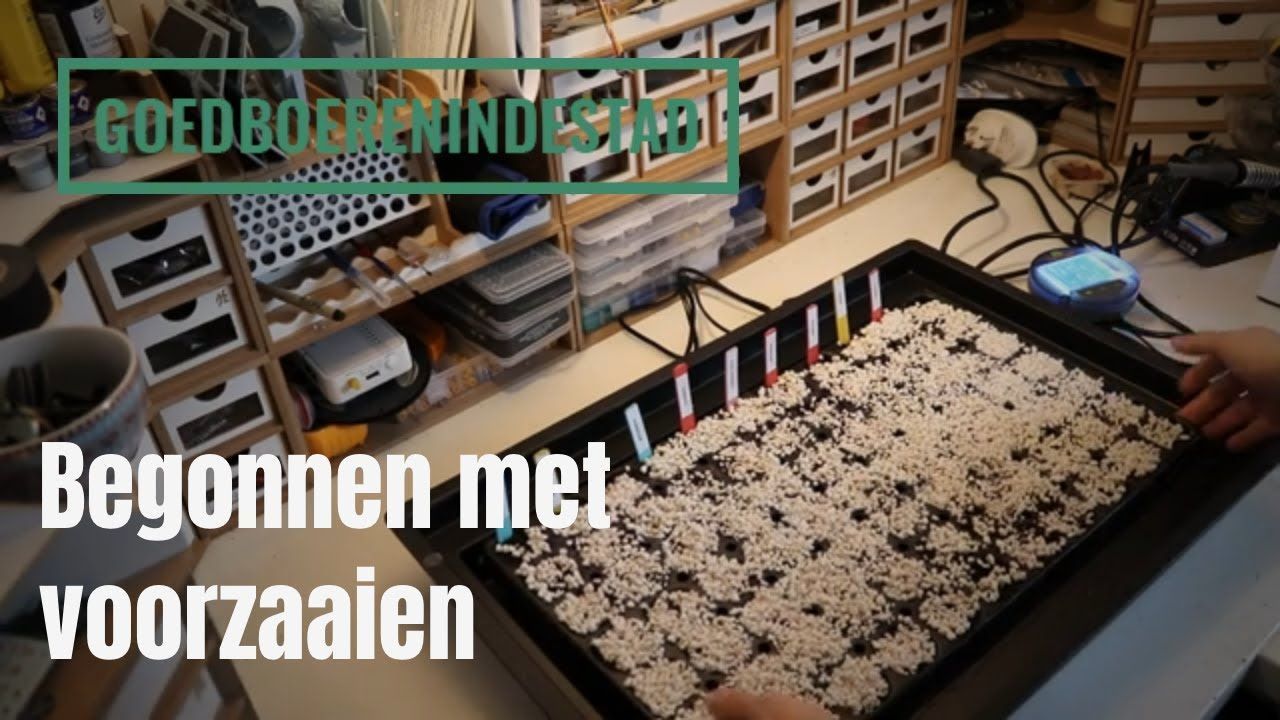
Voorheen kocht ik altijd geënte planten voor in zijn kas. Denk hierbij aan tomaten, komkommers en peperplanten. Dit jaar gaan we het anders doen door alles zelf voor te zaaien en te plaatsen in een propagator.  Er is altijd veel discussie of het moment van zaaien te vroeg is of te laat is, dat ga ik dit jaar eens zelf ondervinden.

Voor het propagator experiment heeft Jeffrey volgende zaden gebruikt:


  • Peper
  • Komkommer
  • Aubergine
  • Paprika
  • Punt paprika
  • Tomaat Roma
  • Tomaat Cherry
  • Tomaat Principe
  • Tomaat Matima
  •  

maxresdefault.jpeg

0 Comments

Recommended Comments

There are no comments to display.

Guest
Add a comment...

Configure browser push notifications

Chrome (Android)
  1. Tap the lock icon next to the address bar.
  2. Tap Permissions → Notifications.
  3. Adjust your preference.
Chrome (Desktop)
  1. Click the padlock icon in the address bar.
  2. Select Site settings.
  3. Find Notifications and adjust your preference.