



Jump to content
View in the app

A better way to browse. Learn more.

Moestuin Forum

A full-screen app on your home screen with push notifications, badges and more.

To install this app on iOS and iPadOS
  1. Tap the Share icon in Safari
  2. Scroll the menu and tap Add to Home Screen.
  3. Tap Add in the top-right corner.
To install this app on Android
  1. Tap the 3-dot menu (⋮) in the top-right corner of the browser.
  2. Tap Add to Home screen or Install app.
  3. Confirm by tapping Install.

Vandaag verder met project vijver. Gelukkig wel 2 man hulp. Wel fijn als je veel aarde moet verzetten. Vijver wordt 5x3.20m.

Het resultaat van vandaag:
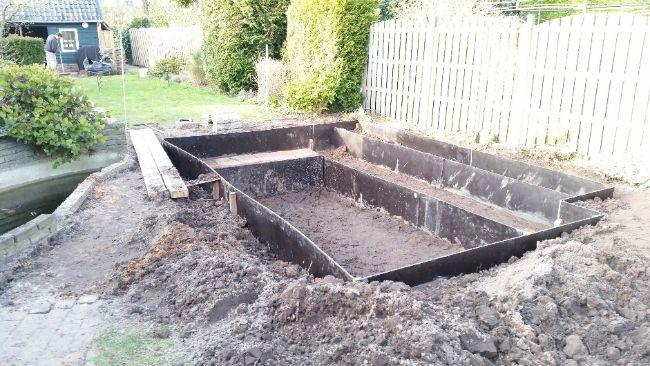
2017-03-13-2081121489434682.49


De eerste meter is donkere aarde, daarna gelig:
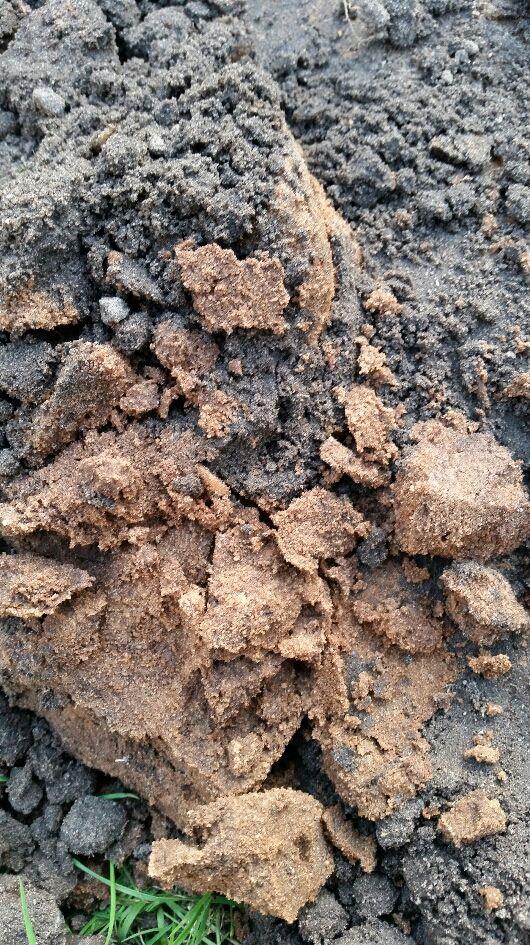
2017-03-13-2067191489434461.47


Update van de vorige MTFD

Stekjes prikneuzen van Angela hebben de winter overleefd
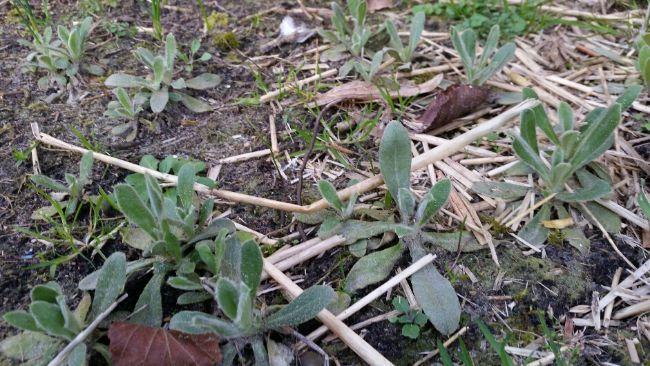
2017-03-13-2033001489434756.50


Fallfold framboos van Henkg begint uit te lopen
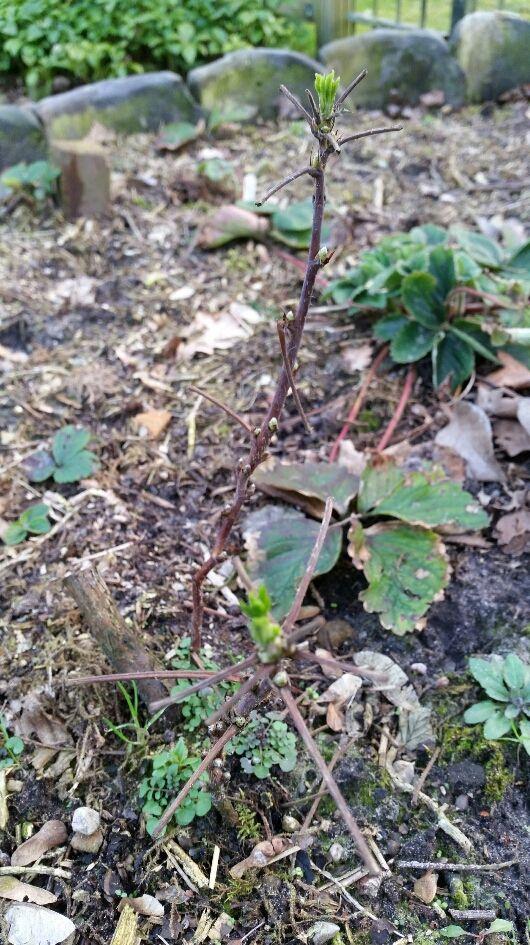
2017-03-13-2045831489434848.53


De rankspinazie van Kibas begint te groeien
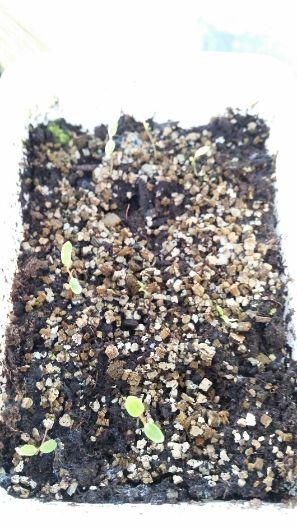
2017-03-13-2077141489434708.50


Tenslotte nog een mooie afsluiter, de sloot van buurman Rijkswaterstaat.
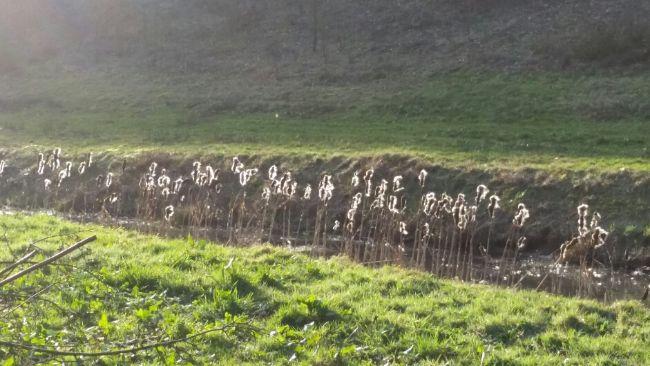
2017-03-13-2044741489434732.50

3 Comments

Recommended Comments

Bit

Members

Weet ik niet wat gebeurd is ? Maar deze foto's zijn wel heul klein !

Wortel

Members

(edited)

Hmm iets verkeerd gedaan met verkleinen... 25÷ van 25÷ lijkt het wel Nomaals proberen Zo beter?

Edited by Wortel

Guest
Add a comment...

Configure browser push notifications

Chrome (Android)
  1. Tap the lock icon next to the address bar.
  2. Tap Permissions → Notifications.
  3. Adjust your preference.
Chrome (Desktop)
  1. Click the padlock icon in the address bar.
  2. Select Site settings.
  3. Find Notifications and adjust your preference.