Jump to content
View in the app

A better way to browse. Learn more.

Moestuin Forum

A full-screen app on your home screen with push notifications, badges and more.

To install this app on iOS and iPadOS
  1. Tap the Share icon in Safari
  2. Scroll the menu and tap Add to Home Screen.
  3. Tap Add in the top-right corner.
To install this app on Android
  1. Tap the 3-dot menu (⋮) in the top-right corner of the browser.
  2. Tap Add to Home screen or Install app.
  3. Confirm by tapping Install.

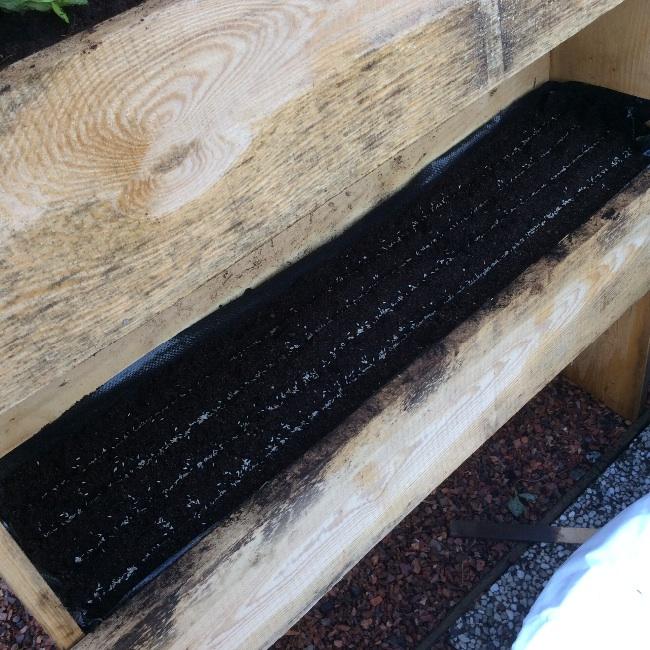
image70201408044017.jpgVandaag pluksla ( veel te dicht!!!) onder in mijn bak gezaaid.

En 8 veldslaplantjes in de middelste bak gepoot. Veldsla is nieuw voor mij, geen idee hoe groot dat moet zijn eer ik het snijden ( of plukken?) kan.

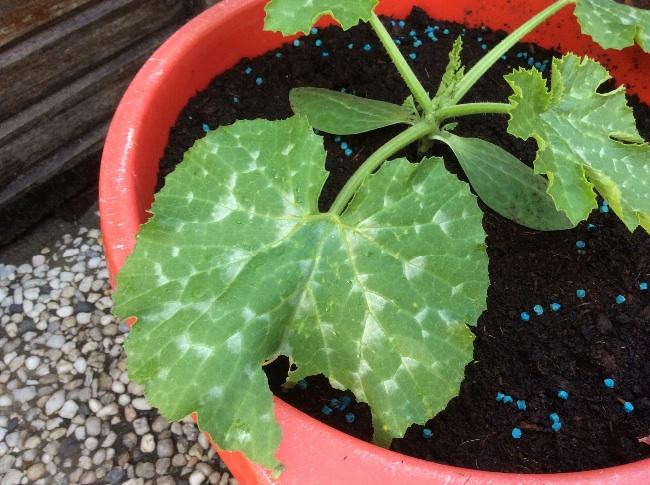
Ondanks de korrels en alle moeite heeft de ook (veel te late) courgetteplant toch een bezoeker gehad!

Het wordt steeds leuker! Verdikkeme, was het maar voorjaar! Fijne avond!

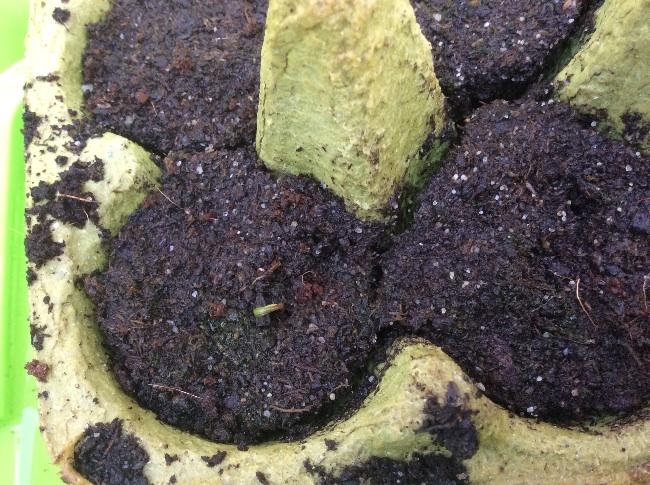
Oh ja, er komt een venkelzaadje boven! 6de dag!
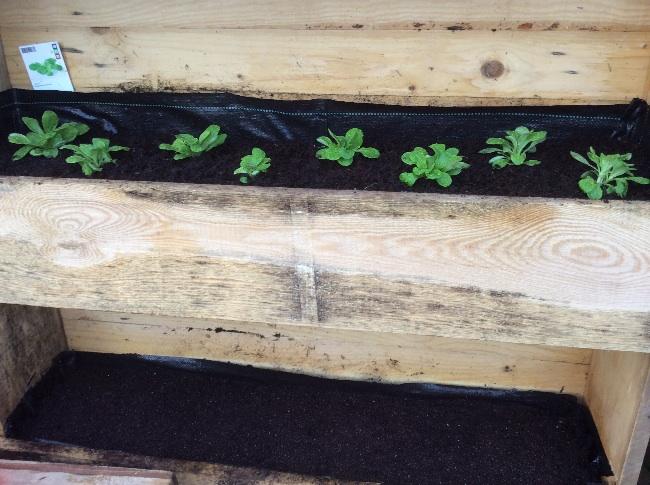
image37111408042400.jpgimage35741408043839.jpgimage28791408043840.jpg

0 Comments

Recommended Comments

There are no comments to display.

Guest
Add a comment...

Configure browser push notifications

Chrome (Android)
  1. Tap the lock icon next to the address bar.
  2. Tap Permissions → Notifications.
  3. Adjust your preference.
Chrome (Desktop)
  1. Click the padlock icon in the address bar.
  2. Select Site settings.
  3. Find Notifications and adjust your preference.