Jump to content
View in the app

A better way to browse. Learn more.

Moestuin Forum

A full-screen app on your home screen with push notifications, badges and more.

To install this app on iOS and iPadOS
  1. Tap the Share icon in Safari
  2. Scroll the menu and tap Add to Home Screen.
  3. Tap Add in the top-right corner.
To install this app on Android
  1. Tap the 3-dot menu (â‹®) in the top-right corner of the browser.
  2. Tap Add to Home screen or Install app.
  3. Confirm by tapping Install.

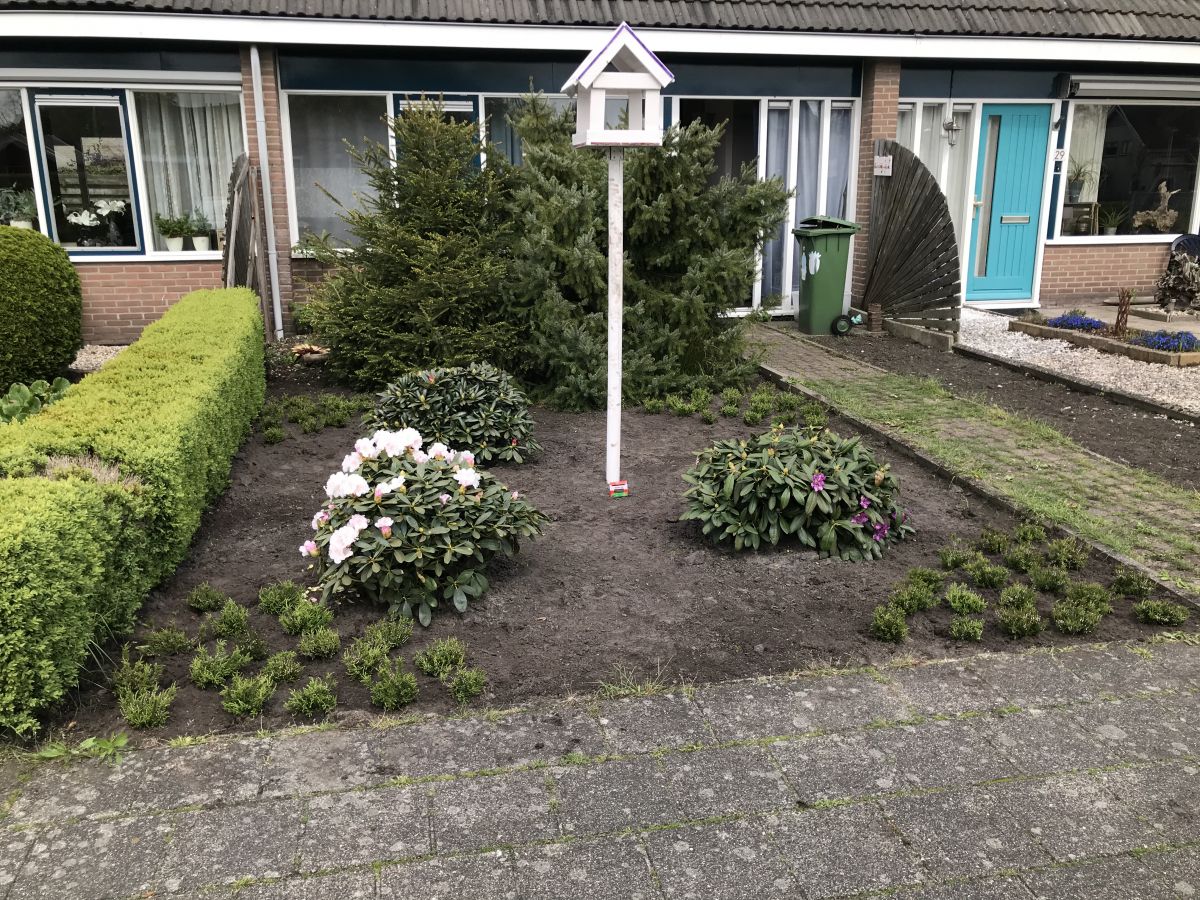
Vandaag is de Heide voor de voortuin bezorgt, het is frisse jonge Heide in de kleur roze/rood en ziet er goed uit.

Inmiddels staat het er in en zoals verwacht zal er nog een ruime bestelling witte Heide volgen.


de Heide in de voortuin,
887B7D02-1915-4CAA-A7A2-94E02B9AD222.thumb.jpeg.19eed0d4634e6bdb0ee733bfb1260a3b.jpeg


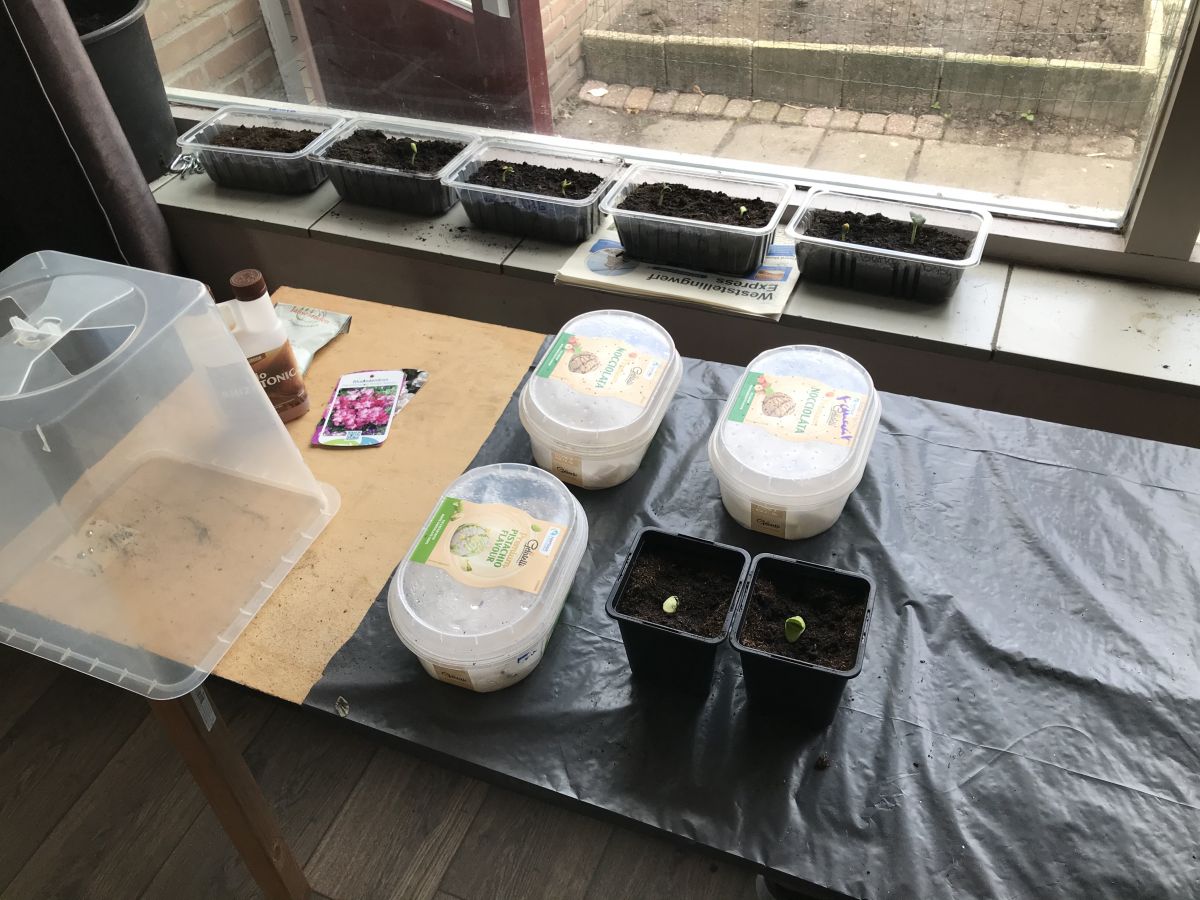
dan nog de Pompoenen 🎃 zaden tot nu toe,
C038FB8F-CC67-46BB-AF32-6D080FDDB958.thumb.jpeg.4d2040b8cf9ee21d5cce62d9cb09eff4.jpeg


en m’n AGtje van 5 dagen oud,

603115D6-48FC-41BF-A090-B601AE1F710D.thumb.jpeg.96915b59d3cbd9952def9ba86cd81eac.jpeg


Grt en groei ze.😎

1 Comment

Recommended Comments

Guest
Add a comment...

Configure browser push notifications

Chrome (Android)
  1. Tap the lock icon next to the address bar.
  2. Tap Permissions → Notifications.
  3. Adjust your preference.
Chrome (Desktop)
  1. Click the padlock icon in the address bar.
  2. Select Site settings.
  3. Find Notifications and adjust your preference.